





Free Online AI Baddie Filter
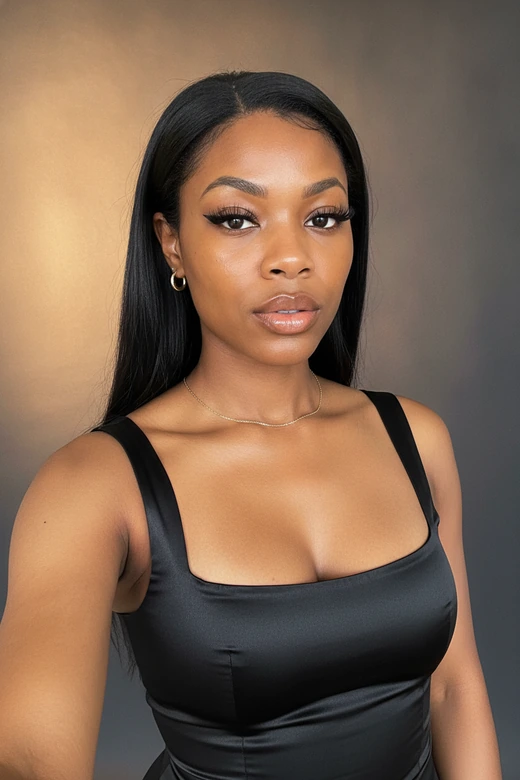
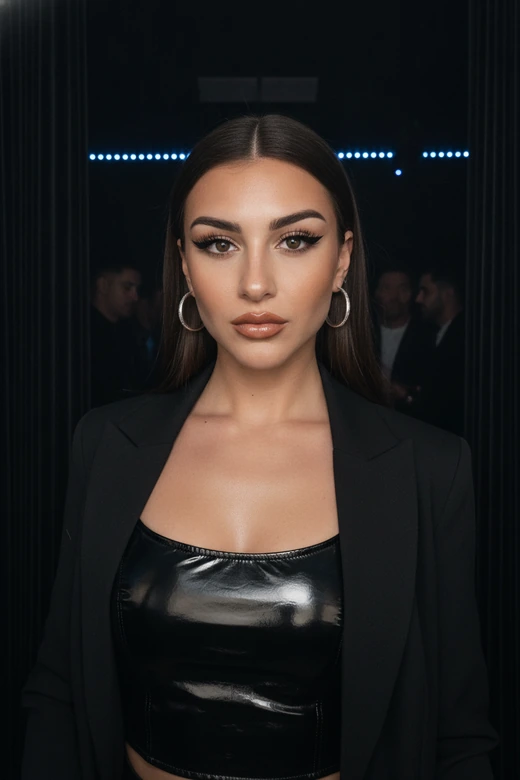
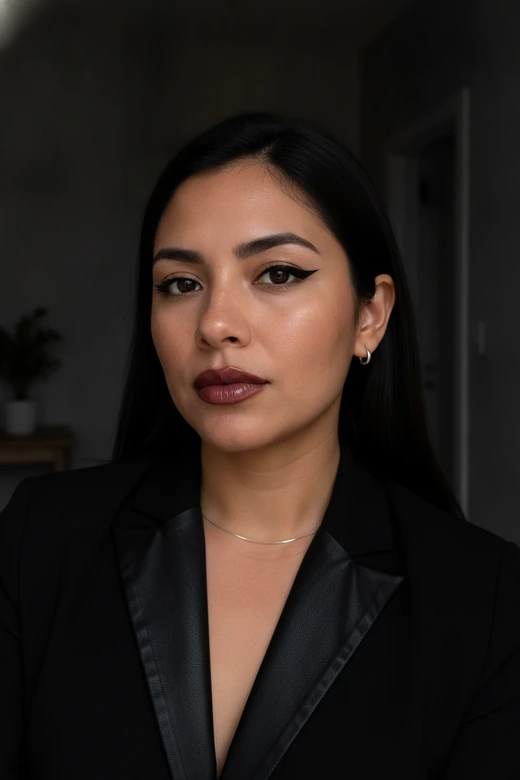
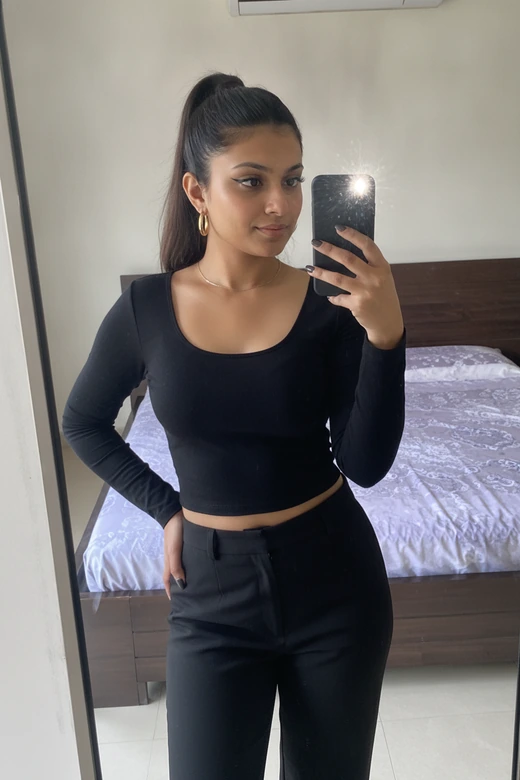
Upload a photo to create your own AI-generated baddie picture. Get inspiration for a bold new look, then turn your selfie into a unique baddie aesthetic with Pokecut's AI baddie filter.


Why Use an AI Baddie Generator for Selfies?
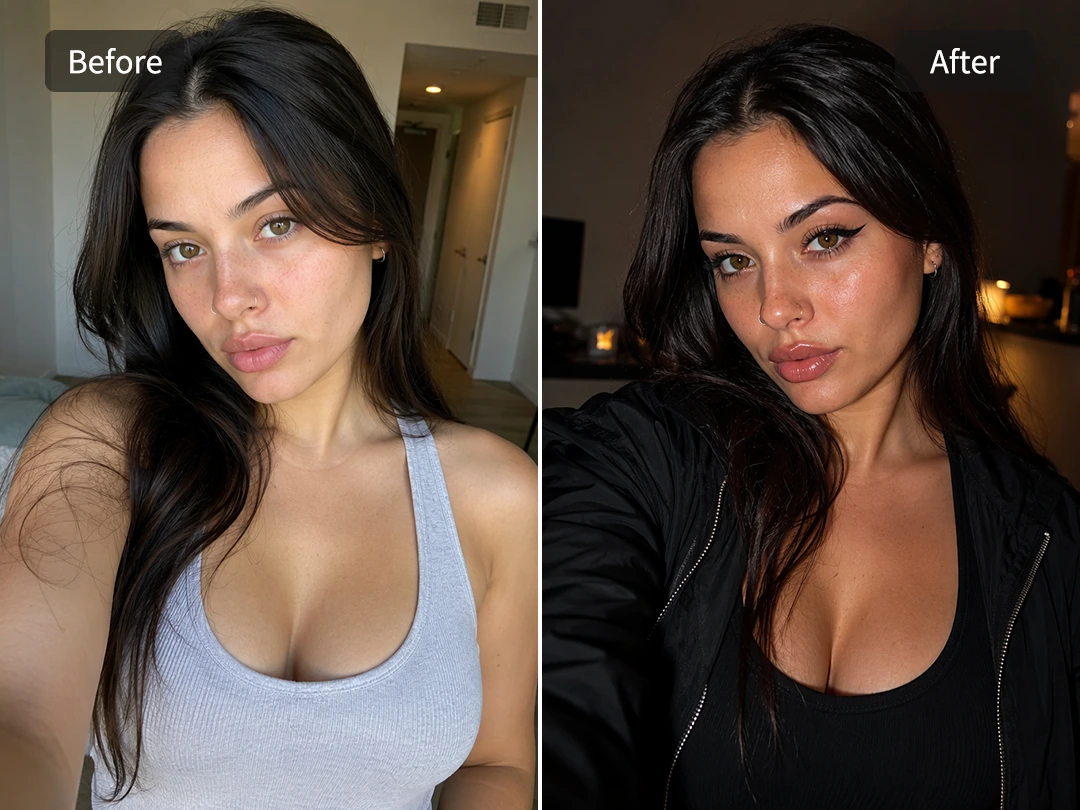
Transform Photos into Baddie Portraits
Start with a selfie you already like, then give it a baddie filter finish that feels bold while still looking like you. With Pokecut's face editor, your photo stays as the base, keeping your facial features and pose recognizable while adding a sharper look, polished styling, and more confident energy.
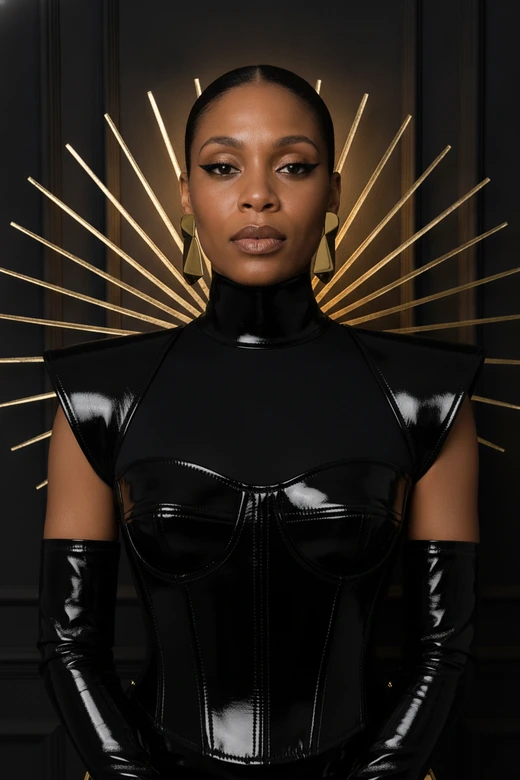
This baddie generator is ideal for avatars, profile photos, and creator posts when a casual selfie needs more presence. Choose a style to create a baddie look with stronger eye contact, refined beauty details, and a camera-ready finish without turning your face into an unrelated AI character.
Add Charming Baddie Makeup Details
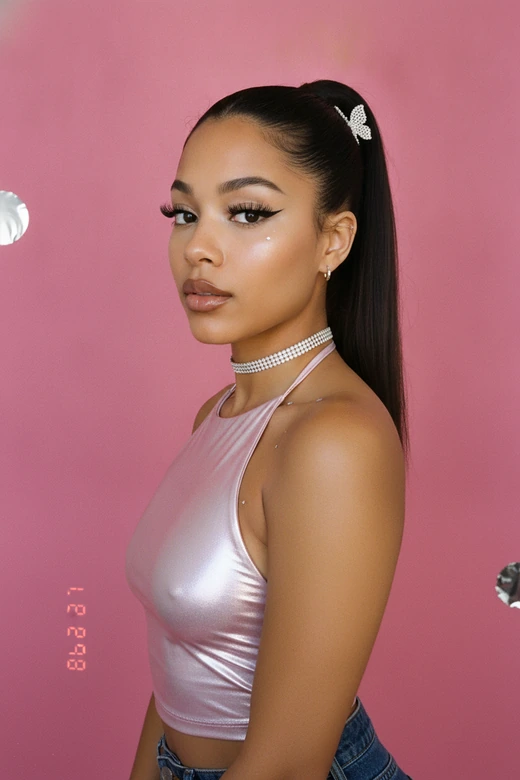
A baddie filter can quickly make your portrait have fuller lashes, sharper eyeliner, sculpted contour, and glossy lips. With Pokecut, you can add sharp eyeliner and refine the brows, lip shape, or jawline. Your selfie will get a clearer baddie makeup look.
You do not need to learn photo retouching or draw makeup by hand. Upload a portrait; choose a style. The AI baddie generator changes your face from clean skin to cooler glam makeup in a few clicks.
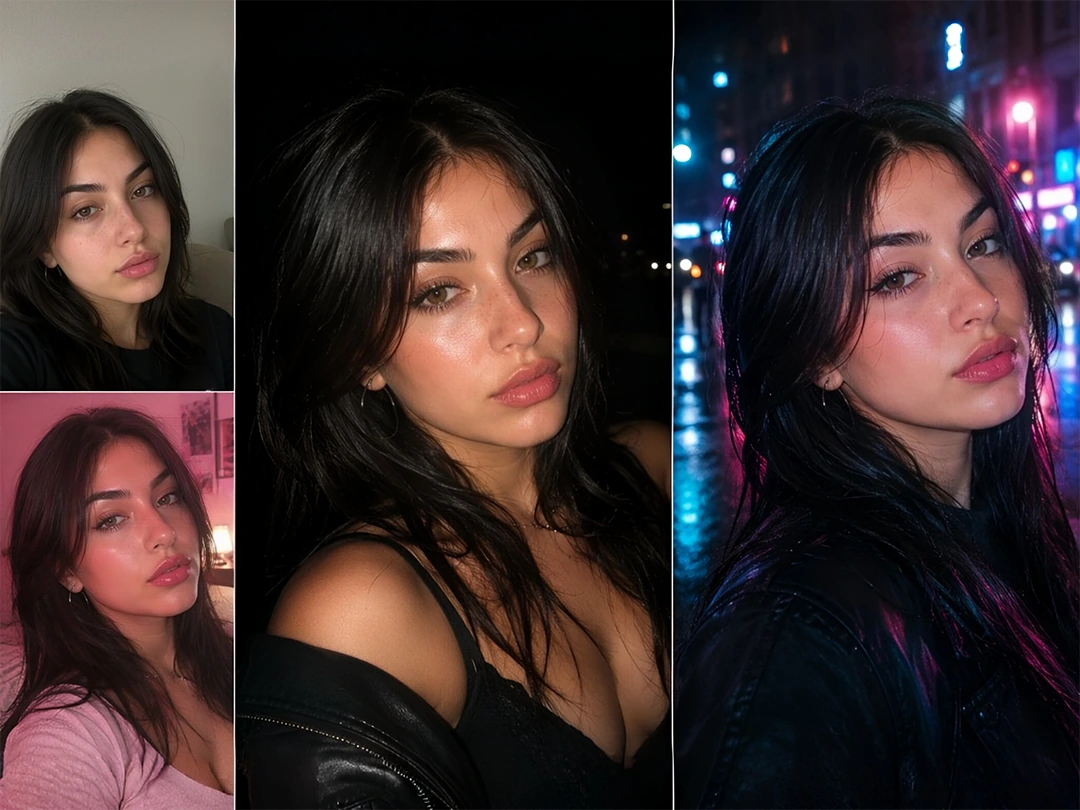
Create Baddie Looks for Different Moods
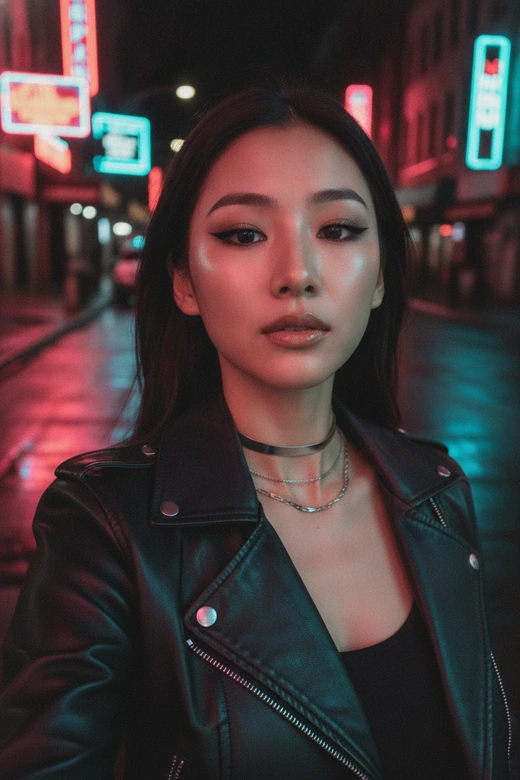
Your photo can take on a different baddie mood without starting over. The baddie selfie filter supports you in shaping the same photo into a Y2K look, a retro film feel, or a party-style shot with flash effects to make an everyday selfie feel more like a night photo or street-style portrait.
Adjust color tint to give the baddie look more presence. Cooler or warmer tones can bring out the lips, skin, and background glow, making the final image feel more polished for social use.
What Can Baddie AI Help You Create?
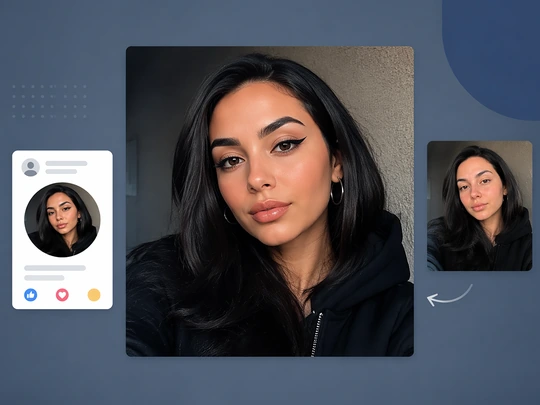
Create Baddie Profile Pictures
Want your avatar and profile page to look more bold and baddie? A baddie filter adds sharper makeup, stronger eye contact, and a more stylish photo mood to your selfie. Make your profile image with more edge, attitude, and baddie energy.
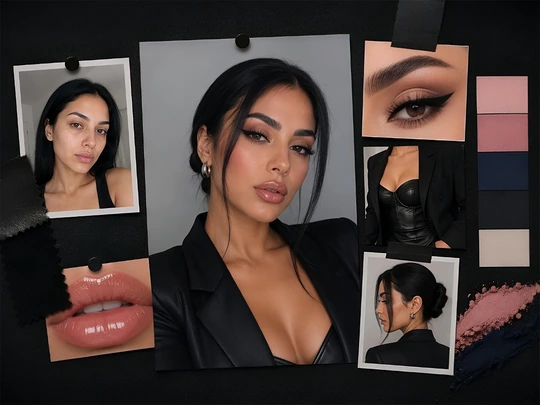
Preview Baddie Photograph
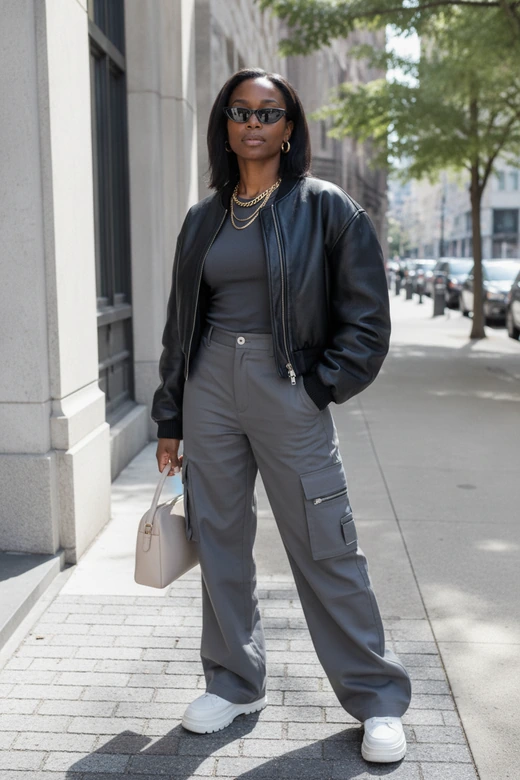
You can preview a baddie look before a shoot. Use Pokecut to edit photo makeup, test sharper eye makeup, fuller lips, or outfit ideas on one selfie. Baddie photo filter will turn the rough idea into a clear visual direction for less preparation time.
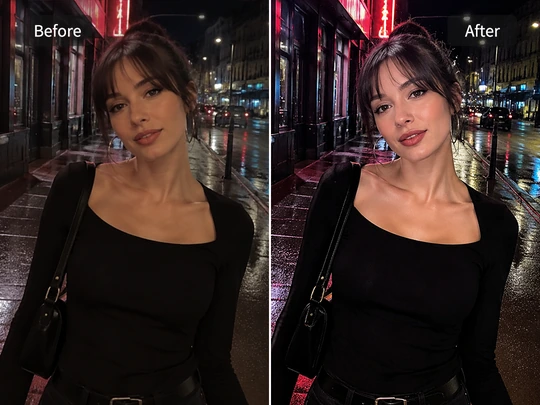
Boost Night-Out Baddie Atmosphere
A baddie filter can work well to improve the atmosphere. Use it on party photos, night selfies, and street shots with complex backgrounds. Pokecut boosts flash glow, skin shine, and scene color so the photo gets that night-out baddie energy while keeping the real setting.
How to Create an AI Baddie Photo Online
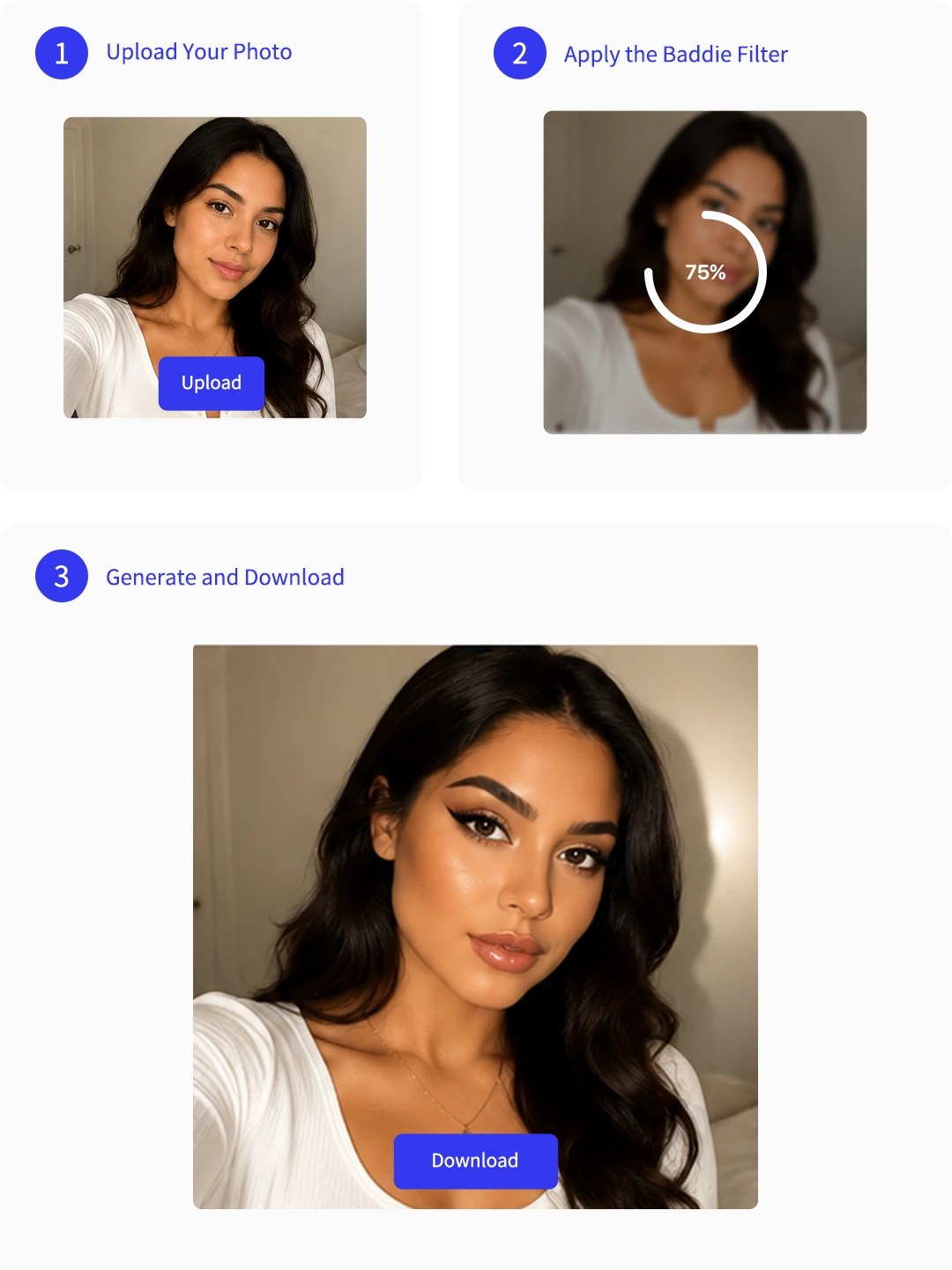
Step 1: Upload Your Photo
Pick a baddie filter template first, then upload the selfie or portrait you want to edit. The template already carries a baddie-style prompt.
Step 2: Apply the Baddie Filter
Apply the prompt to create sharper makeup, stronger eye contact, flash glow, or a baddie photo mood while keeping the face and framing intact.
Step 3: Generate and Download
Preview the result. Download it if it fits, or adjust the prompt and regenerate before saving the final baddie filter image.
What Users Say About Pokecut's AI Baddie Filter
Creators like the stronger makeup, cleaner mood, and selfie-based results.


Maya R.

"My selfie kept my face, but the makeup and lighting looked much stronger than a normal filter."
Jade L.
"I liked that it did not turn me into a random person. The result still looked like my photo."
Ari C.
"I used it for a TikTok cover. The Y2K mood and neon color felt right for my page."
Nia T.
"I could test a stronger makeup style without learning any editing tools first."
Sophie M.
"The background and light change looked natural enough for a profile photo."
Kira W.
"It helped me find a baddie direction for my creator photos in a few minutes."
Maya R.
"My selfie kept my face, but the makeup and lighting looked much stronger than a normal filter."
Jade L.
"I liked that it did not turn me into a random person. The result still looked like my photo."
Ari C.
"I used it for a TikTok cover. The Y2K mood and neon color felt right for my page."
Nia T.
"I could test a stronger makeup style without learning any editing tools first."
Sophie M.
"The background and light change looked natural enough for a profile photo."
Kira W.
"It helped me find a baddie direction for my creator photos in a few minutes."
Maya R.
"My selfie kept my face, but the makeup and lighting looked much stronger than a normal filter."
Jade L.
"I liked that it did not turn me into a random person. The result still looked like my photo."
Ari C.
"I used it for a TikTok cover. The Y2K mood and neon color felt right for my page."
Nia T.
"I could test a stronger makeup style without learning any editing tools first."
Sophie M.
"The background and light change looked natural enough for a profile photo."
Kira W.
"It helped me find a baddie direction for my creator photos in a few minutes."
Maya R.
"My selfie kept my face, but the makeup and lighting looked much stronger than a normal filter."
Jade L.
"I liked that it did not turn me into a random person. The result still looked like my photo."
Ari C.
"I used it for a TikTok cover. The Y2K mood and neon color felt right for my page."
Nia T.
"I could test a stronger makeup style without learning any editing tools first."
Sophie M.
"The background and light change looked natural enough for a profile photo."
Kira W.
"It helped me find a baddie direction for my creator photos in a few minutes."
Maya R.
"My selfie kept my face, but the makeup and lighting looked much stronger than a normal filter."
Jade L.
"I liked that it did not turn me into a random person. The result still looked like my photo."
Ari C.
"I used it for a TikTok cover. The Y2K mood and neon color felt right for my page."
Nia T.
"I could test a stronger makeup style without learning any editing tools first."
Sophie M.
"The background and light change looked natural enough for a profile photo."
Kira W.
"It helped me find a baddie direction for my creator photos in a few minutes."
Nia T.
"I could test a stronger makeup style without learning any editing tools first."
Sophie M.
"The background and light change looked natural enough for a profile photo."
Kira W.
"It helped me find a baddie direction for my creator photos in a few minutes."
Maya R.
"My selfie kept my face, but the makeup and lighting looked much stronger than a normal filter."
Jade L.
"I liked that it did not turn me into a random person. The result still looked like my photo."
Ari C.
"I used it for a TikTok cover. The Y2K mood and neon color felt right for my page."
Nia T.
"I could test a stronger makeup style without learning any editing tools first."
Sophie M.
"The background and light change looked natural enough for a profile photo."
Kira W.
"It helped me find a baddie direction for my creator photos in a few minutes."
Maya R.
"My selfie kept my face, but the makeup and lighting looked much stronger than a normal filter."
Jade L.
"I liked that it did not turn me into a random person. The result still looked like my photo."
Ari C.
"I used it for a TikTok cover. The Y2K mood and neon color felt right for my page."
Nia T.
"I could test a stronger makeup style without learning any editing tools first."
Sophie M.
"The background and light change looked natural enough for a profile photo."
Kira W.
"It helped me find a baddie direction for my creator photos in a few minutes."
Maya R.
"My selfie kept my face, but the makeup and lighting looked much stronger than a normal filter."
Jade L.
"I liked that it did not turn me into a random person. The result still looked like my photo."
Ari C.
"I used it for a TikTok cover. The Y2K mood and neon color felt right for my page."
Nia T.
"I could test a stronger makeup style without learning any editing tools first."
Sophie M.
"The background and light change looked natural enough for a profile photo."
Kira W.
"It helped me find a baddie direction for my creator photos in a few minutes."
Maya R.
"My selfie kept my face, but the makeup and lighting looked much stronger than a normal filter."
Jade L.
"I liked that it did not turn me into a random person. The result still looked like my photo."
Ari C.
"I used it for a TikTok cover. The Y2K mood and neon color felt right for my page."
Nia T.
"I could test a stronger makeup style without learning any editing tools first."
Sophie M.
"The background and light change looked natural enough for a profile photo."
Kira W.
"It helped me find a baddie direction for my creator photos in a few minutes."
Maya R.
"My selfie kept my face, but the makeup and lighting looked much stronger than a normal filter."
Jade L.
"I liked that it did not turn me into a random person. The result still looked like my photo."
Ari C.
"I used it for a TikTok cover. The Y2K mood and neon color felt right for my page."
Reviews from: Reddit, Product Hunt, G2, TrustRadius, Google Play, App Store, and more.
Baddie Filter FAQs
Is the AI baddie generator free to use?
Yes. You can start with a free online baddie filter. Upload your photos and start editing now.
Can I use the baddie filter on my phone?
Yes. The baddie filter runs in a browser, so you can use it on mobile or desktop.
Will the baddie filter still look like me?
Yes. Pokecut uses your uploaded photo as the reference. Baddie filter keeps your main facial features while changing makeup, mood, and styling.
Is it safe to upload my photo?
Yes. Pokecut processes your portrait in the cloud and focuses on the edit you request. Your baddie style photos will not be used for other purposes.
Can I use the result as an avatar or cover?
Yes. A baddie AI photo can work as an avatar, cover, or social post image. You can change picture size after editing when the same look needs to fit different platforms.
Why Creators and Brands Trust Pokecut

1M+ Users Worldwide
Pokecut generates over 500,000 images every day

#2 on Product Hunt
Pokecut was voted #2 Product of the Day on launch

Professional Privacy Protection
Ensure 100% data privacy for every photo

Trusted by Well-Known Brands
Apple, Google, PayPal, Stripe, Product Hunt, G2, TrustRadius






