





AI Reshot Online Free for Natural Photo Remake Edits
An AI photo reshoot tool uses advanced image-to-image AI to update expressions, backgrounds, or outfits without a new photoshoot. Pokecut can instantly convert casual selfies into corporate headshots, swap clothing styles, fix facial smiles, and clear up low-light blurry photos while fully preserving your original face identity.
✅Multiple AI models ⚡No registration required 😊Natural expression tuning ✨High-quality clear exports
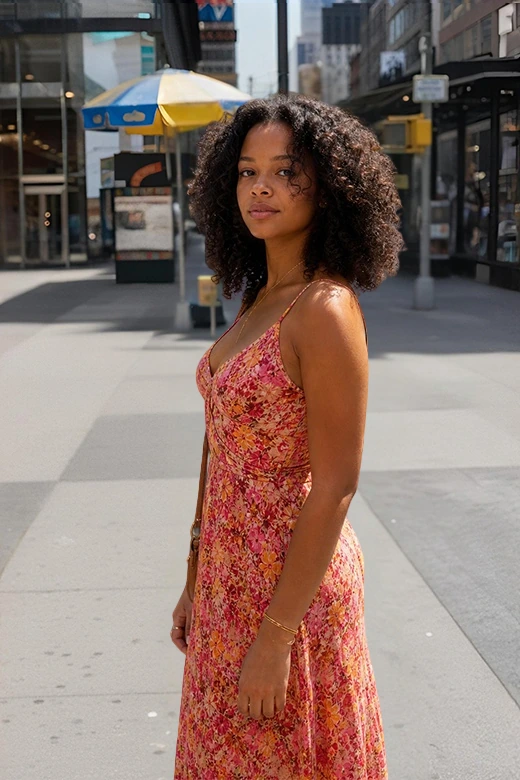
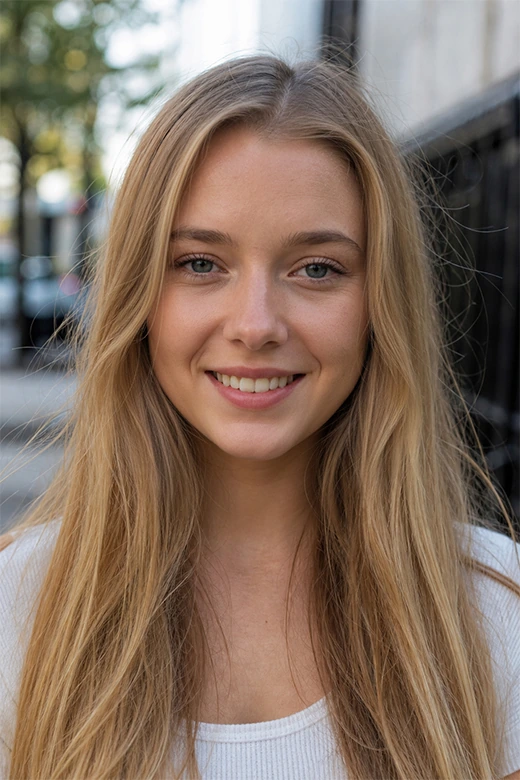
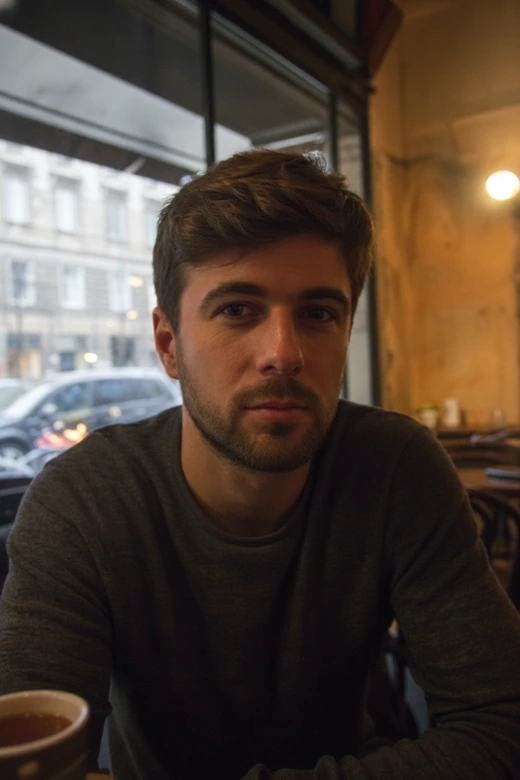
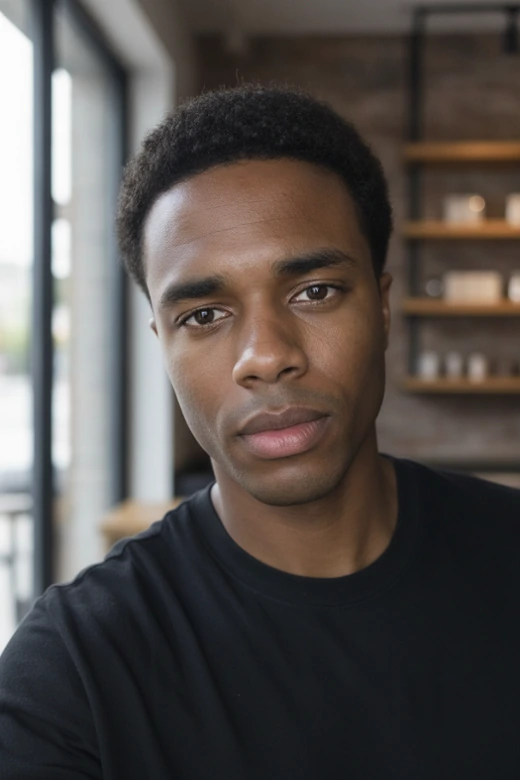


What Can Pokecut's AI Reshot Do?
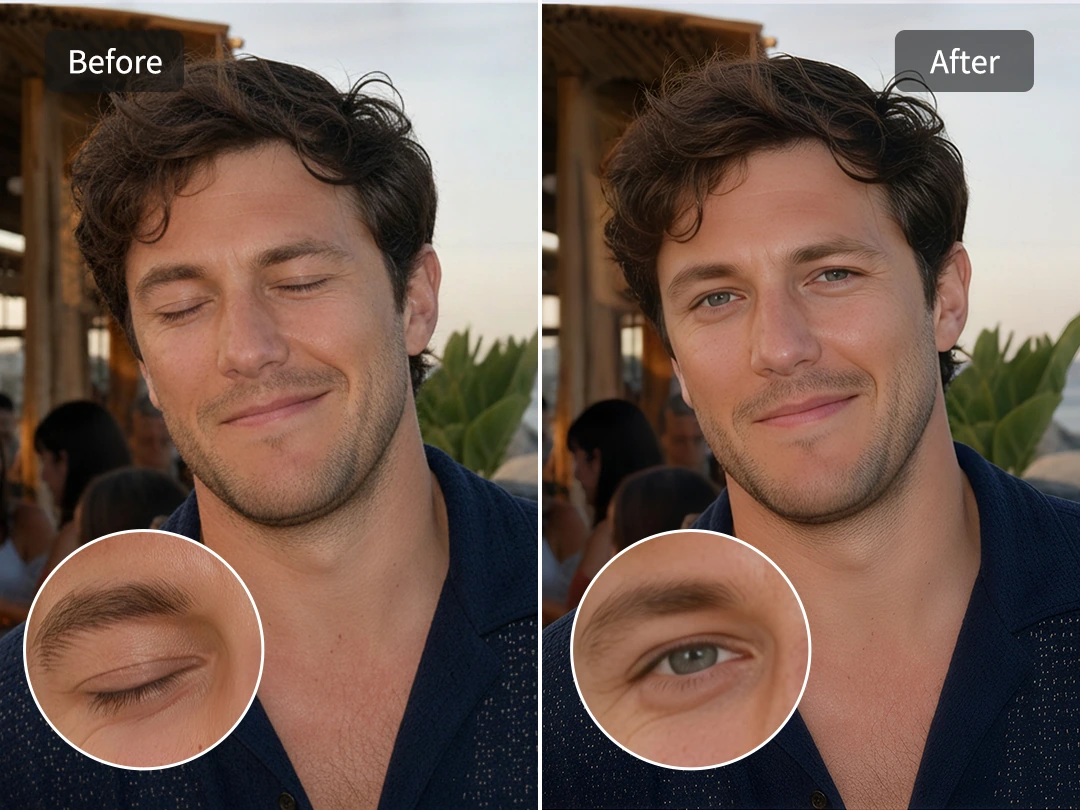
Fix Imperfect Facial Expressions
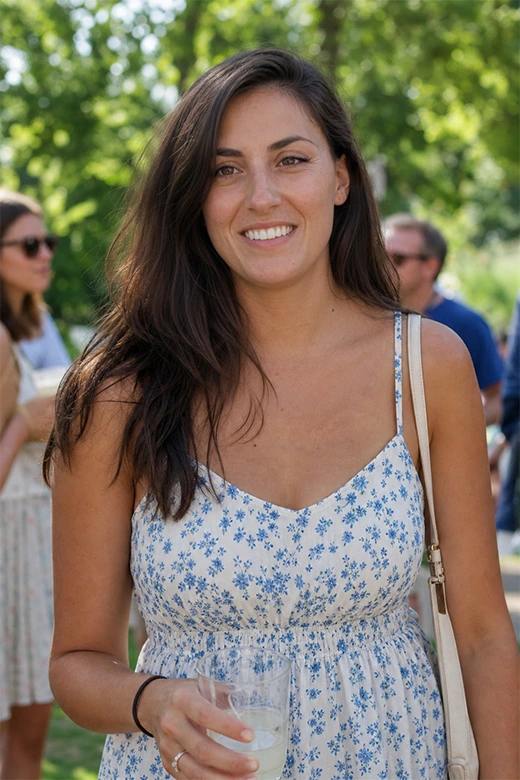
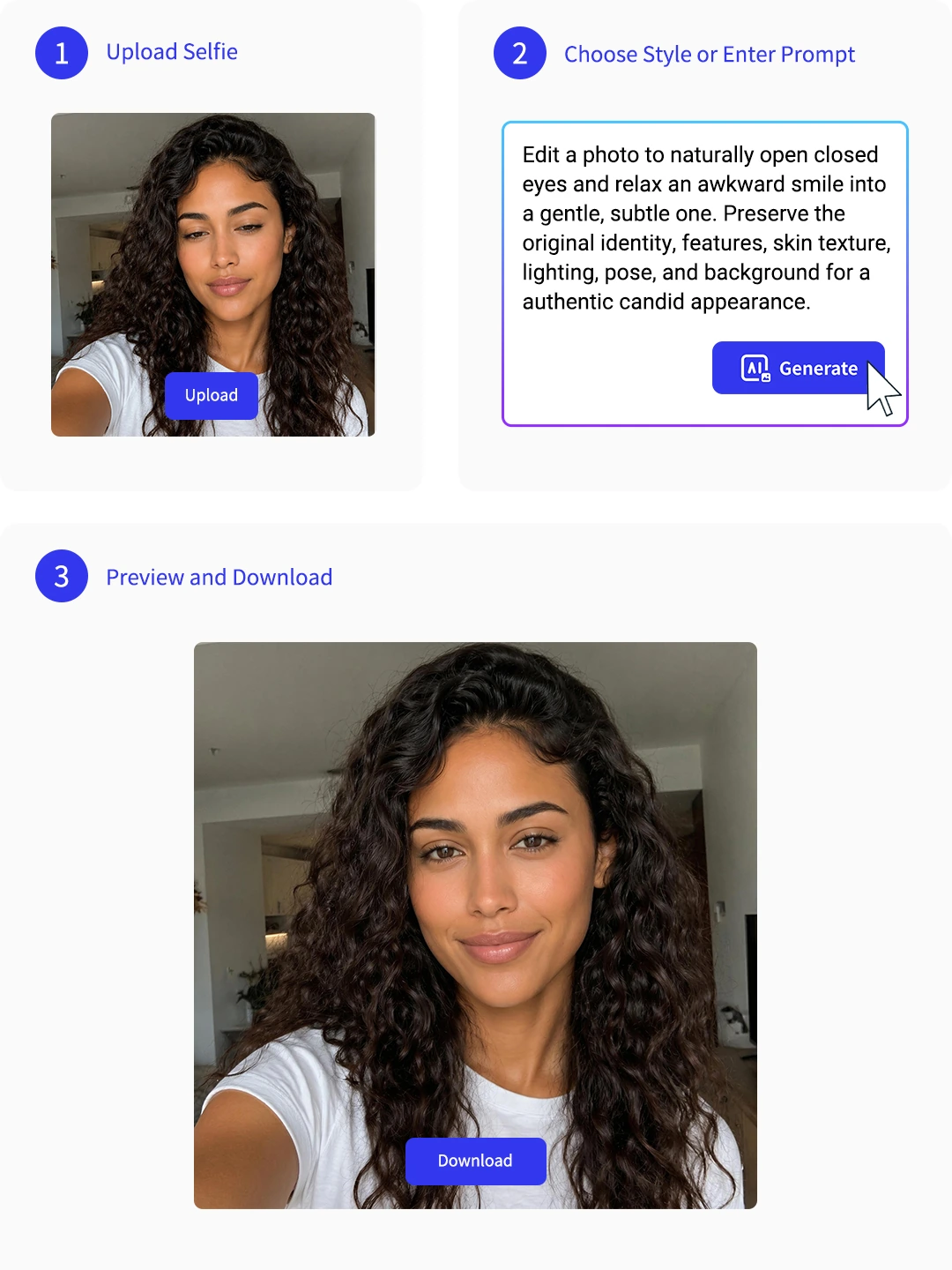
A great moment can easily be ruined by a sudden blink, a stiff smile, or an unnatural look. Pokecut's AI reshoot technology deeply reads the portrait and helps rebuild a more natural expression. Whether you want to correct an unnatural look, adjust a stiff smile, or need to fix closed eyes, it keeps the adjustments subtle so the face stays familiar and lifelike.
This is highly effective for group photos, travel shots, and special events. The editor automatically balances facial features and eye openness while preserving your original skin texture perfectly.
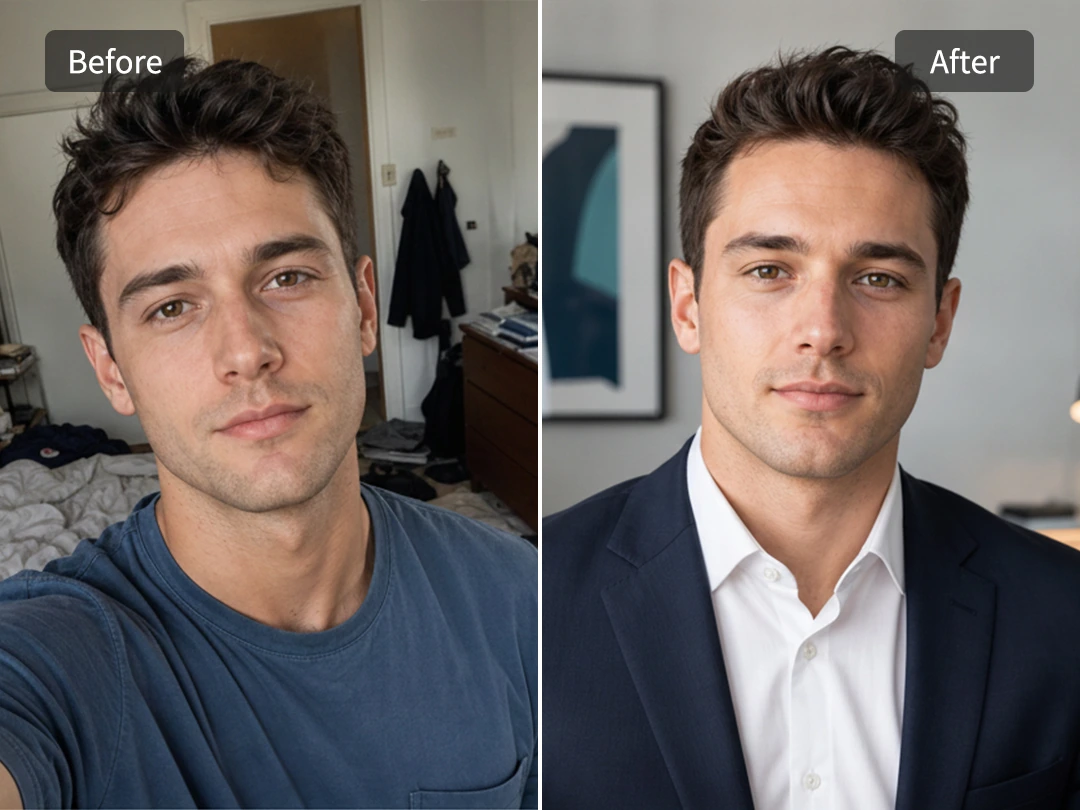
Generate Professional Profiles
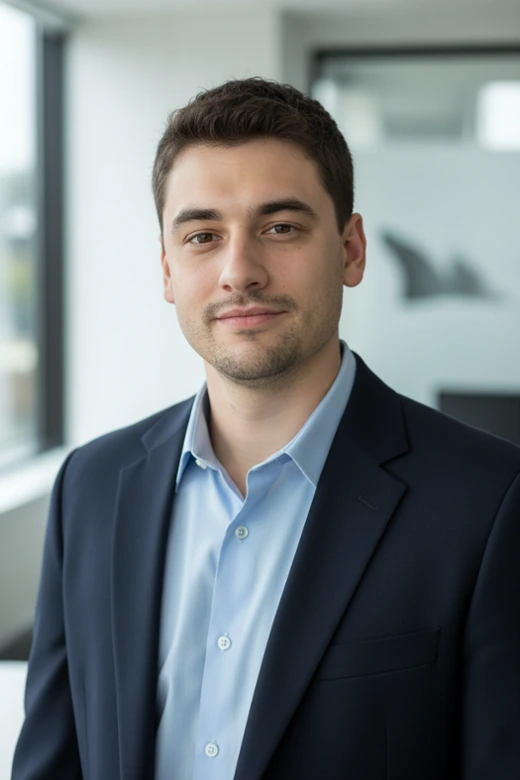
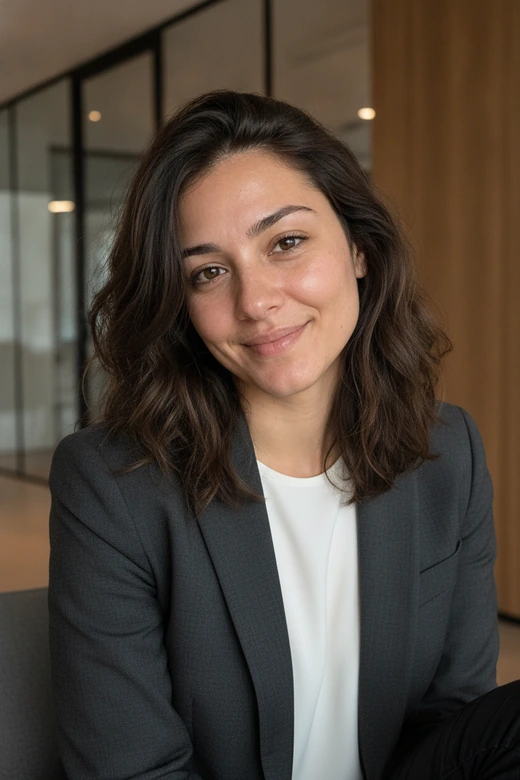
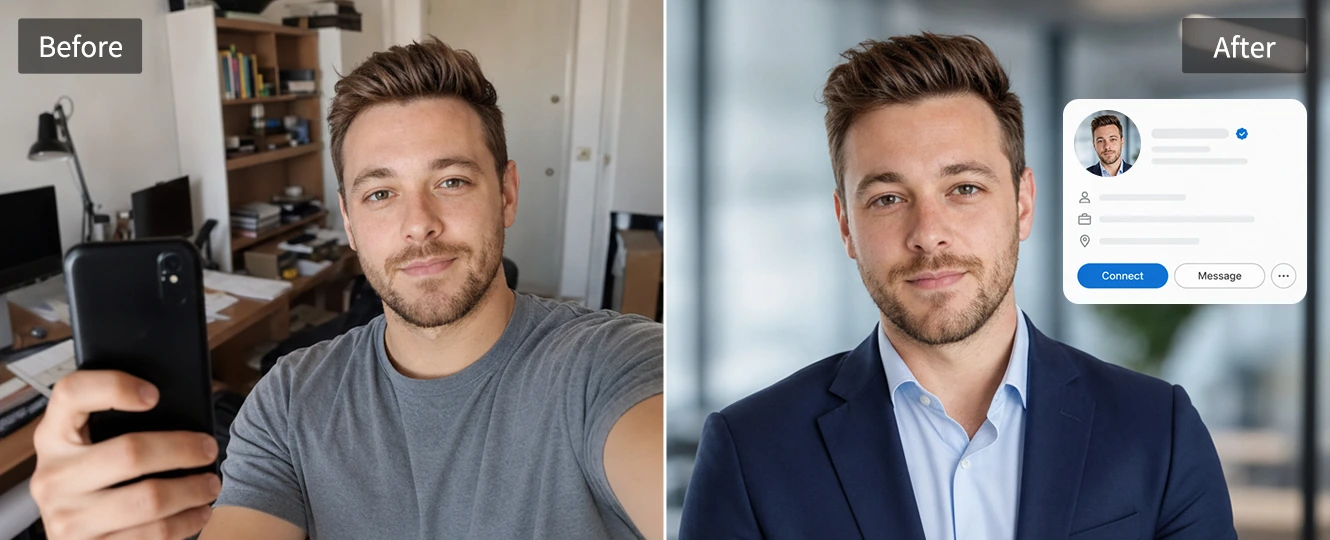
A casual phone selfie often suffers from the wrong background, poor lighting, or clothing that feels too relaxed for a resume or LinkedIn. Pokecut can easily reshoot these casual portraits into a clean, sharp profile image. By using our built-in headshot generator, you can smoothly transform your everyday look into a polished appearance fit for formal corporate pages.
It instantly adjusts outfits and background settings without expensive studio fees, making your final professional headshot look realistic and polished.
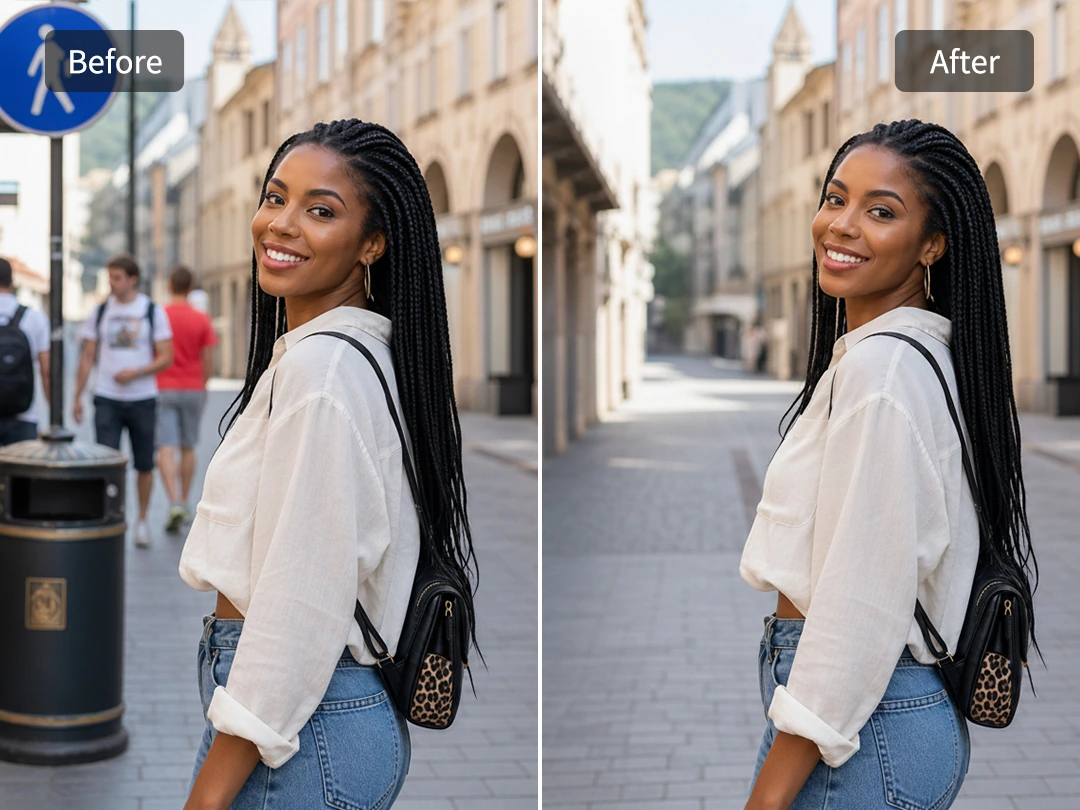
Clean or Change Distracting Backgrounds
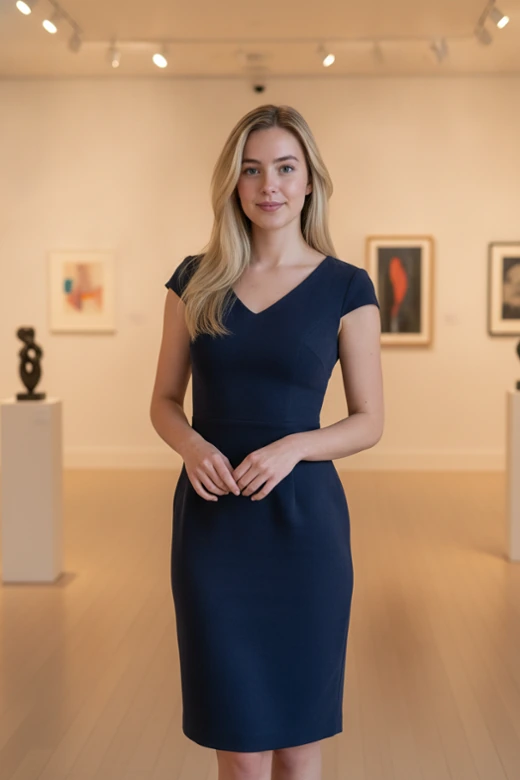
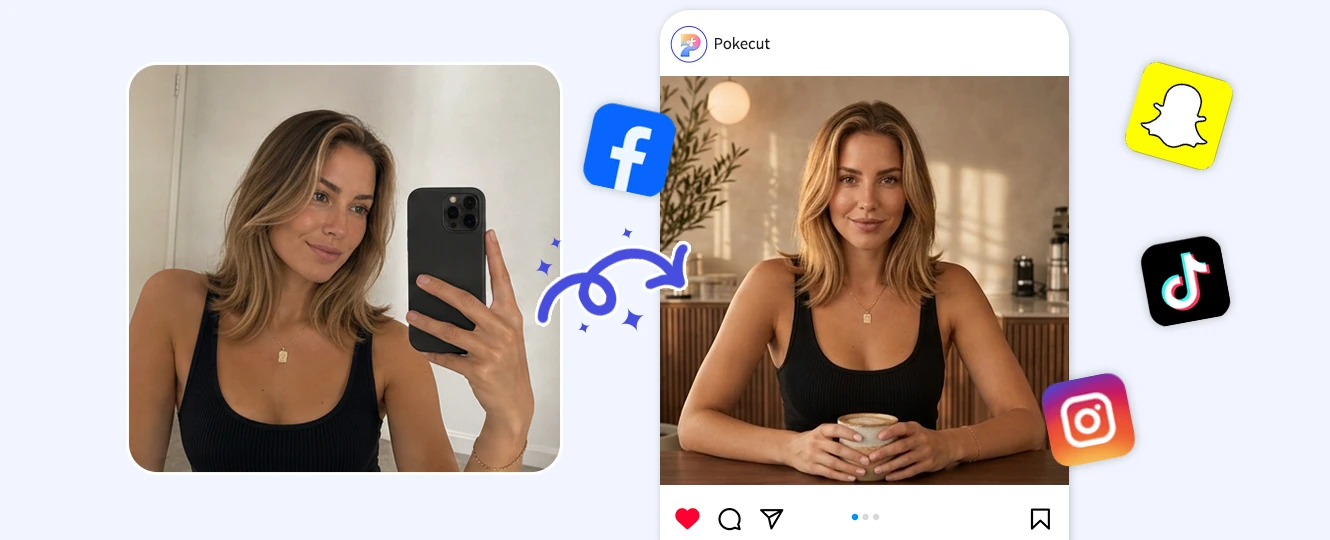
Busy tourist locations, street signs, and random strangers can easily pull attention away from the main subject. Pokecut solves this by letting you seamlessly clear the clutter. You can use it to remove people from your photo to clean up the original setting, or smoothly swap the entire backdrop out for a studio look or soft outdoor scene.
The smart image-to-image AI naturally rebuilds the surroundings while preserving your original lighting and body outlines, ensuring your final portrait never looks pasted on.
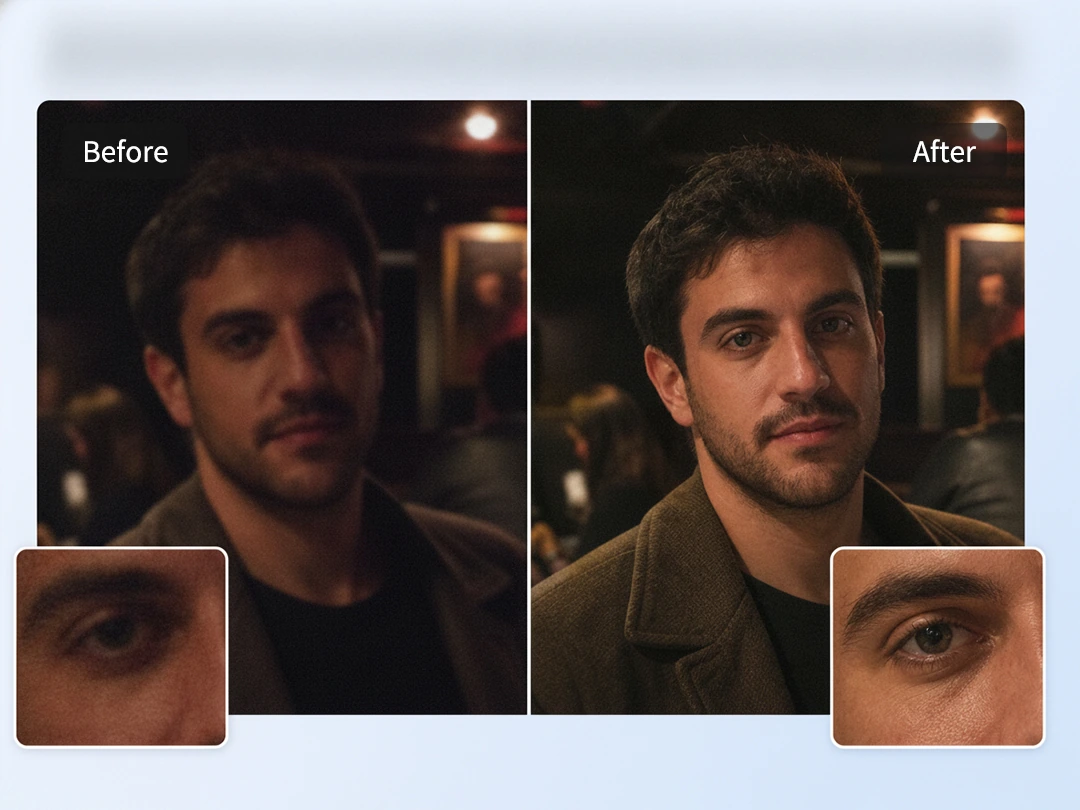
Fix Dark or Blurry Photos
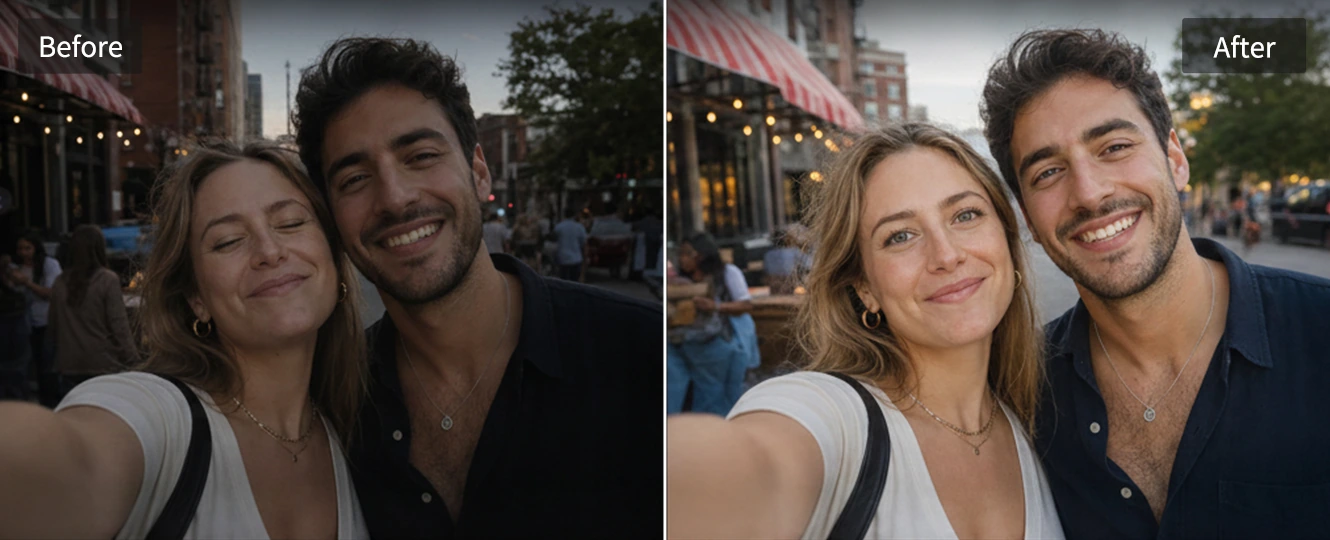
Night snapshots, dark indoor pictures, and shaky concert photos often carry great memories but lack clear details and proper exposure. Pokecut helps remake those dark or blurry shots by balancing low-light exposure and sharpening soft facial structures.
Use this tool when your low-contrast image needs stronger definition and brightness. You can naturally relight your photo to fix dark areas and export high-resolution images instantly, saving those precious underexposed memories in your camera roll instead of throwing them away.
Who Can Benefit from Pokecut's AI Reshot?
Why Choose Pokecut's AI Reshot?

Advanced AI Models
Choose from a variety of reliable AI models like Nano Banana Pro, ChatGPT Image 2.0, or Seedream 5.0 Lite. Pokecut provides the right options to handle your image-to-image adjustments accurately.

High-Quality Exports
Download high-resolution files ready for commercial or personal use. Pokecut focuses on maintaining sharp details, ensuring your final image looks clean and professional for any platform.

No Registration Required
Start editing immediately without any account creation or login. Upload your images, apply AI adjustments, and preview the results directly in your browser to save time.

Simple and Fast Workflow
Transform your daily pictures into polished photos with an automated online process. Simply upload your image, select your preferences, and receive your updated photo in seconds.
How to Use AI Reshot Online
Step 1: Upload Your Photo
Choose a clear selfie, portrait, product shot, or memory photo. Better face detail gives Pokecut more room to build a natural reshot.
Step 2: Describe the Reshot
Ask for a new expression, outfit, background, light, or sharper remake. Keep the request focused for a cleaner result.
Step 3: Preview and Download
Check the face, edges, clothing fit, and background. Regenerate if needed, then download the image you want to use.

Explore More Features of Pokecut
What Do Users Say About Pokecut's AI Reshot?
Users choose Pokecut when a photo is worth saving but not worth reshooting.


Maya T.

"I fixed a group photo where my eyes were closed. The new face still looked like me, which was the part I cared about most."
Daniel K.
"I used a casual selfie for a work profile. The background and jacket looked cleaner, but it did not feel like a fake studio shot."
Priya S.
"My travel photo had people behind me everywhere. Pokecut cleaned it up well after one extra try, and the scene still looked believable."
Owen L.
"I remade a dark concert photo instead of deleting it. The face came back clearer without that heavy filtered look."
Clara J.
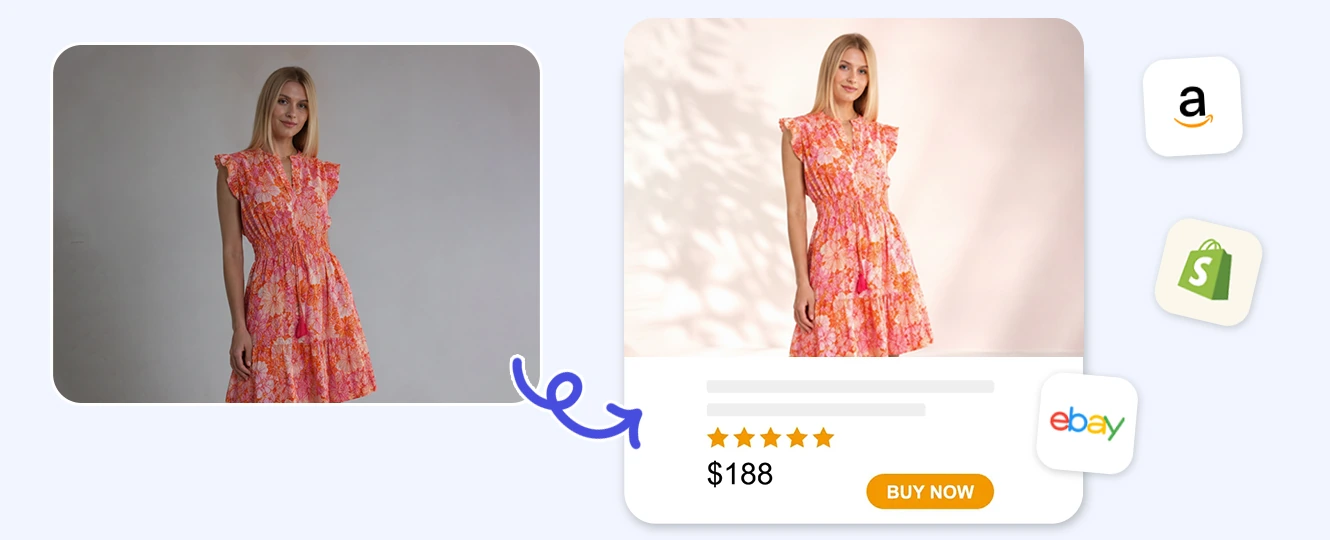
"For my small shop, I changed a plain product image into a cleaner banner. It saved me from booking a new model shoot."
Noah P.
"The prompt box was easy to understand. I liked that I could ask for one change at a time and compare the results."
Maya T.
"I fixed a group photo where my eyes were closed. The new face still looked like me, which was the part I cared about most."
Daniel K.
"I used a casual selfie for a work profile. The background and jacket looked cleaner, but it did not feel like a fake studio shot."
Priya S.
"My travel photo had people behind me everywhere. Pokecut cleaned it up well after one extra try, and the scene still looked believable."
Owen L.
"I remade a dark concert photo instead of deleting it. The face came back clearer without that heavy filtered look."
Clara J.
"For my small shop, I changed a plain product image into a cleaner banner. It saved me from booking a new model shoot."
Noah P.
"The prompt box was easy to understand. I liked that I could ask for one change at a time and compare the results."
Maya T.
"I fixed a group photo where my eyes were closed. The new face still looked like me, which was the part I cared about most."
Daniel K.
"I used a casual selfie for a work profile. The background and jacket looked cleaner, but it did not feel like a fake studio shot."
Priya S.
"My travel photo had people behind me everywhere. Pokecut cleaned it up well after one extra try, and the scene still looked believable."
Owen L.
"I remade a dark concert photo instead of deleting it. The face came back clearer without that heavy filtered look."
Clara J.
"For my small shop, I changed a plain product image into a cleaner banner. It saved me from booking a new model shoot."
Noah P.
"The prompt box was easy to understand. I liked that I could ask for one change at a time and compare the results."
Maya T.
"I fixed a group photo where my eyes were closed. The new face still looked like me, which was the part I cared about most."
Daniel K.
"I used a casual selfie for a work profile. The background and jacket looked cleaner, but it did not feel like a fake studio shot."
Priya S.
"My travel photo had people behind me everywhere. Pokecut cleaned it up well after one extra try, and the scene still looked believable."
Owen L.
"I remade a dark concert photo instead of deleting it. The face came back clearer without that heavy filtered look."
Clara J.
"For my small shop, I changed a plain product image into a cleaner banner. It saved me from booking a new model shoot."
Noah P.
"The prompt box was easy to understand. I liked that I could ask for one change at a time and compare the results."
Maya T.
"I fixed a group photo where my eyes were closed. The new face still looked like me, which was the part I cared about most."
Daniel K.
"I used a casual selfie for a work profile. The background and jacket looked cleaner, but it did not feel like a fake studio shot."
Priya S.
"My travel photo had people behind me everywhere. Pokecut cleaned it up well after one extra try, and the scene still looked believable."
Owen L.
"I remade a dark concert photo instead of deleting it. The face came back clearer without that heavy filtered look."
Clara J.
"For my small shop, I changed a plain product image into a cleaner banner. It saved me from booking a new model shoot."
Noah P.
"The prompt box was easy to understand. I liked that I could ask for one change at a time and compare the results."
Owen L.
"I remade a dark concert photo instead of deleting it. The face came back clearer without that heavy filtered look."
Clara J.
"For my small shop, I changed a plain product image into a cleaner banner. It saved me from booking a new model shoot."
Noah P.
"The prompt box was easy to understand. I liked that I could ask for one change at a time and compare the results."
Maya T.
"I fixed a group photo where my eyes were closed. The new face still looked like me, which was the part I cared about most."
Daniel K.
"I used a casual selfie for a work profile. The background and jacket looked cleaner, but it did not feel like a fake studio shot."
Priya S.
"My travel photo had people behind me everywhere. Pokecut cleaned it up well after one extra try, and the scene still looked believable."
Owen L.
"I remade a dark concert photo instead of deleting it. The face came back clearer without that heavy filtered look."
Clara J.
"For my small shop, I changed a plain product image into a cleaner banner. It saved me from booking a new model shoot."
Noah P.
"The prompt box was easy to understand. I liked that I could ask for one change at a time and compare the results."
Maya T.
"I fixed a group photo where my eyes were closed. The new face still looked like me, which was the part I cared about most."
Daniel K.
"I used a casual selfie for a work profile. The background and jacket looked cleaner, but it did not feel like a fake studio shot."
Priya S.
"My travel photo had people behind me everywhere. Pokecut cleaned it up well after one extra try, and the scene still looked believable."
Owen L.
"I remade a dark concert photo instead of deleting it. The face came back clearer without that heavy filtered look."
Clara J.
"For my small shop, I changed a plain product image into a cleaner banner. It saved me from booking a new model shoot."
Noah P.
"The prompt box was easy to understand. I liked that I could ask for one change at a time and compare the results."
Maya T.
"I fixed a group photo where my eyes were closed. The new face still looked like me, which was the part I cared about most."
Daniel K.
"I used a casual selfie for a work profile. The background and jacket looked cleaner, but it did not feel like a fake studio shot."
Priya S.
"My travel photo had people behind me everywhere. Pokecut cleaned it up well after one extra try, and the scene still looked believable."
Owen L.
"I remade a dark concert photo instead of deleting it. The face came back clearer without that heavy filtered look."
Clara J.
"For my small shop, I changed a plain product image into a cleaner banner. It saved me from booking a new model shoot."
Noah P.
"The prompt box was easy to understand. I liked that I could ask for one change at a time and compare the results."
Maya T.
"I fixed a group photo where my eyes were closed. The new face still looked like me, which was the part I cared about most."
Daniel K.
"I used a casual selfie for a work profile. The background and jacket looked cleaner, but it did not feel like a fake studio shot."
Priya S.
"My travel photo had people behind me everywhere. Pokecut cleaned it up well after one extra try, and the scene still looked believable."
Owen L.
"I remade a dark concert photo instead of deleting it. The face came back clearer without that heavy filtered look."
Clara J.
"For my small shop, I changed a plain product image into a cleaner banner. It saved me from booking a new model shoot."
Noah P.
"The prompt box was easy to understand. I liked that I could ask for one change at a time and compare the results."
Maya T.
"I fixed a group photo where my eyes were closed. The new face still looked like me, which was the part I cared about most."
Daniel K.
"I used a casual selfie for a work profile. The background and jacket looked cleaner, but it did not feel like a fake studio shot."
Priya S.
"My travel photo had people behind me everywhere. Pokecut cleaned it up well after one extra try, and the scene still looked believable."
Reviews from: Reddit, Product Hunt, G2, TrustRadius, Google Play, App Store, and more.
Pokecut Trusted by Millions of Leaders and Users

1M+ Users Worldwide
Pokecut generates over 500,000 images every day

#2 on Product Hunt
Pokecut launched and won #2 product of the day

Professional Privacy Protection
Ensure 100% data privacy for every photo

Trusted by Well-known Brands
Apple、Google、Paypal、Stripe、Product hunt、G2、TrustRadius
FAQs About Pokecut's AI Reshot
Which image formats does Pokecut's AI reshot support?
We support most standard image formats, including JPEG, JPG, PNG, WEBP, and BMP. There is no need to manually convert your smartphone photos before uploading; our system automatically processes them online.
What can I do if I am not satisfied with the clothing or expression the AI generates?
You can simply click the generation button again or do a little change to your prompt to get a completely new style, adjustment, or fit until you find the look you prefer.
Will using the background swap feature affect the original shadows on my body?
No. Our smart workflow automatically detects your original body outline and light direction. The system naturally recalibrates the edge blending and color temperature so your portrait fits into the new environment without harsh borders.
How many images can I generate for free?
You can generate up to 20 images completely for free to test our AI reshot tools and editing models.
Why is my image generation taking longer than 10 seconds?
Processing times can occasionally vary depending on server traffic or network stability. If you select advanced models like Nano Banana Pro during peak hours, it might take a few extra seconds to calculate high-fidelity details. Refreshing the browser usually resolves any temporary loading stalls.






