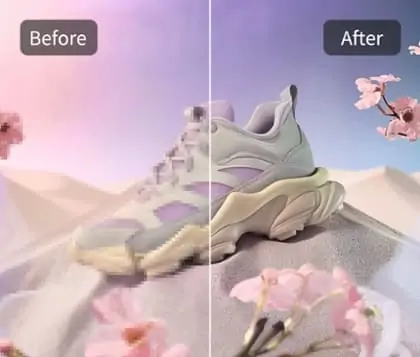
Brighten Image Online for Free in Seconds
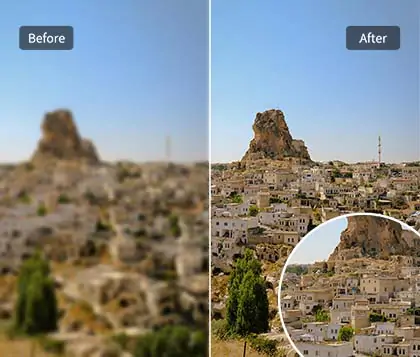
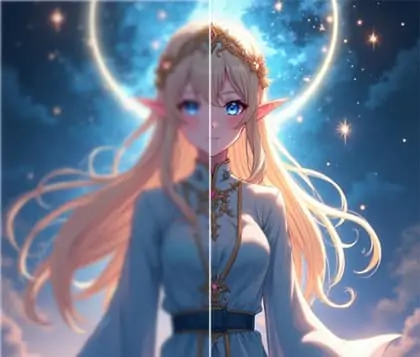
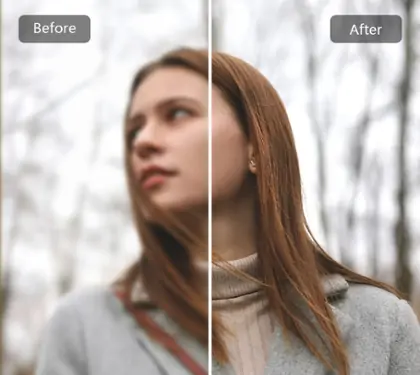
Easily brighten an image and bring out a vivid glow with our online tool to make your photos clearer and more luminous.






By uploading an image or URL you agree to our Terms of Use and Privacy Policy
How to brighten an image?
Step 1

Upload your photo
Click the upload button to select the image file you want to brighten. We support multiple formats including JPG and PNG.
Step 2
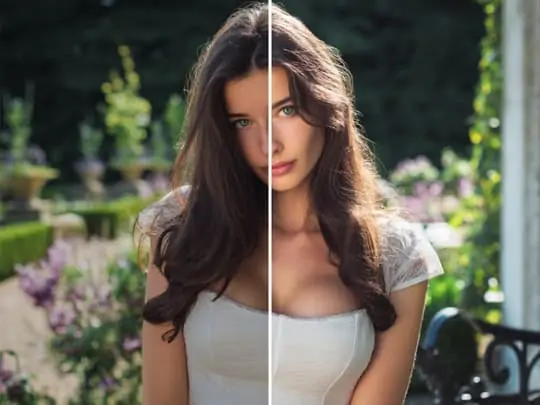
Generate brightness optimization
Once uploaded, our system automatically processes the photo to create a brighter image effect, allowing you to preview the result instantly.
Step 3

Save and download your photo
After confirming the brightness adjustment, click save to download your brighter image for easy sharing and use.
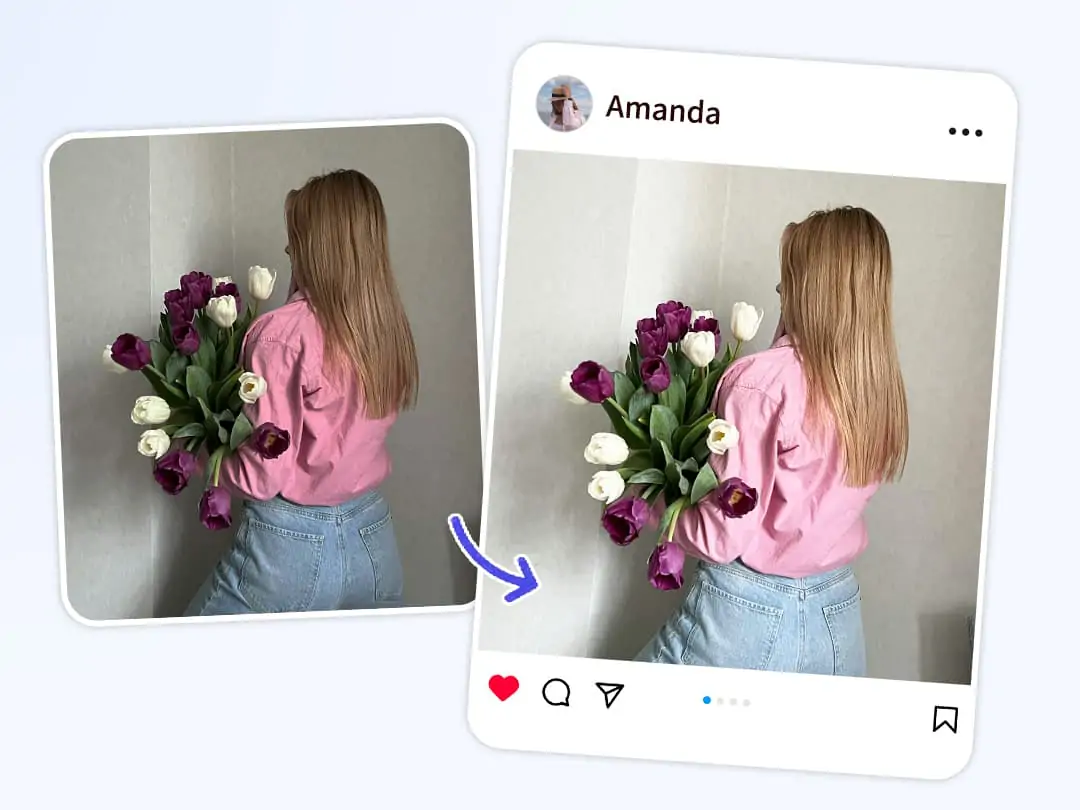
Professional bright light tool to effortlessly brighten images
Pokecut offers advanced bright light imaging technology that helps you brighten the image without any complicated steps. Whether your photo is taken in low light or has heavy shadows, our tool makes your picture shine with natural bright light image quality.
Use our brighten image online feature to quickly get a bright light image that highlights every detail vividly. Experience superior bright imaging and effortlessly make image brighter for all your visual projects.

Achieve a brighter image and enhance photo quality
With Pokecut’s brighten an image function, you can adjust brightness within seconds, removing shadows and optimizing light distribution. Our intelligent tool detects dark areas precisely to brighten the image while maintaining clarity.
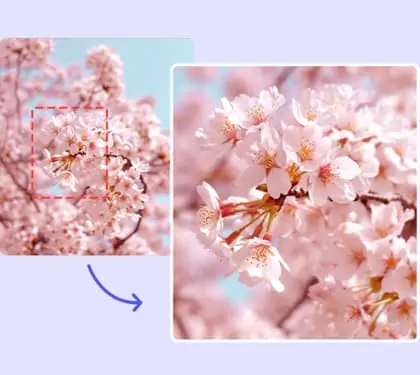
You can also combine this with our photo enhancer tool to further enhance details and color, making each photo not just bright but rich in texture and depth. Pokecut helps you create bright images that perfectly present every detail and texture.

How to brighten images online easily and quickly
Pokecut’s brighten image online tool allows users to brighten the image without downloading any software. Simply upload your photo and quickly achieve a bright light image effect.
Using advanced intelligent algorithms, our tool optimizes lighting and finely restores image details, making your photo clearer and more vivid. If your image contains unwanted objects, try our magic eraser with AI detection to effortlessly create a clean and flawless visual effect.
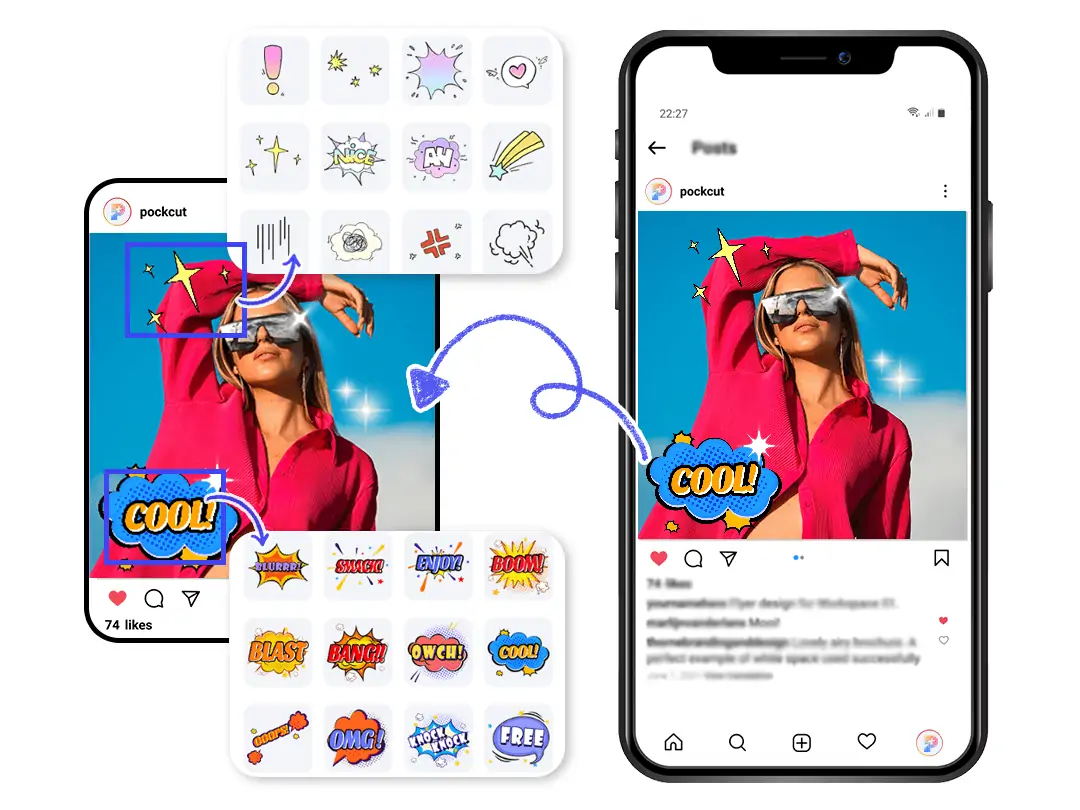
Easily brighten photos and create unique visual effects
With Pokecut’s brighten an image feature, you can easily increase overall brightness and eliminate dark shadows to make your photo glow naturally. Our advanced intelligent technology not only optimizes light distribution but also preserves image clarity and detail layers.
After brightening the image, you can add personalized elements using the add stickers to photo tool, creating unique and lively visual effects that make your bright images even more engaging.
FAQs
How to quickly brighten an image?
Use Pokecut’s online brighten image tool — upload your photo and it will automatically detect dark areas and adjust brightness, delivering a brighter image within seconds.
How to ensure the brightened image doesn’t lose quality?
Pokecut employs advanced algorithms to intelligently optimize brightness while preserving image details and clarity, avoiding overexposure or color distortion.
Can I brighten image online without downloading software?
Absolutely. Pokecut supports online brighten image with no software installation required, offering a convenient and fast solution.
What’s the difference between brightening images and photo enhancement?
Brightening images focuses on increasing brightness and light effects, while photo enhancement improves overall clarity, color, and detail. Both can be used together for the best results.
Can I add stickers or text while brightening an image?
Yes, Pokecut also provides the add stickers to photo tool, allowing you to personalize your photo with stickers or text after brightening.