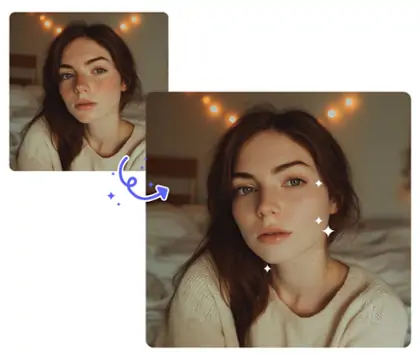
Cleanup Pictures with AI Magic Eraser
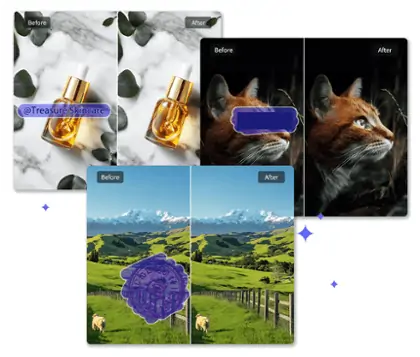
Cleanup pictures in seconds using Pokecut's AI image cleaner. This AI remover is good for removing distractions, people, or objects to create a clean image for any purpose.





By uploading an image or URL you agree to our Terms of Use and Privacy Policy
How to Clean up an Image with AI Photo Cleaner
step 1: Upload Your Photo
Select and upload the photo you want to clean up. Use any image with unwanted objects, people, watermarks, or distractions for instant AI image cleanup.
step 2: Apply AI Cleanup
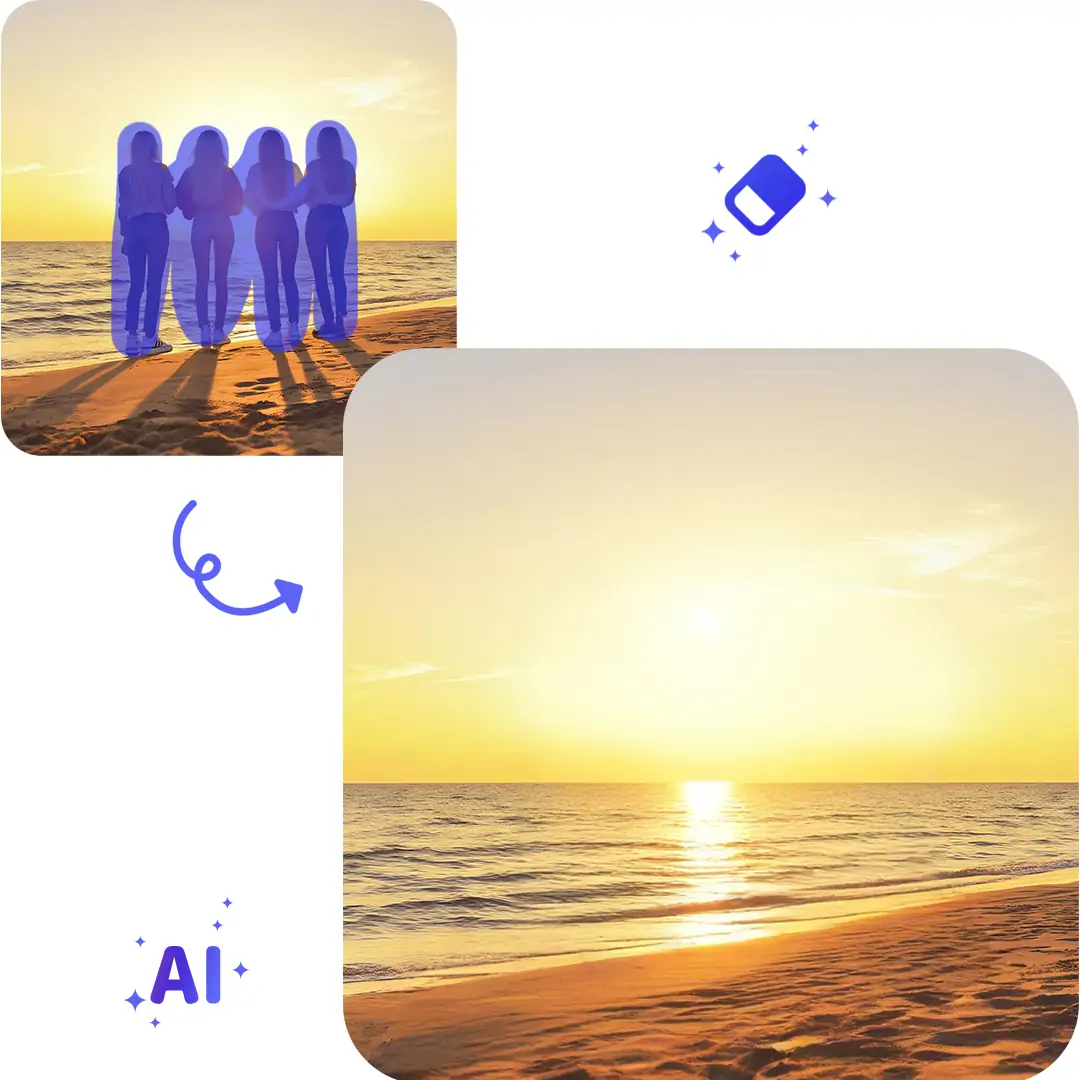
Brush over unwanted people, objects, or watermarks. The AI photo cleaner will detect and erase selected areas, giving you a clean image automatically.
step 3: Download the Clean Image
Preview your clean image. Download the final photo with all unwanted elements removed and enjoy a flawless result for any purpose.


Clean Image Instantly with AI Photo Cleaner
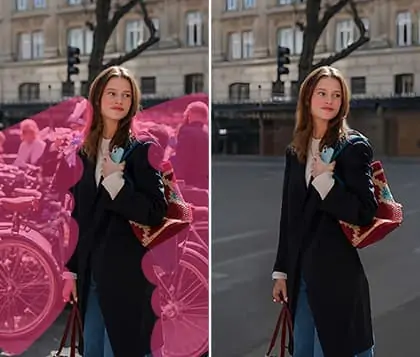
Easily remove unwanted people from your travel photos or street shots using advanced AI photo cleaner technology. Pokecut allows you to achieve a clean image in seconds, creating a distraction-free background that highlights your best moments. For complex scenes or group pictures, effortlessly erase strangers or passersby for a polished look.

Clean up Pictures and Enhance Your Product Photos Easily
Pokecut's powerful magic eraser helps e-commerce sellers clean up image backgrounds and remove clutter, watermarks, or unwanted models to highlight the product. Boost your conversion rate by presenting a distraction-free, professional-looking product photo that attracts buyers.You can achieve a seamless look using our advanced ai photo cleaner for automatic picture cleanup

Cleanup Pictures and Custom Edits Seamlessly
Once you remove unwanted people or objects using image cleanup, you can further enhance your photo with Pokecut. Adjust image quality, crop to the perfect size, change backgrounds, or add text and emojis for more creativity. Just unlock even more editing possibilities for your clean up image with advanced features.
Clean up Image for Real-World Photo Scenarios


Frequently Asked Questions
Can Pokecut remove watermarks or text from my images without damaging the background?
Yes, Pokecut uses advanced ai photo cleaner technology to remove watermarks or text. It preserves the original background and ensures a seamless clean image.
How does Pokecut handle removing people or objects from group photos?
Pokecut uses ai remover to detect the brush area and erase selected people or objects. The magic eraser tool fills the space naturally. Your group photo remains clean and visually balanced. No visible traces are left after picture cleanup.
Can I use Pokecut to erase private details like license plates or addresses from photos?
Yes, Pokecut offers online photo cleaner features to erase private details. Use the ai object remover to clean up pictures by removing license plates, ID numbers, or addresses. Your edited images are safe for sharing or documentation.
Is Pokecut suitable for cleaning up images for e-commerce or product listings?
Yes, Pokecut is ideal for clean up images in product photos. Use the image cleaner to remove background clutter, highlight your item, and enhance quality. Improve your e-commerce listings with a clean, professional look.
Does Pokecut support cleaning up images online for free without registration?
Yes, Pokecut allows you to clean photo online free. No registration is needed. Enjoy ai image cleanup for instant results.