Online Image Crop Tool: Precision Cropping for All Needs
Crop images online with precision. Preset ratios, custom dimensions, no quality loss. Simple tools for professional results.





By uploading an image or URL you agree to our Terms of Use and Privacy Policy
How to Crop Images Online with Ease
Step1:Upload Your Image
Click "Upload" to select your image from device. Supports JPG, PNG & common formats. Keep original quality.
Step2:Choose Cropping size
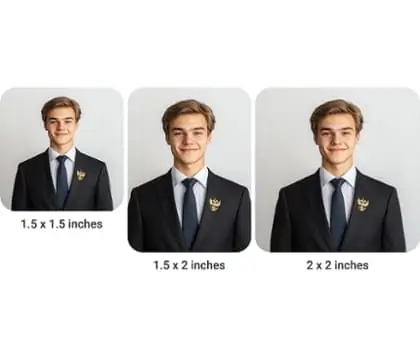
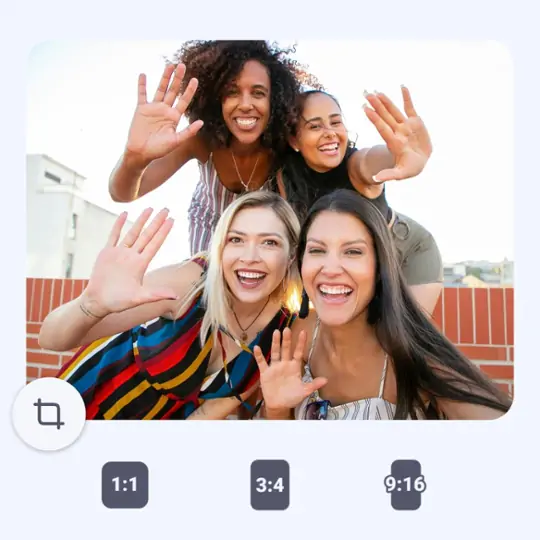
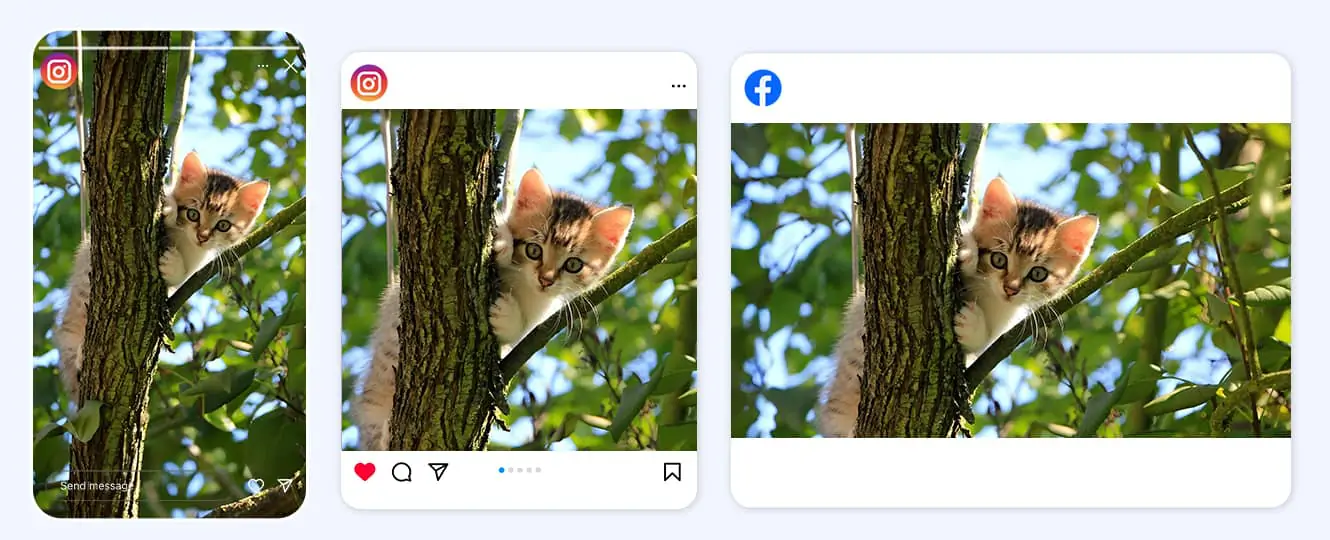
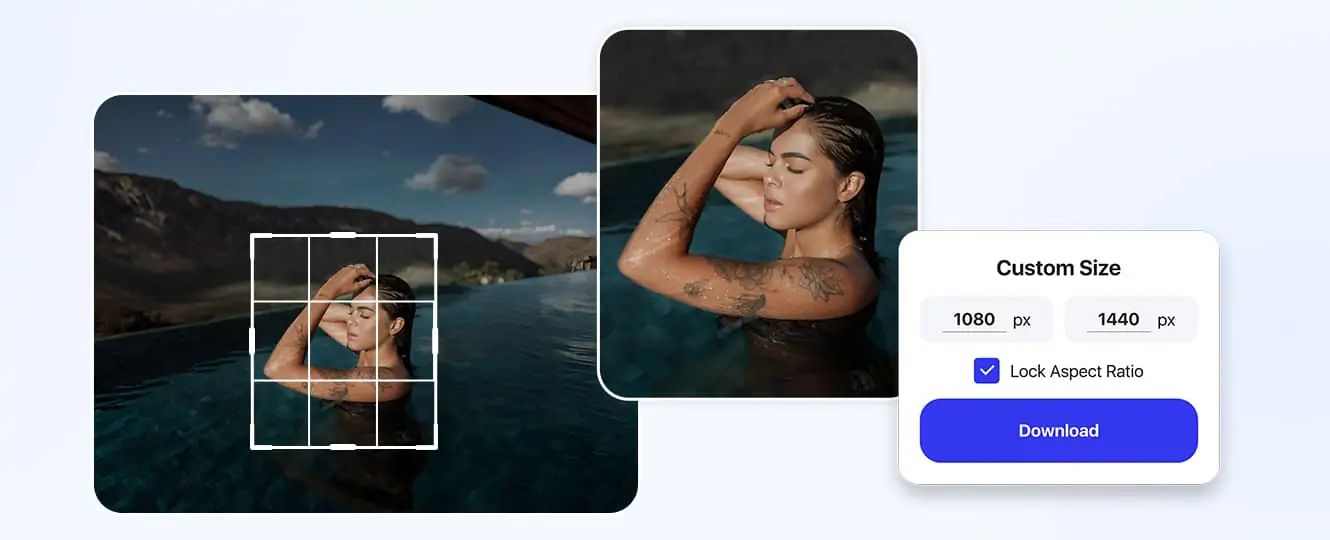
Choose from preset ratios for social media (Instagram, Facebook), printing, or enter custom dimensions. Adjust the crop area visually.
Step3:Download High-Quality Crop
Preview your cropped image. Click "Download" to save the high-resolution file. No quality loss guaranteed with our advanced technology.

Practical Scenes for Online Image Cropping
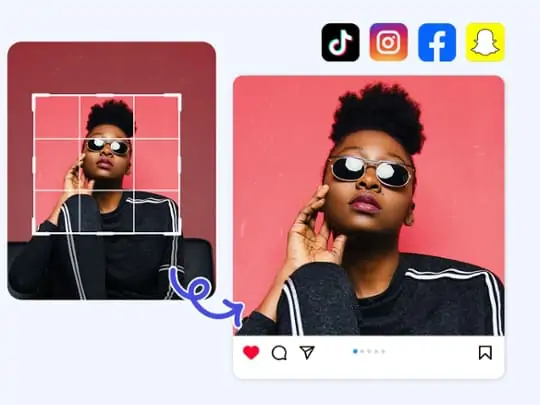
Social Media
Crop images to perfect sizes for Instagram posts, Facebook covers, or Twitter headers. Ensure optimal display on all platforms.
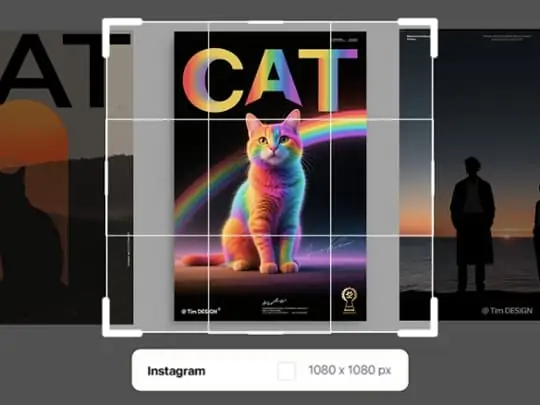
Print & Design
Crop images to exact print dimensions (A4, poster sizes) or design requirements. Maintain resolution for sharp, clear outputs.
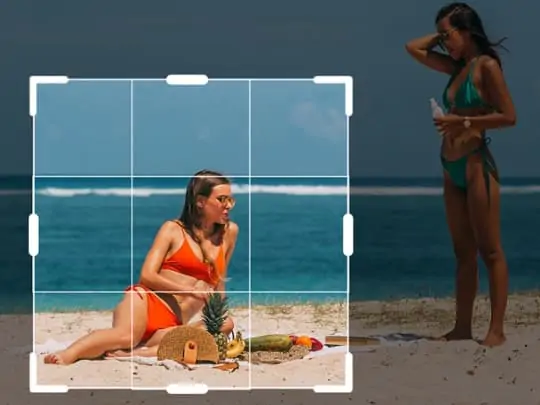
Composition Refinement
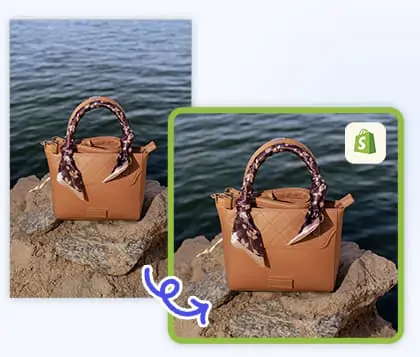
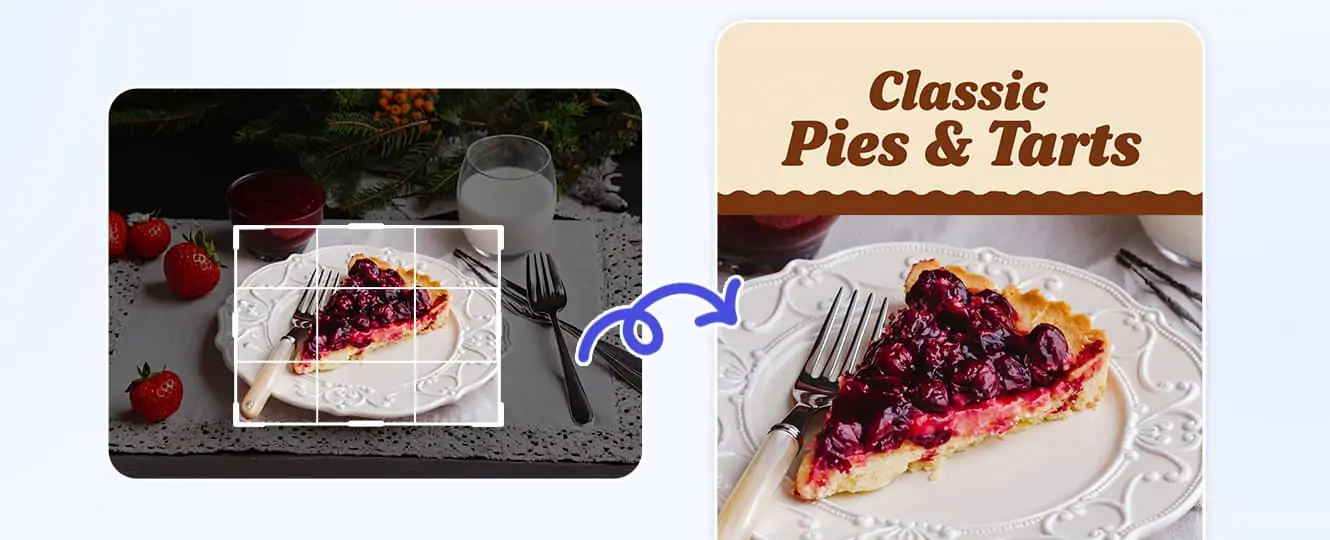
Remove unwanted elements or adjust framing to enhance photo composition. Focus on the main subject for more impactful images.
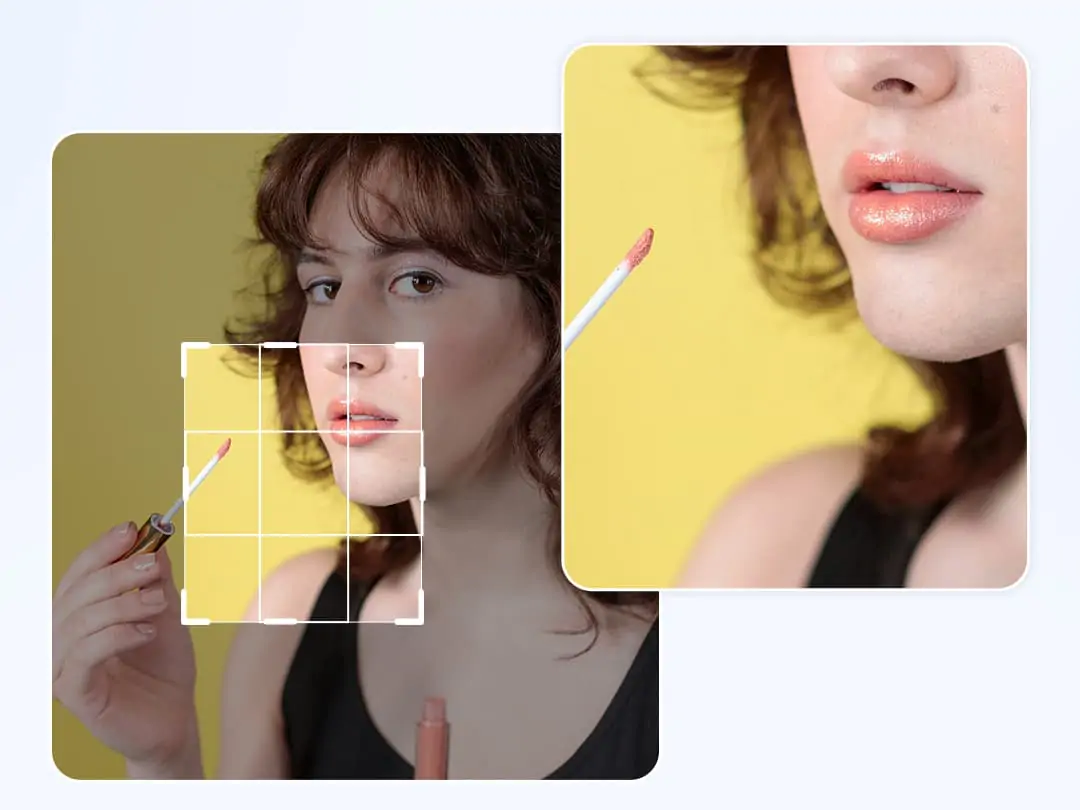
Professional Online Image Cropping Made Simple
Need to crop images for social media, printing, or design? Our online tool offers precise cropping with preset ratios and custom dimensions. No software to install—just upload, select your crop, and download.
Advanced technology ensures no quality loss, so your cropped images look as sharp as the original. Plus, explore our lossless photo enlargement feature to enhance details without pixelation. Try our all-in-one editing suite today!
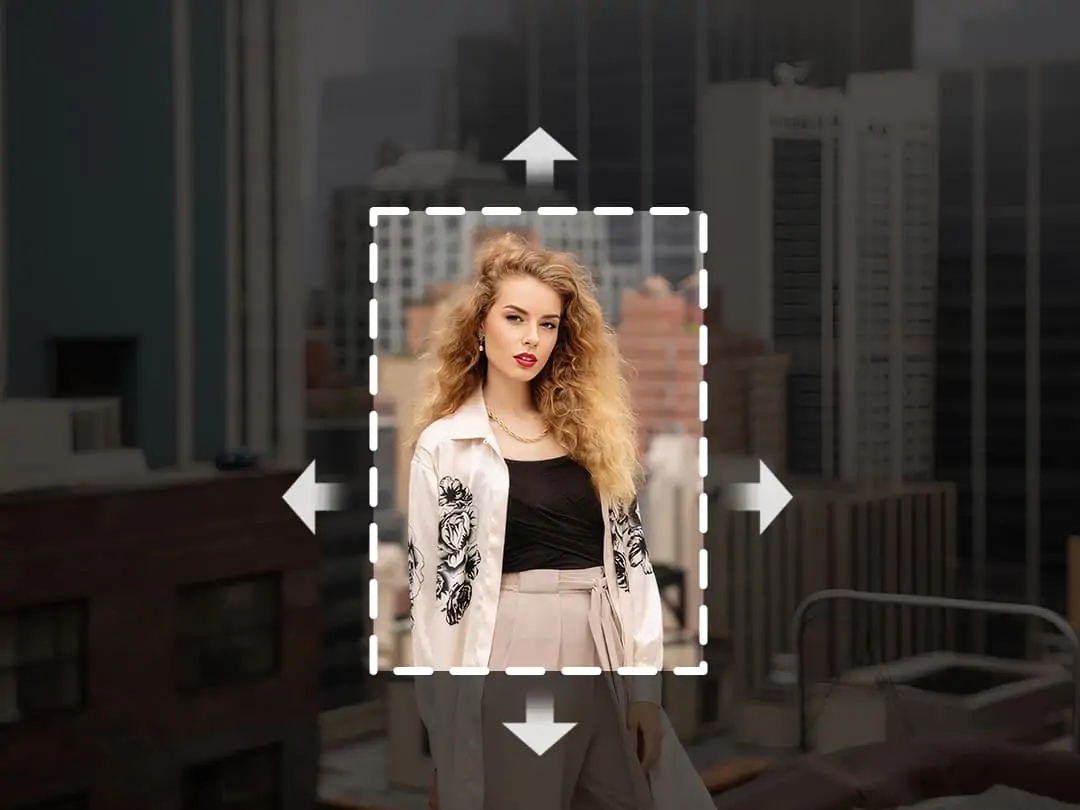
Precision Crop for Every Requirement
Whether you need standard ratios or unique dimensions, our online cropping tool has you covered. Select from popular social media sizes, enter specific pixel dimensions, or adjust the crop area manually. Perfect for bloggers, designers, or anyone who needs high-quality cropped images quickly.
After cropping, take your edits further with AI image uncropping to restore edges and AI background replacement to transform compositions effortlessly. No technical skills required—just three simple steps to get the perfect crop, plus advanced features at your fingertips.
Why Use Our Online Crop Tool
FAQs
How do I crop an image online?
Upload your image, select a preset ratio or enter custom dimensions, adjust the picture to the corresponding size, and then download the cropped file.
Will cropping affect image quality?
No, our tool preserves original quality when cropping images.
Can I crop to specific dimensions?
Yes, enter custom width and height values in pixels.
What image formats does the tool support?
Supports most common image formats such as JPG, PNG, WEBP, etc.
Is the crop tool free to use?
Yes, our basic cropping features are free for all users.