





Free AI Document Enhancer Online: Make Blurry Text Clear
Pokecut provides a focused way to make blurry scans, file photos, and document screenshots clear online. Easily upscale low-resolution documents and export cleaner 8K files with this free online document image enhancer.
🔍4 specialized AI modes 📝Smart detail enhancement ⚡50-image batch enhance 🖥️8K document output


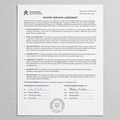
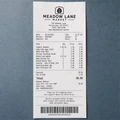
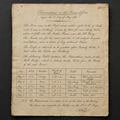
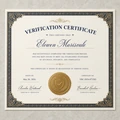
By uploading an image or URL you agree to our Terms of Use and Privacy Policy
Why Choose Pokecut's Document Enhancer?
One-Click Document Upscale to 8K
Transforming your low-resolution files into stunning 8K clarity is now easier than ever with Pokecut.This powerful document photo enhancer automatically analyzes every pixel to sharpen blurry edges and enhance textures instantly. You can say goodbye to grainy images and enjoy professional-grade results without any manual editing skills.
Achieving crystal-clear quality ensures that your digital files look great on any screen or in print. This high-definition output makes your documents more readable and impressive for both business and personal use.
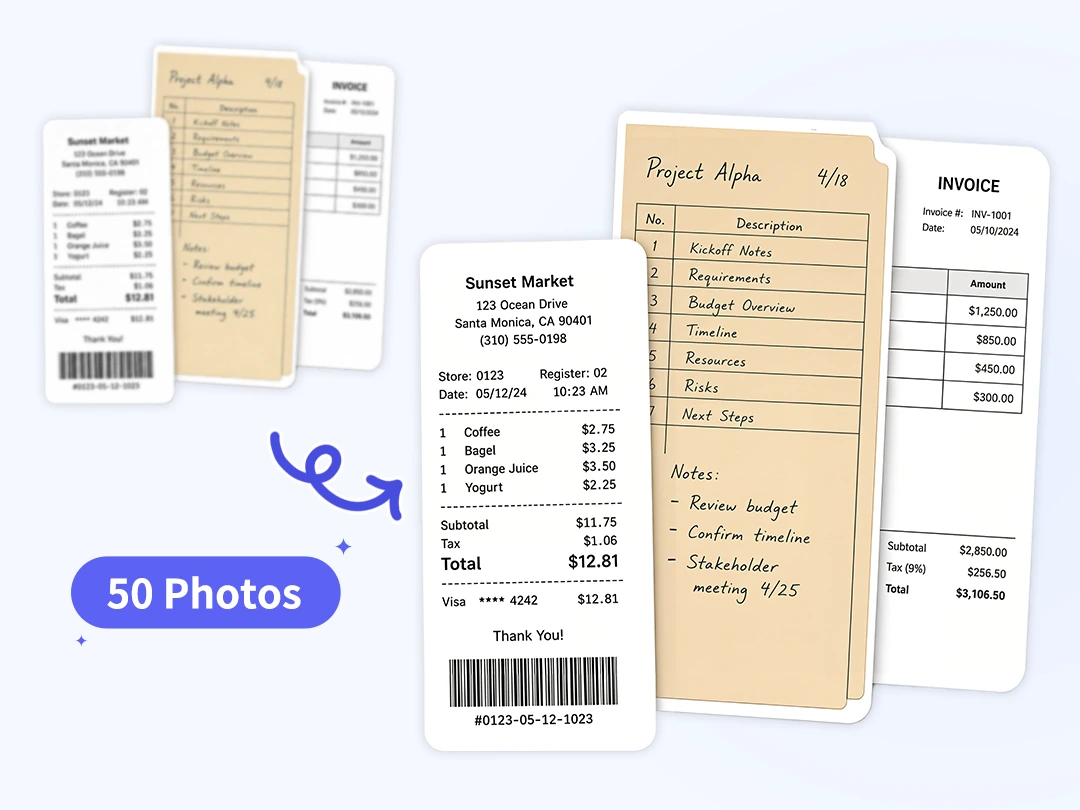
Batch Enhance Up to 50 Document Images
Save your valuable time by using Pokecut's batch photo enhancer to handle up to 50 images simultaneously. This document enhancer allows you to upload an entire folder of scans or photos and apply high-quality improvements in one go. It is the perfect tool for busy professionals who need to organize large volumes of data quickly.
Maintaining a consistent look across all your files is simple when you process them together as a group. Instead of waiting for individual files to finish, you can focus on more important tasks while the AI handles the heavy lifting. This streamlined workflow boosts your productivity when managing big digital archiving projects.

Specialized Text Enhancement Mode
Our specialized text mode is specifically designed to make blurry words stand out clearly. This document image enhancer focuses on increasing the contrast between the text and the background to eliminate distractions like shadows or stains. It ensures that every sentence is easy to read, even from poor-quality mobile snapshots.
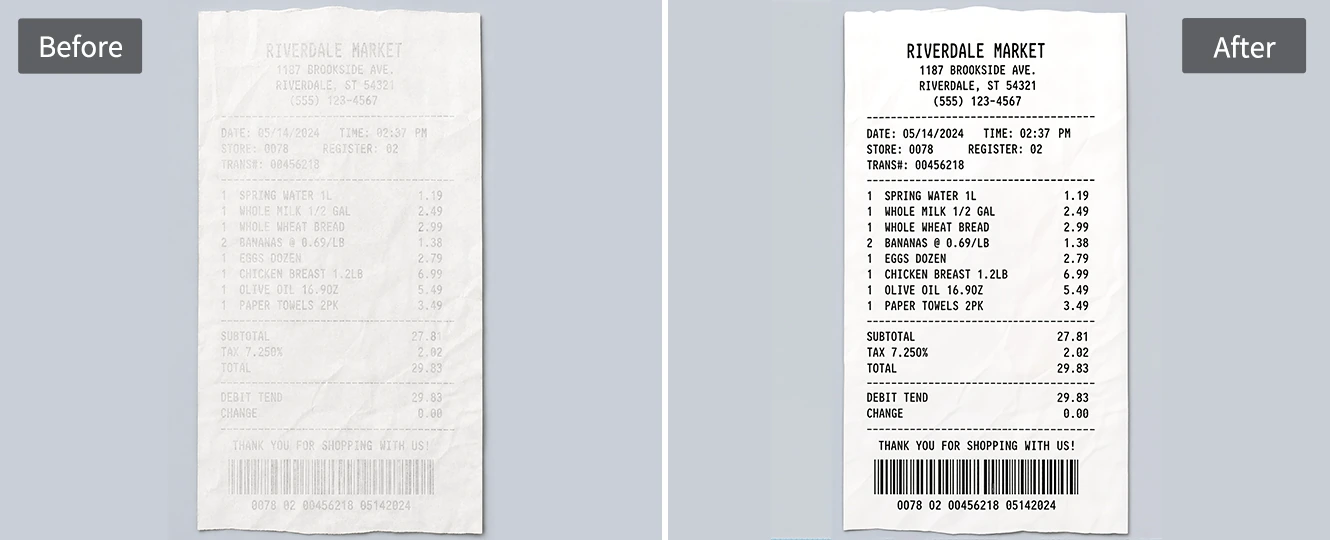
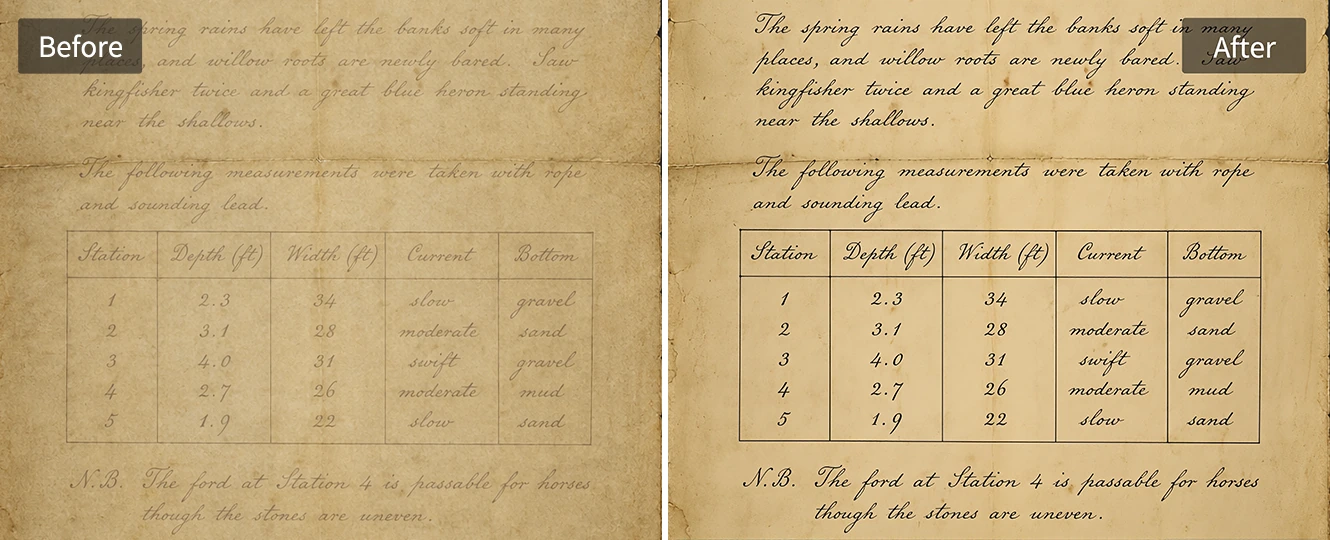
This feature is essential for anyone who needs to digitize handwritten notes, old books, or faded receipts accurately. By prioritizing text legibility, the AI ensures that the most important information in your document remains the focal point. It provides a clean, "scanner-like" finish that makes reading and sharing information much more effective.

Smart Detail Enhancement for Better OCR
Smart pixel compensation helps recover lost details in low-resolution files, making them perfect for OCR recognition. This document quality enhancer intelligently fills in broken strokes and removes heavy noise from old, damaged archives. By repairing these visual flaws, the program makes it much easier for text-to-speech or data-entry tools to work.
Improving the accuracy of your text leads to much faster and more reliable data entry results. When the AI restores the sharpness of every letter, you spend less time correcting manual errors later in the process. This advanced recovery technology is a game-changer for digitalizing important records with high precision.
Optimize All Types of Documents with Pokecut's Document Image Enhancer
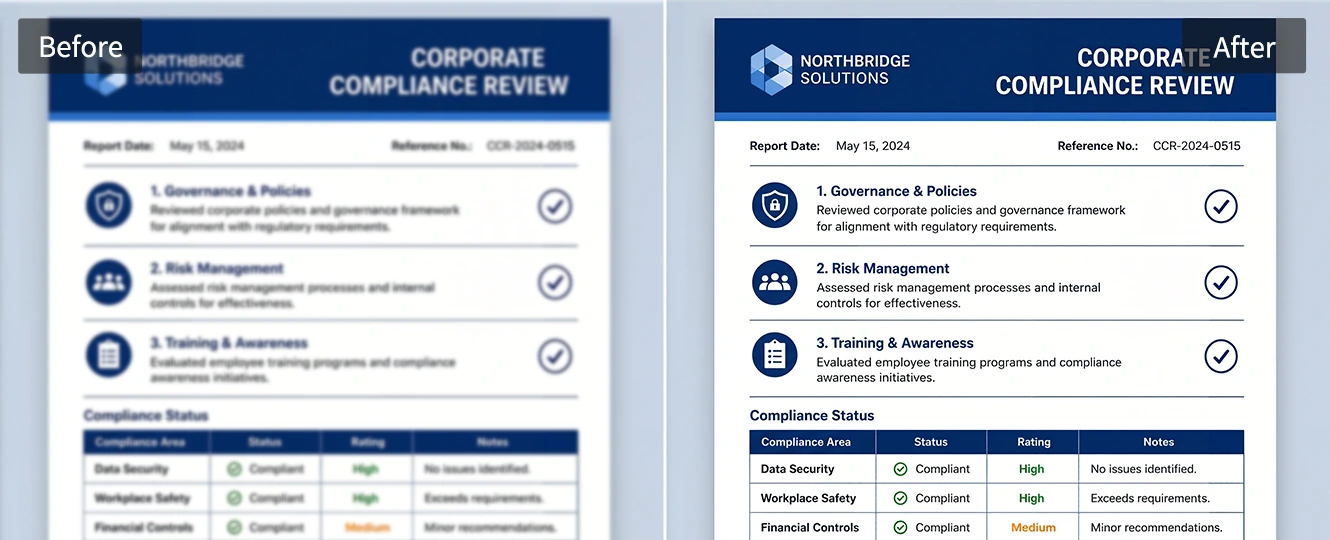
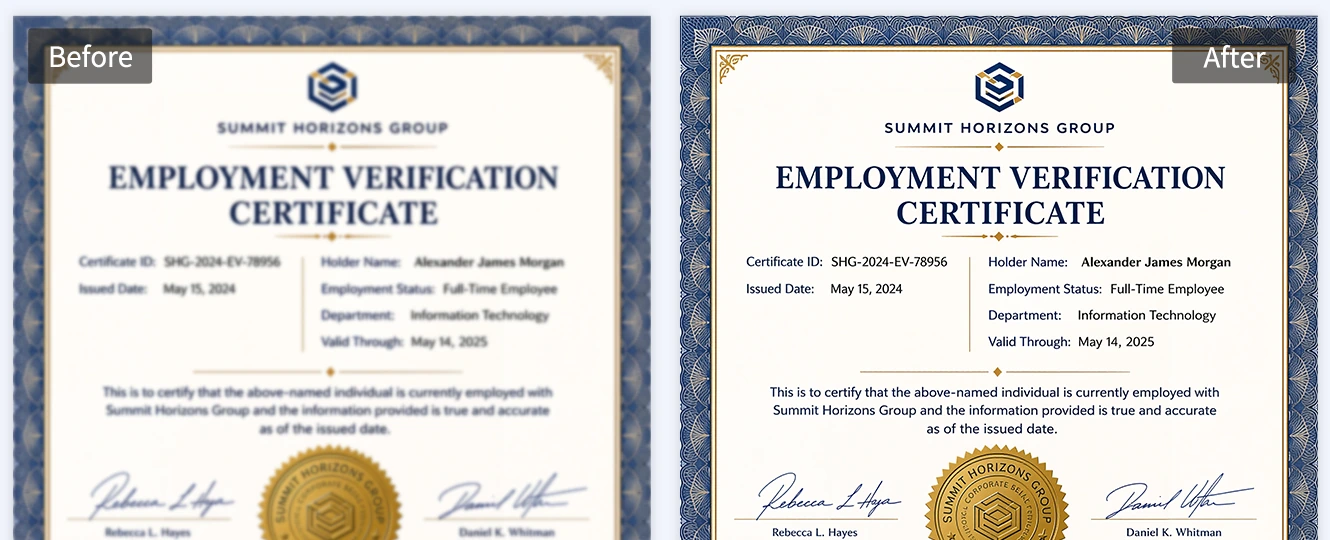
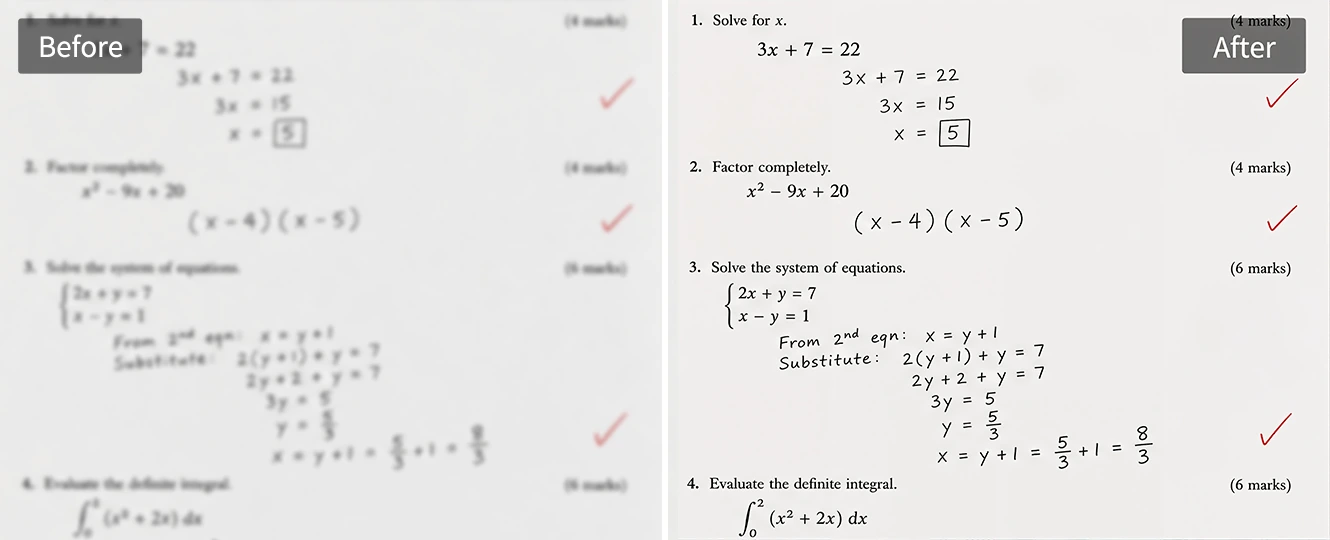
Best for: Legal teams, corporate administrators, and compliance officers.
How to Make A Blurry Document Clear Online?
Step 1: Upload Your Blurry Document
Choose a scan, receipt, certificate, form, note, or phone photo that needs clearer text. Pokecut supports common document image scenarios, so you can start with a blurry file photo, compressed screenshot, or low-resolution scanned page.
Step 2: Let AI Enhance Document Quality Instantly
Pokecut automatically applies the specialized text mode to sharpen visible font edges, reduce shadows, and boost contrast instantly. You can also switch to alternative AI features like Ultra Mode to explore even higher resolution, or Standard Mode for everyday photos.
Step 3: Confirm and Download Your Clear Photo
Review the enhanced document image before saving the result. Check whether the page, text, and key details look clearer, then download a cleaner file for reading, sharing, printing, archiving, or preparing the image for OCR.

How Does Pokecut Compare in AI Document Enhancement?
Many enhancers are built for general photo quality. Pokecut's document enhancer focuses on document readability with Text Mode, watermark-free results, 20 free credits, and multi-format for users who need clearer scans, screenshots, and document photos.

Explore More Features of Pokecut
What Do Users Say About Pokecut's Document Enhancer?
Users trust Pokecut to make important documents easier to read.


Linda P.

"I used Pokecut on a phone photo of a contract. The small print became much easier to read, and the page still looked natural."
Mark T.
"Batch processing saved me a lot of time with receipt photos. The numbers were clearer, so our finance check went faster."
Grace W.
"The text mode worked well on a shadowed scan. I liked that it cleaned the page without making it look too sharp."
Ethan R.
"I needed to prepare old archive pages for OCR. Pokecut brought back weak strokes that were hard to see before."
Nina S.
"Our team uses it before sharing verification documents. Names and stamp details are much easier to check after enhancement."
Oscar L.
"It is simple enough for non-designers. I uploaded a blurry file, chose the mode, and downloaded a cleaner version in minutes."
Linda P.
"I used Pokecut on a phone photo of a contract. The small print became much easier to read, and the page still looked natural."
Mark T.
"Batch processing saved me a lot of time with receipt photos. The numbers were clearer, so our finance check went faster."
Grace W.
"The text mode worked well on a shadowed scan. I liked that it cleaned the page without making it look too sharp."
Ethan R.
"I needed to prepare old archive pages for OCR. Pokecut brought back weak strokes that were hard to see before."
Nina S.
"Our team uses it before sharing verification documents. Names and stamp details are much easier to check after enhancement."
Oscar L.
"It is simple enough for non-designers. I uploaded a blurry file, chose the mode, and downloaded a cleaner version in minutes."
Linda P.
"I used Pokecut on a phone photo of a contract. The small print became much easier to read, and the page still looked natural."
Mark T.
"Batch processing saved me a lot of time with receipt photos. The numbers were clearer, so our finance check went faster."
Grace W.
"The text mode worked well on a shadowed scan. I liked that it cleaned the page without making it look too sharp."
Ethan R.
"I needed to prepare old archive pages for OCR. Pokecut brought back weak strokes that were hard to see before."
Nina S.
"Our team uses it before sharing verification documents. Names and stamp details are much easier to check after enhancement."
Oscar L.
"It is simple enough for non-designers. I uploaded a blurry file, chose the mode, and downloaded a cleaner version in minutes."
Linda P.
"I used Pokecut on a phone photo of a contract. The small print became much easier to read, and the page still looked natural."
Mark T.
"Batch processing saved me a lot of time with receipt photos. The numbers were clearer, so our finance check went faster."
Grace W.
"The text mode worked well on a shadowed scan. I liked that it cleaned the page without making it look too sharp."
Ethan R.
"I needed to prepare old archive pages for OCR. Pokecut brought back weak strokes that were hard to see before."
Nina S.
"Our team uses it before sharing verification documents. Names and stamp details are much easier to check after enhancement."
Oscar L.
"It is simple enough for non-designers. I uploaded a blurry file, chose the mode, and downloaded a cleaner version in minutes."
Linda P.
"I used Pokecut on a phone photo of a contract. The small print became much easier to read, and the page still looked natural."
Mark T.
"Batch processing saved me a lot of time with receipt photos. The numbers were clearer, so our finance check went faster."
Grace W.
"The text mode worked well on a shadowed scan. I liked that it cleaned the page without making it look too sharp."
Ethan R.
"I needed to prepare old archive pages for OCR. Pokecut brought back weak strokes that were hard to see before."
Nina S.
"Our team uses it before sharing verification documents. Names and stamp details are much easier to check after enhancement."
Oscar L.
"It is simple enough for non-designers. I uploaded a blurry file, chose the mode, and downloaded a cleaner version in minutes."
Ethan R.
"I needed to prepare old archive pages for OCR. Pokecut brought back weak strokes that were hard to see before."
Nina S.
"Our team uses it before sharing verification documents. Names and stamp details are much easier to check after enhancement."
Oscar L.
"It is simple enough for non-designers. I uploaded a blurry file, chose the mode, and downloaded a cleaner version in minutes."
Linda P.
"I used Pokecut on a phone photo of a contract. The small print became much easier to read, and the page still looked natural."
Mark T.
"Batch processing saved me a lot of time with receipt photos. The numbers were clearer, so our finance check went faster."
Grace W.
"The text mode worked well on a shadowed scan. I liked that it cleaned the page without making it look too sharp."
Ethan R.
"I needed to prepare old archive pages for OCR. Pokecut brought back weak strokes that were hard to see before."
Nina S.
"Our team uses it before sharing verification documents. Names and stamp details are much easier to check after enhancement."
Oscar L.
"It is simple enough for non-designers. I uploaded a blurry file, chose the mode, and downloaded a cleaner version in minutes."
Linda P.
"I used Pokecut on a phone photo of a contract. The small print became much easier to read, and the page still looked natural."
Mark T.
"Batch processing saved me a lot of time with receipt photos. The numbers were clearer, so our finance check went faster."
Grace W.
"The text mode worked well on a shadowed scan. I liked that it cleaned the page without making it look too sharp."
Ethan R.
"I needed to prepare old archive pages for OCR. Pokecut brought back weak strokes that were hard to see before."
Nina S.
"Our team uses it before sharing verification documents. Names and stamp details are much easier to check after enhancement."
Oscar L.
"It is simple enough for non-designers. I uploaded a blurry file, chose the mode, and downloaded a cleaner version in minutes."
Linda P.
"I used Pokecut on a phone photo of a contract. The small print became much easier to read, and the page still looked natural."
Mark T.
"Batch processing saved me a lot of time with receipt photos. The numbers were clearer, so our finance check went faster."
Grace W.
"The text mode worked well on a shadowed scan. I liked that it cleaned the page without making it look too sharp."
Ethan R.
"I needed to prepare old archive pages for OCR. Pokecut brought back weak strokes that were hard to see before."
Nina S.
"Our team uses it before sharing verification documents. Names and stamp details are much easier to check after enhancement."
Oscar L.
"It is simple enough for non-designers. I uploaded a blurry file, chose the mode, and downloaded a cleaner version in minutes."
Linda P.
"I used Pokecut on a phone photo of a contract. The small print became much easier to read, and the page still looked natural."
Mark T.
"Batch processing saved me a lot of time with receipt photos. The numbers were clearer, so our finance check went faster."
Grace W.
"The text mode worked well on a shadowed scan. I liked that it cleaned the page without making it look too sharp."
Ethan R.
"I needed to prepare old archive pages for OCR. Pokecut brought back weak strokes that were hard to see before."
Nina S.
"Our team uses it before sharing verification documents. Names and stamp details are much easier to check after enhancement."
Oscar L.
"It is simple enough for non-designers. I uploaded a blurry file, chose the mode, and downloaded a cleaner version in minutes."
Linda P.
"I used Pokecut on a phone photo of a contract. The small print became much easier to read, and the page still looked natural."
Mark T.
"Batch processing saved me a lot of time with receipt photos. The numbers were clearer, so our finance check went faster."
Grace W.
"The text mode worked well on a shadowed scan. I liked that it cleaned the page without making it look too sharp."
Reviews from: Reddit, Product Hunt, G2, TrustRadius, Google Play, App Store, and more.
Pokecut Trusted by Millions of Leaders and Users

1M+ Users Worldwide
Pokecut generate over 500,000 images every day

#2 on Product Hunt
Pokecut launched and won #2 product of the day

Professional Privacy Protection
Ensure 100% data privacy for every photo

Trusted by well-known brands
Apple、Google、Paypal、Stripe、Product hunt、G2、TrustRadius
Trusted and Featured by Industry Media
Pokecut has been mentioned by industry media and online tool reviewers as a practical AI solution for image enhancement, upscaling, and photo clarity improvement.


BigWriteHook
Instead of fiddling with manual sliders, Pokecut's enhancer analyses each image and applies denoising, sharpening and colour-correction automatically. The result: brighter tones, cleaner edges and a picture that looks as though it was taken with a far better camera—without extra effort.
>>>Learn More
Dutable
With tools like Pokecut, turning a low-quality image into a professional-looking asset is no longer a specialist skill. Next time you come across a low-res image, try this approach and see the difference yourself.
>>>Learn More
Supawork
For users who want to improve blurry scans or recover finer image details before manual refinement, Pokecut is another practical option for sharpening old photos, improving clarity, and making restored images look cleaner.
>>>Learn MoreFAQs About Improving Document Quality Online Free
How to make a blurry document clear online without software?
Simply upload your blurry document or scanned image to Pokecut's free online AI document enhancer. The tool will automatically improve clarity by enhancing text sharpness, contrast, and removing noise, helping you get a clear document quickly and easily.
Is this a free document enhancer or do I need to pay first?
You can use this free document enhancer online with your daily free credits. Easily preview results before download. It lets you check clarity and text quality first, so you know what to expect without upfront payment. For additional features or higher usage, you can upgrade to a premium plan.
Will enhancing document quality affect original text accuracy?
The tool focuses on clarity, not content changes. It sharpens existing text and images while keeping layouts and wording the same, so document meaning stays intact after enhancement.
Can I use this AI document enhancer for scanned documents?
Yes. This AI document enhancer works well on scanned files, document photos, and screenshots. It helps fix scanned documents online and improves clarity without manual editing or extra steps.
What file formats does this document picture enhancer support?
This document picture enhancer supports JPEG, JPG, PNG, WebP, and BMP format. You can upload document photos, scanned images, or screenshots without converting formats first.
Is it safe to upload personal or work documents here?
Your files are processed securely online and are not shared. The document enhancer focuses on privacy, making it safe for personal, study, or work-related documents.





