





Colorize Photo Online Free with AI Photo Colorizer
Turn black-and-white family photos, portraits, and vintage pictures into natural color with Pokecut AI. Bring old memories back without Photoshop or code.


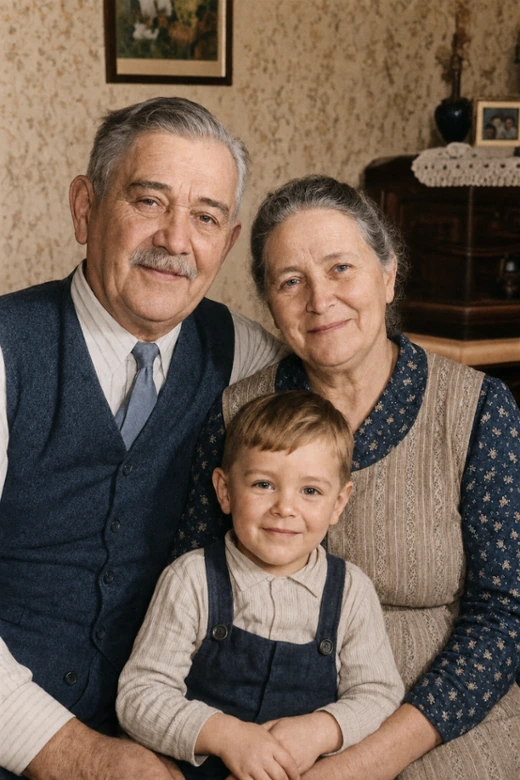
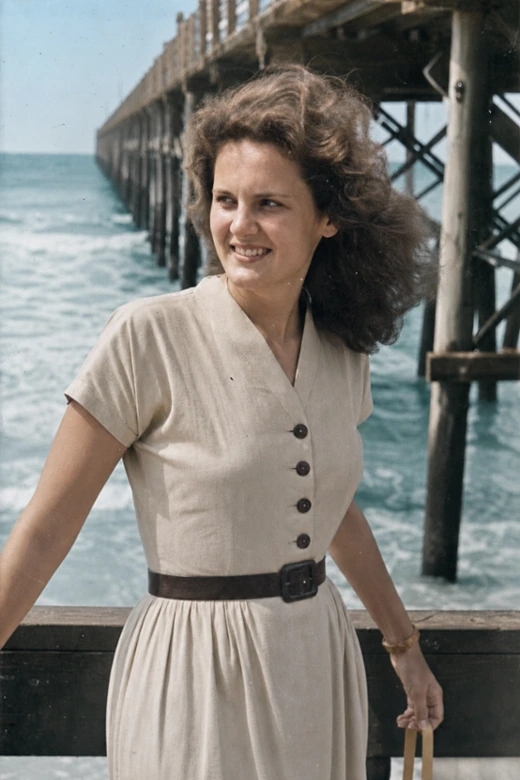
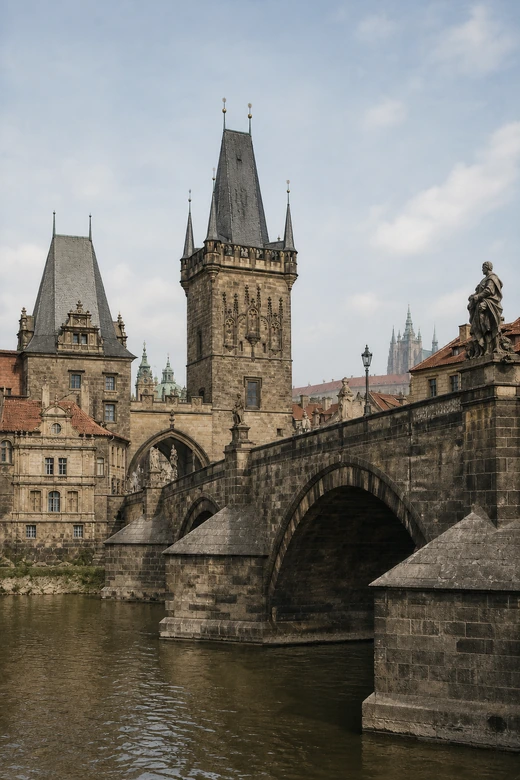
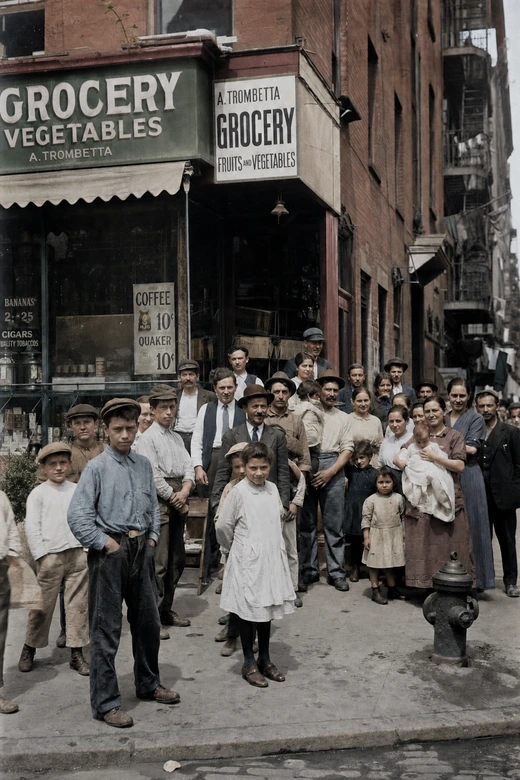
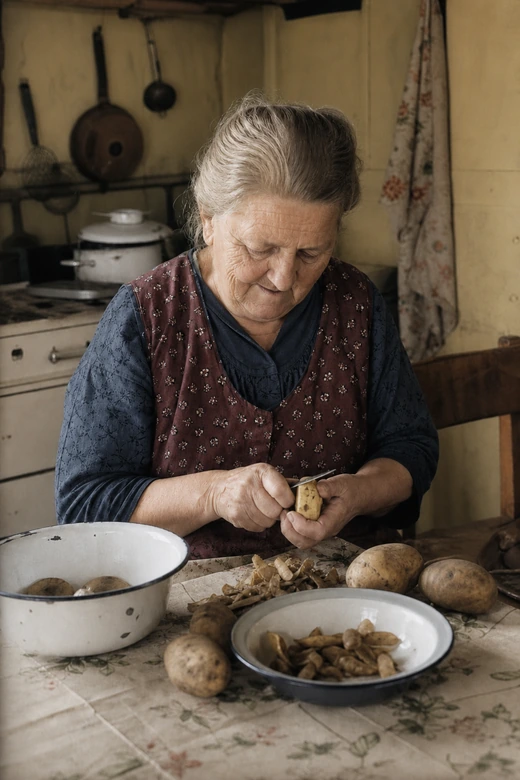
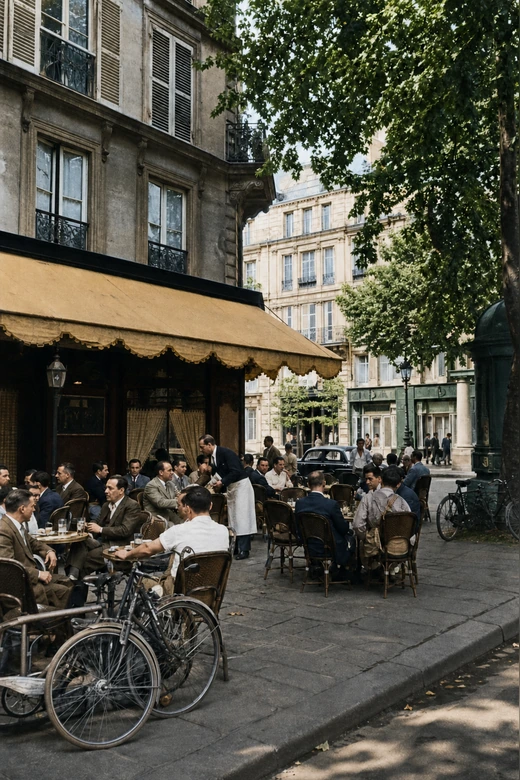
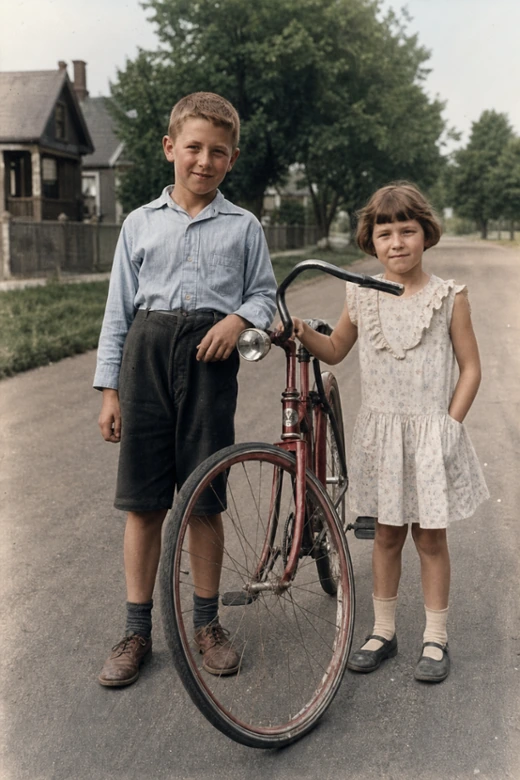
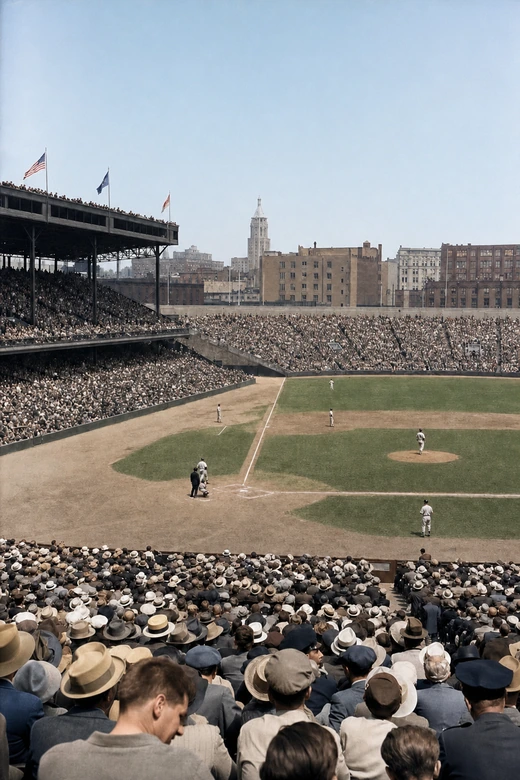
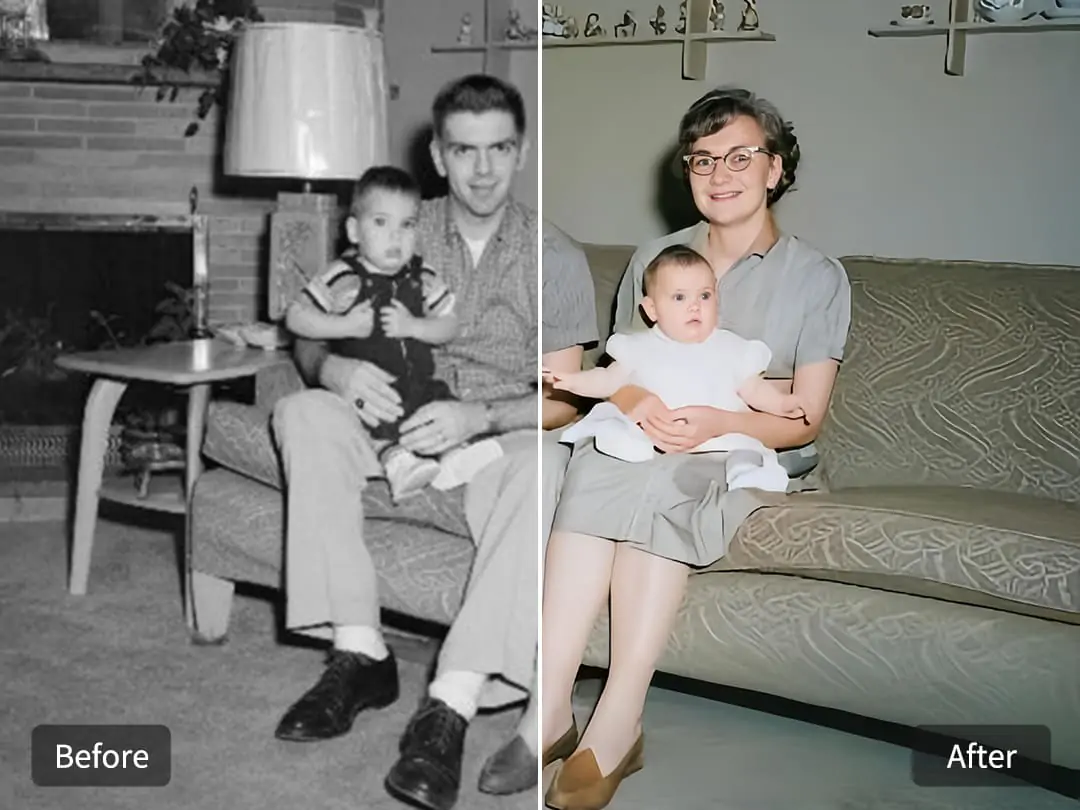
AI Photo Colorization for Old Family Photos
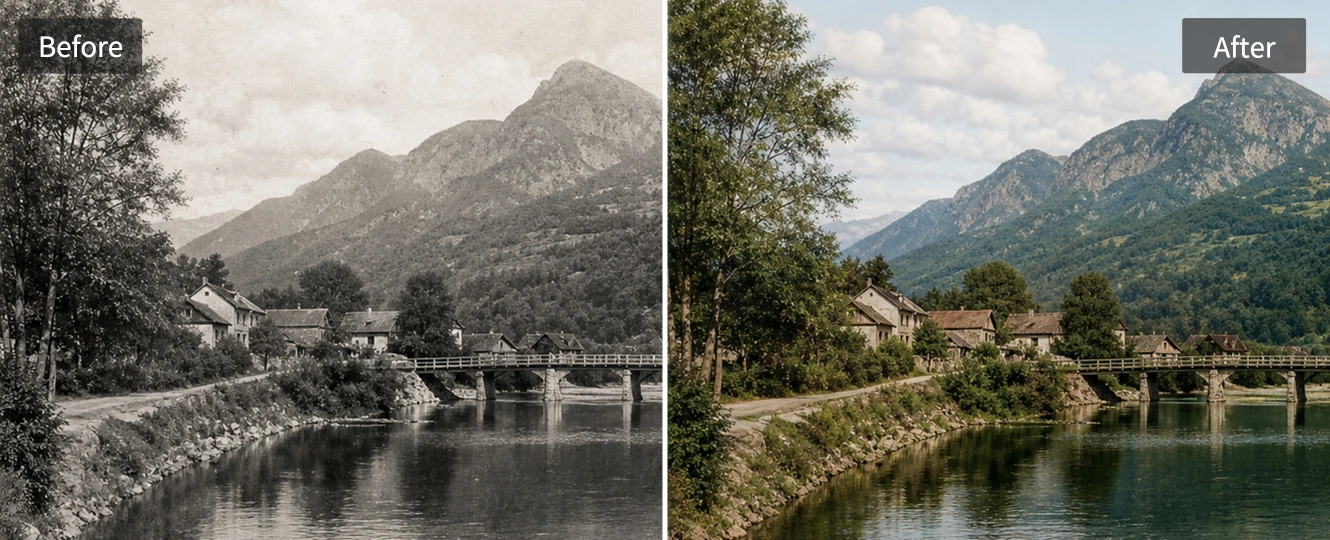
Old family albums often hold the most meaningful pictures, but black-and-white prints can feel distant to younger viewers. Pokecut uses AI image colorization to read faces, clothing, light, and background details, then add believable color while keeping the original mood of the photo.
If a scan is faded or scratched, start by using Pokecut to restore old photos before adding color. A cleaner input helps the photo colorer produce more natural skin, fabric, and room tones for keepsakes, memorial slides, or family history projects.

Natural Color for Portraits, Clothes, and Backgrounds
A good colorized result should not look like a flat tint. Pokecut balances skin, hair, clothing, and the scene around the subject so portraits and wedding photos keep their original light. This helps when you colorize photos for albums, social posts, or a printed gift.
The same workflow also helps people who move between color and monochrome edits. After adding color to a memory photo, you can edit black and white photos for a separate vintage style without mixing the two creative goals.

Colorize Photos Online Without Photoshop or Code
Manual photo colorization gives control, but it can take time to paint masks and fix edges. Pokecut is built for users who want an online AI picture colorizer instead of a desktop editor or a Python model. Upload the photo, choose the right mode, and let the tool create a first color version.
This is useful for genealogy pictures and school portraits where you need to change photo to color quickly. You can still review the result and decide whether the image needs extra repair or upscaling before sharing.
Colorize Pictures for Family, History, and Travel
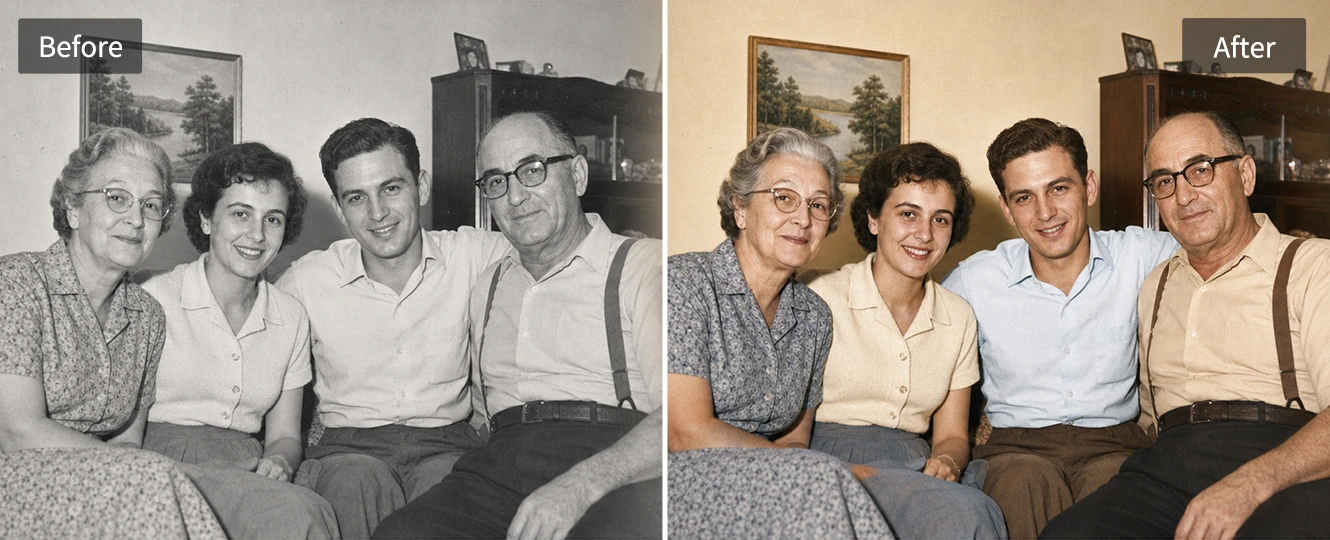
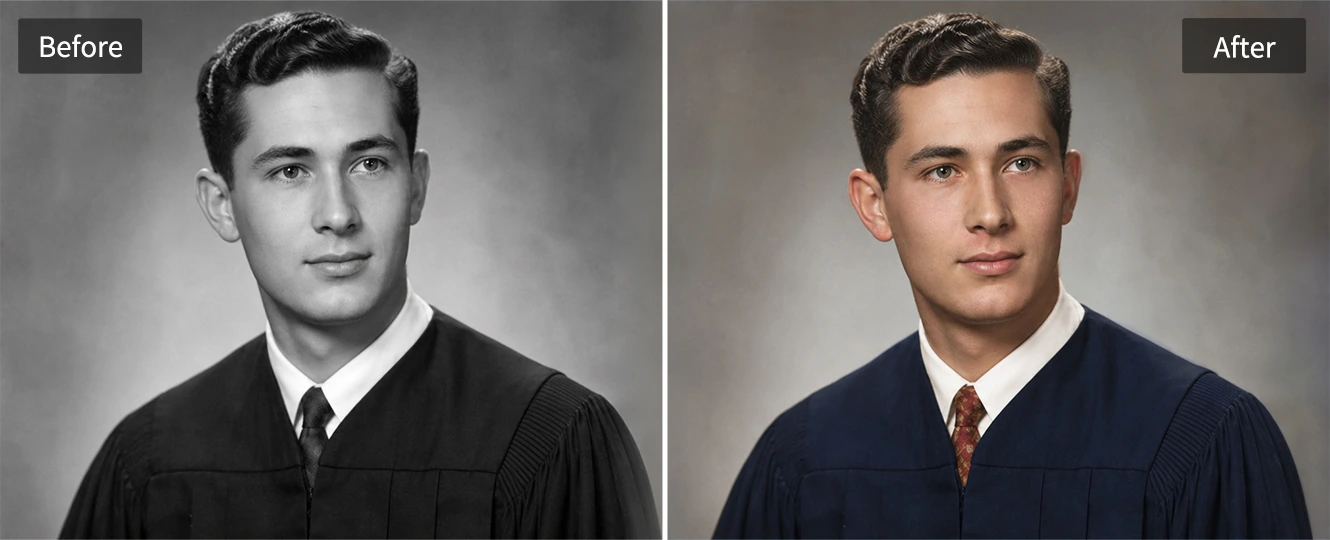
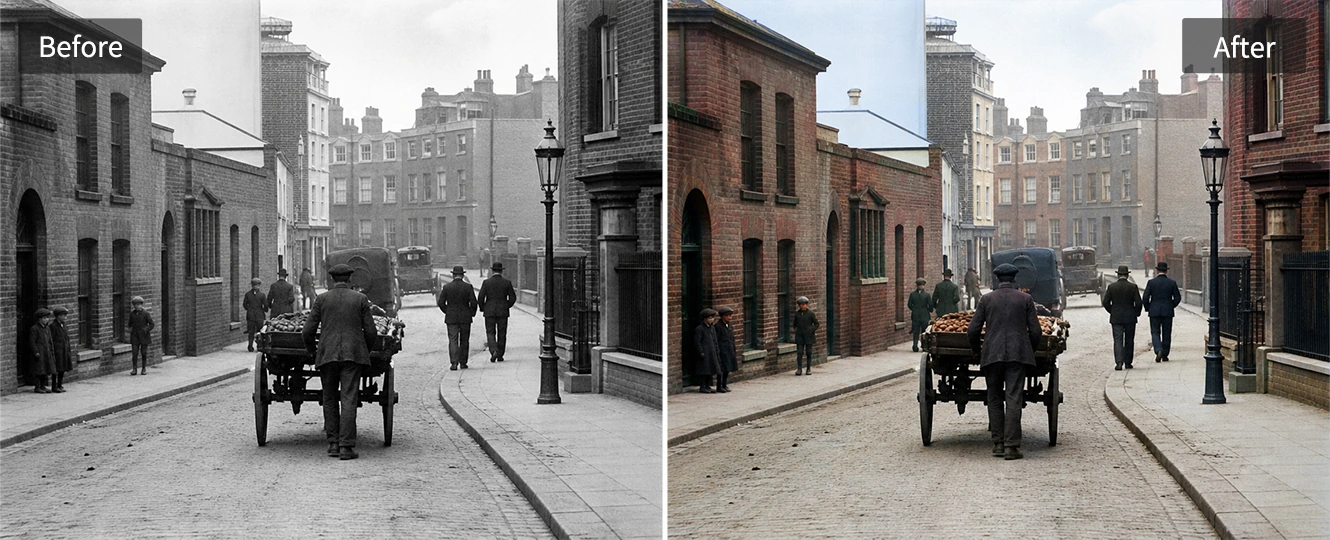
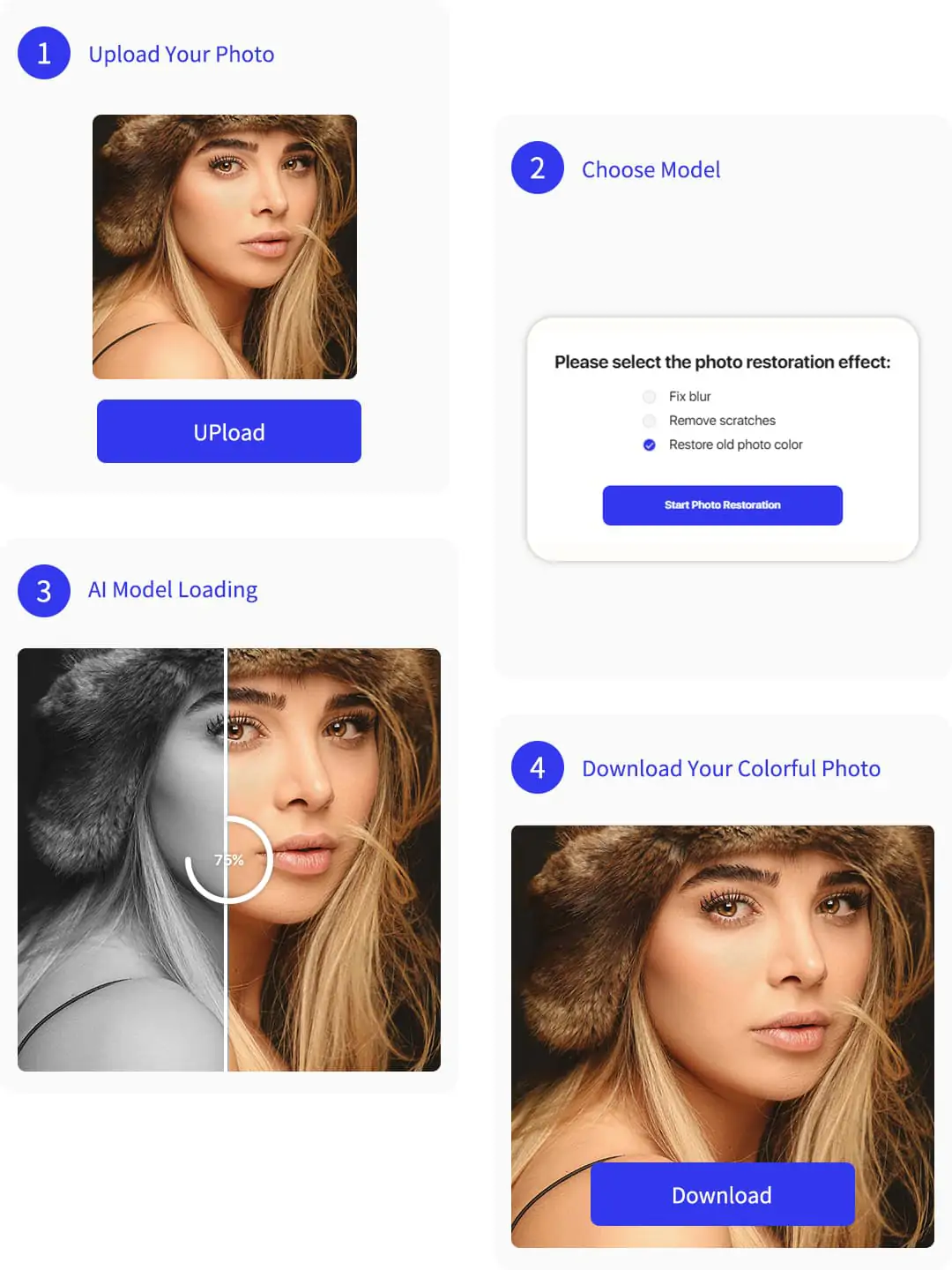
How to Colorize a Photo Online
Step 1: Upload Your Black-and-White Photo
Choose a JPG, PNG, or WebP photo with a clear subject so AI can read faces, clothing, and background details.
Step 2: Choose Colorization Mode
Select the mode for black-and-white photos. If the image is badly damaged, repair or enhance it before colorization.
Step 3: Let AI Add Natural Color
Pokecut analyzes the photo and adds color to skin, hair, clothing, scenery, and objects without manual painting.
Step 4: Download the Colorized Photo
Preview the result, check skin and background tones, then download the colorized photo for sharing, printing, or archiving.
Online AI Photo Colorizer vs. Photoshop and Python
Use this comparison to choose between a quick online workflow, manual editing control, and a code-based colorization setup.

Real Results From People Restoring Old Photos
Users colorize family portraits, archive scans, and travel photos when they need natural results without manual editing.


Emma R.

"I used Pokecut on a black-and-white photo of my grandparents. The skin tones and clothing felt believable, and it did not look like a simple color filter."
Michael T.
"Manual coloring took me too long. This gave me a clean first version of an old family picture, so I could finish my album project faster."
Sofia L.
"My main concern was face drift. The AI photo colorizer kept the expression and age of the person while making the picture feel warmer."
Daniel K.
"I used it for a history article. The building and street colors stayed calm, which made the image easier to understand without looking over-edited."
Olivia M.
"A scanned travel photo looked much more useful after colorization. I liked that the sky and trees were natural enough for a printed memory book."
Jason W.
"I wanted to colorize a photo online, not learn Photoshop or write Python. The workflow was clear enough for a quick family project."
Emma R.
"I used Pokecut on a black-and-white photo of my grandparents. The skin tones and clothing felt believable, and it did not look like a simple color filter."
Michael T.
"Manual coloring took me too long. This gave me a clean first version of an old family picture, so I could finish my album project faster."
Sofia L.
"My main concern was face drift. The AI photo colorizer kept the expression and age of the person while making the picture feel warmer."
Daniel K.
"I used it for a history article. The building and street colors stayed calm, which made the image easier to understand without looking over-edited."
Olivia M.
"A scanned travel photo looked much more useful after colorization. I liked that the sky and trees were natural enough for a printed memory book."
Jason W.
"I wanted to colorize a photo online, not learn Photoshop or write Python. The workflow was clear enough for a quick family project."
Emma R.
"I used Pokecut on a black-and-white photo of my grandparents. The skin tones and clothing felt believable, and it did not look like a simple color filter."
Michael T.
"Manual coloring took me too long. This gave me a clean first version of an old family picture, so I could finish my album project faster."
Sofia L.
"My main concern was face drift. The AI photo colorizer kept the expression and age of the person while making the picture feel warmer."
Daniel K.
"I used it for a history article. The building and street colors stayed calm, which made the image easier to understand without looking over-edited."
Olivia M.
"A scanned travel photo looked much more useful after colorization. I liked that the sky and trees were natural enough for a printed memory book."
Jason W.
"I wanted to colorize a photo online, not learn Photoshop or write Python. The workflow was clear enough for a quick family project."
Emma R.
"I used Pokecut on a black-and-white photo of my grandparents. The skin tones and clothing felt believable, and it did not look like a simple color filter."
Michael T.
"Manual coloring took me too long. This gave me a clean first version of an old family picture, so I could finish my album project faster."
Sofia L.
"My main concern was face drift. The AI photo colorizer kept the expression and age of the person while making the picture feel warmer."
Daniel K.
"I used it for a history article. The building and street colors stayed calm, which made the image easier to understand without looking over-edited."
Olivia M.
"A scanned travel photo looked much more useful after colorization. I liked that the sky and trees were natural enough for a printed memory book."
Jason W.
"I wanted to colorize a photo online, not learn Photoshop or write Python. The workflow was clear enough for a quick family project."
Emma R.
"I used Pokecut on a black-and-white photo of my grandparents. The skin tones and clothing felt believable, and it did not look like a simple color filter."
Michael T.
"Manual coloring took me too long. This gave me a clean first version of an old family picture, so I could finish my album project faster."
Sofia L.
"My main concern was face drift. The AI photo colorizer kept the expression and age of the person while making the picture feel warmer."
Daniel K.
"I used it for a history article. The building and street colors stayed calm, which made the image easier to understand without looking over-edited."
Olivia M.
"A scanned travel photo looked much more useful after colorization. I liked that the sky and trees were natural enough for a printed memory book."
Jason W.
"I wanted to colorize a photo online, not learn Photoshop or write Python. The workflow was clear enough for a quick family project."
Daniel K.
"I used it for a history article. The building and street colors stayed calm, which made the image easier to understand without looking over-edited."
Olivia M.
"A scanned travel photo looked much more useful after colorization. I liked that the sky and trees were natural enough for a printed memory book."
Jason W.
"I wanted to colorize a photo online, not learn Photoshop or write Python. The workflow was clear enough for a quick family project."
Emma R.
"I used Pokecut on a black-and-white photo of my grandparents. The skin tones and clothing felt believable, and it did not look like a simple color filter."
Michael T.
"Manual coloring took me too long. This gave me a clean first version of an old family picture, so I could finish my album project faster."
Sofia L.
"My main concern was face drift. The AI photo colorizer kept the expression and age of the person while making the picture feel warmer."
Daniel K.
"I used it for a history article. The building and street colors stayed calm, which made the image easier to understand without looking over-edited."
Olivia M.
"A scanned travel photo looked much more useful after colorization. I liked that the sky and trees were natural enough for a printed memory book."
Jason W.
"I wanted to colorize a photo online, not learn Photoshop or write Python. The workflow was clear enough for a quick family project."
Emma R.
"I used Pokecut on a black-and-white photo of my grandparents. The skin tones and clothing felt believable, and it did not look like a simple color filter."
Michael T.
"Manual coloring took me too long. This gave me a clean first version of an old family picture, so I could finish my album project faster."
Sofia L.
"My main concern was face drift. The AI photo colorizer kept the expression and age of the person while making the picture feel warmer."
Daniel K.
"I used it for a history article. The building and street colors stayed calm, which made the image easier to understand without looking over-edited."
Olivia M.
"A scanned travel photo looked much more useful after colorization. I liked that the sky and trees were natural enough for a printed memory book."
Jason W.
"I wanted to colorize a photo online, not learn Photoshop or write Python. The workflow was clear enough for a quick family project."
Emma R.
"I used Pokecut on a black-and-white photo of my grandparents. The skin tones and clothing felt believable, and it did not look like a simple color filter."
Michael T.
"Manual coloring took me too long. This gave me a clean first version of an old family picture, so I could finish my album project faster."
Sofia L.
"My main concern was face drift. The AI photo colorizer kept the expression and age of the person while making the picture feel warmer."
Daniel K.
"I used it for a history article. The building and street colors stayed calm, which made the image easier to understand without looking over-edited."
Olivia M.
"A scanned travel photo looked much more useful after colorization. I liked that the sky and trees were natural enough for a printed memory book."
Jason W.
"I wanted to colorize a photo online, not learn Photoshop or write Python. The workflow was clear enough for a quick family project."
Emma R.
"I used Pokecut on a black-and-white photo of my grandparents. The skin tones and clothing felt believable, and it did not look like a simple color filter."
Michael T.
"Manual coloring took me too long. This gave me a clean first version of an old family picture, so I could finish my album project faster."
Sofia L.
"My main concern was face drift. The AI photo colorizer kept the expression and age of the person while making the picture feel warmer."
Daniel K.
"I used it for a history article. The building and street colors stayed calm, which made the image easier to understand without looking over-edited."
Olivia M.
"A scanned travel photo looked much more useful after colorization. I liked that the sky and trees were natural enough for a printed memory book."
Jason W.
"I wanted to colorize a photo online, not learn Photoshop or write Python. The workflow was clear enough for a quick family project."
Emma R.
"I used Pokecut on a black-and-white photo of my grandparents. The skin tones and clothing felt believable, and it did not look like a simple color filter."
Michael T.
"Manual coloring took me too long. This gave me a clean first version of an old family picture, so I could finish my album project faster."
Sofia L.
"My main concern was face drift. The AI photo colorizer kept the expression and age of the person while making the picture feel warmer."
Reviews from: Reddit, Product Hunt, G2, TrustRadius, Google Play, App Store, and more.
Pokecut Helps Creators Edit Photos With Practical AI

1M+ Users
People use Pokecut for everyday AI photo editing workflows.

#2 on Product Hunt
Pokecut was recognized by the Product Hunt community.

Privacy Minded
Review sensitive family photos before uploading them online.

Brand Workflows
Useful for creators, teams, and visual content projects.
FAQs About Photo Colorization
What is photo colorization?
Photo colorization changes a black-and-white or grayscale photo into a color image. AI estimates likely colors from faces, clothing, objects, and background context, so the result should be treated as a realistic interpretation rather than a perfect record of the original scene.
Can AI colorize old family photos accurately?
AI can create believable color for many old family photos, especially when faces and clothing are clear. It cannot know every original color with certainty, so review important details such as uniforms, wedding clothes, or historical objects before printing or publishing.
Should I restore an old photo before colorizing it?
Restore first when the scan has scratches, blur, heavy fading, or missing detail. A cleaner input gives the model better facial edges and object shapes, which usually leads to more stable picture colorization and fewer muddy areas after color is added.
Can I colorize black and white pictures without Photoshop?
You can colorize black and white pictures with an online AI tool instead of hand-painting layers. Pokecut is useful when you want to add color to pictures for albums, memorial slides, genealogy notes, or social posts without learning manual retouching.
What photos work best for AI photo colorization?
Clear photos with visible faces, balanced exposure, and a complete subject usually work best. Portraits, wedding photos, school pictures, street scenes, and landscapes are good candidates, while very damaged or tiny scans may need repair before colorizing.





