





Free Online Discord Avatar Maker for Custom Discord PFPs
Create a custom Discord avatar from text or a photo. Build a clear, crop-safe PFP that fits your profile before upload.
✅ 100% Free ✅ 1-Click Generation ✅ Perfect Circle Fit
What Features Does Pokecut's Discord PFP Maker Support?
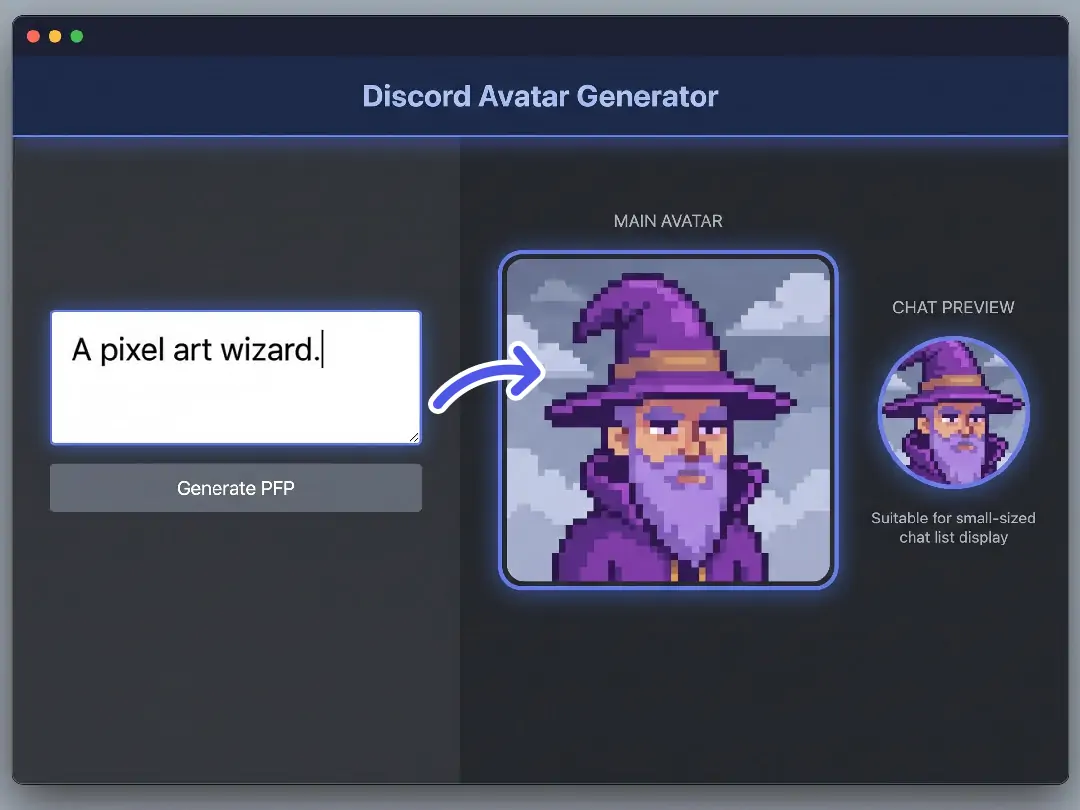
Generate Original Discord Avatars Online for Free
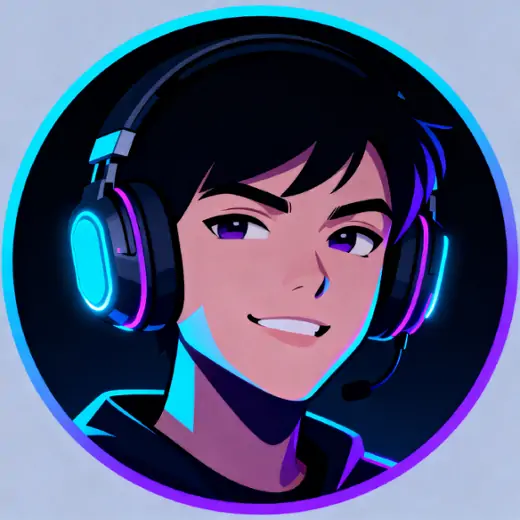
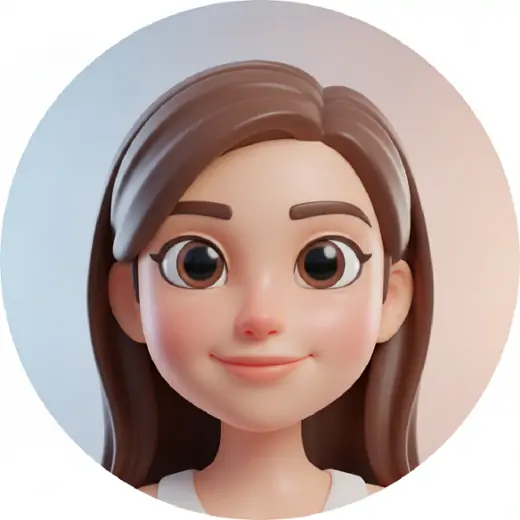
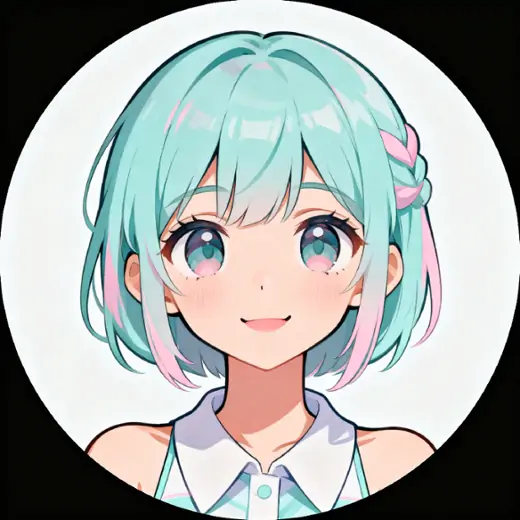
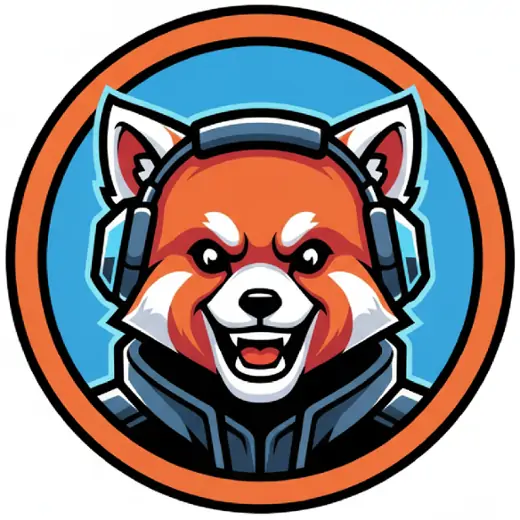
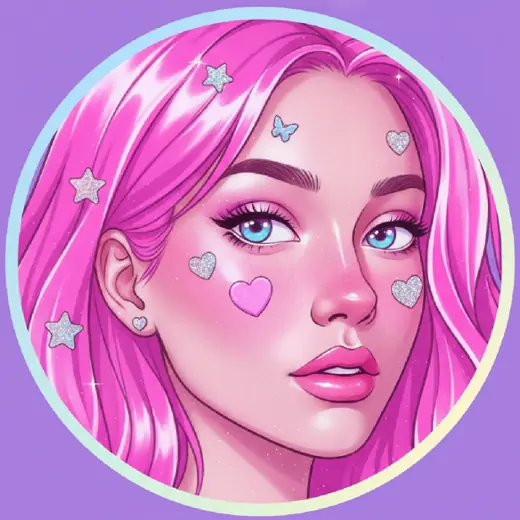
Write a short prompt and Pokecut's AI image generator turns it into a custom Discord avatar that feels made for your profile. The AI helps you move past default icons without learning design software. Describe the face and mood, then review a square result for Discord.
Pokecut's Discord PFP maker gives you a clean result, not a generic sticker. It keeps the avatar centered and readable, so the face still works in chat lists. Use it when you need a new account look, an event identity, or a private profile that feels personal.
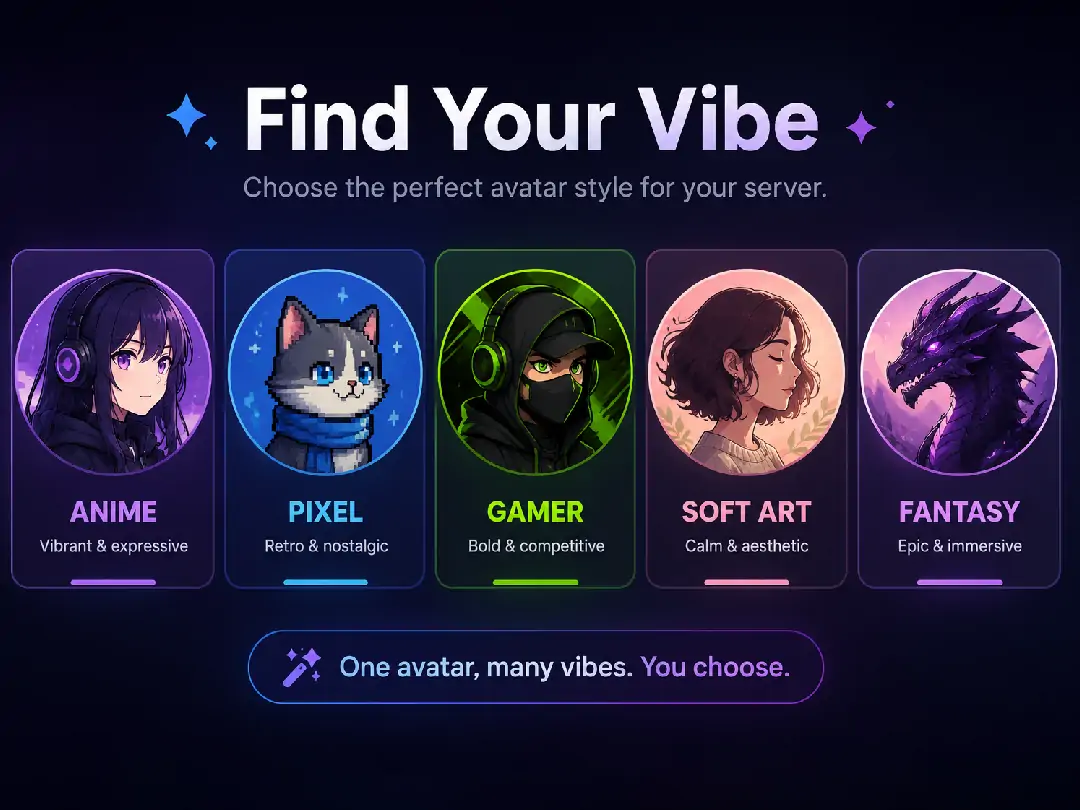
Explore Diverse Styles That Fit Your Server
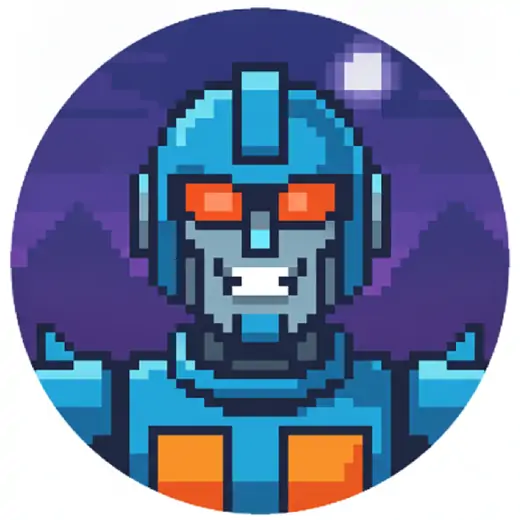
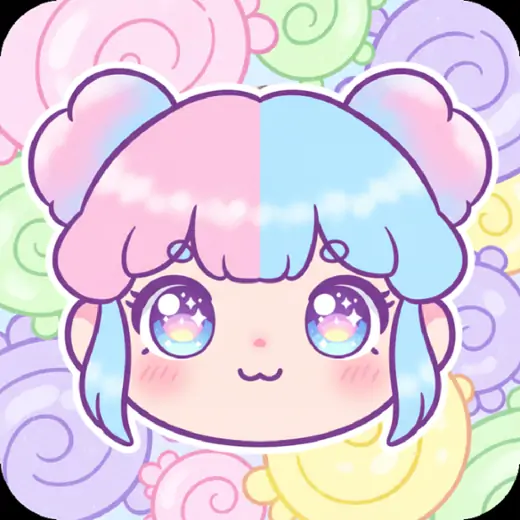
Choose a Discord avatar template when you want a clear style direction before writing a prompt. Pokecut can guide the look toward anime, pixel, or gamer-style art while keeping the result focused on one usable avatar. Your account can feel right inside the server where people see it most.
A Discord avatar creator is useful when each community has a different mood. A casual server may need a warmer face, while a gaming group may need a stronger silhouette. Pokecut helps you test directions, then settle on a profile picture that feels like one identity.
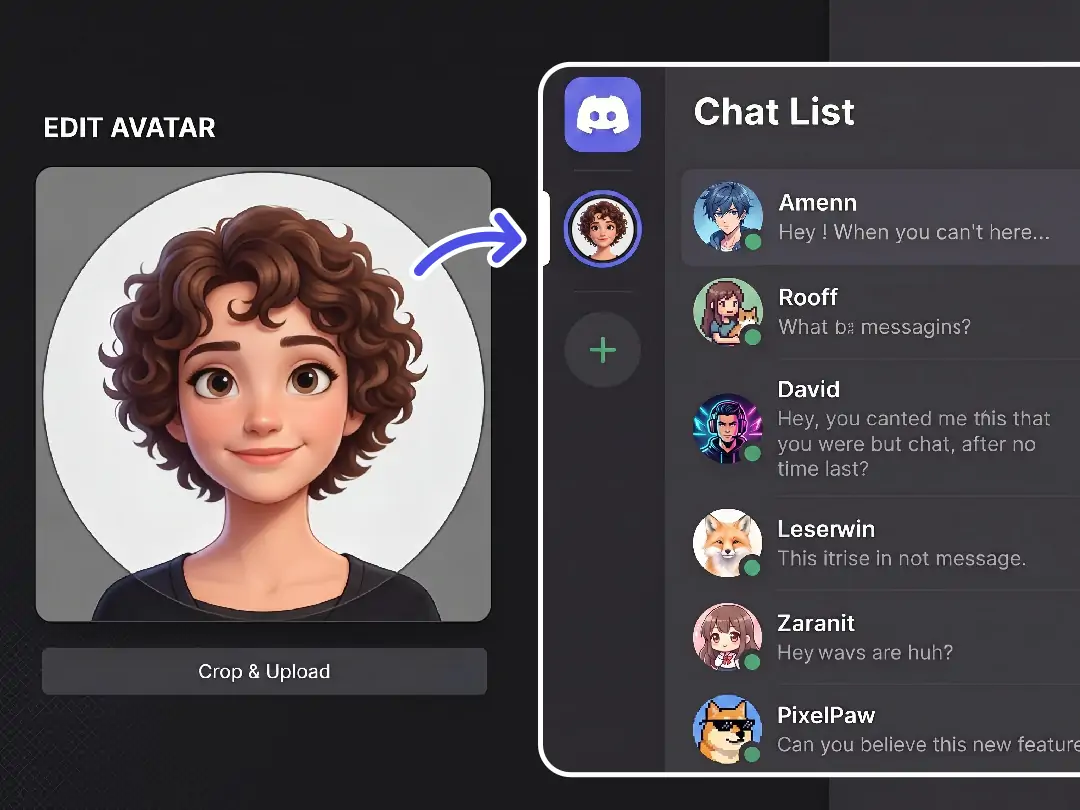
Keep Your Discord Avatar Clear & Crop-Safe
A Discord profile picture needs to stay clear after the circular crop. Pokecut helps keep the face and main shape readable inside a square image, which makes the final upload easier to judge. Use the Discord profile picture size maker when you want fewer surprises after Discord trims the edges.
Small avatars punish busy designs. A simple Discord profile picture cropper mindset works better: keep the subject centered and leave space around the head. Pokecut gives you a preview-friendly result so you can resize your Discord avatar with more confidence.
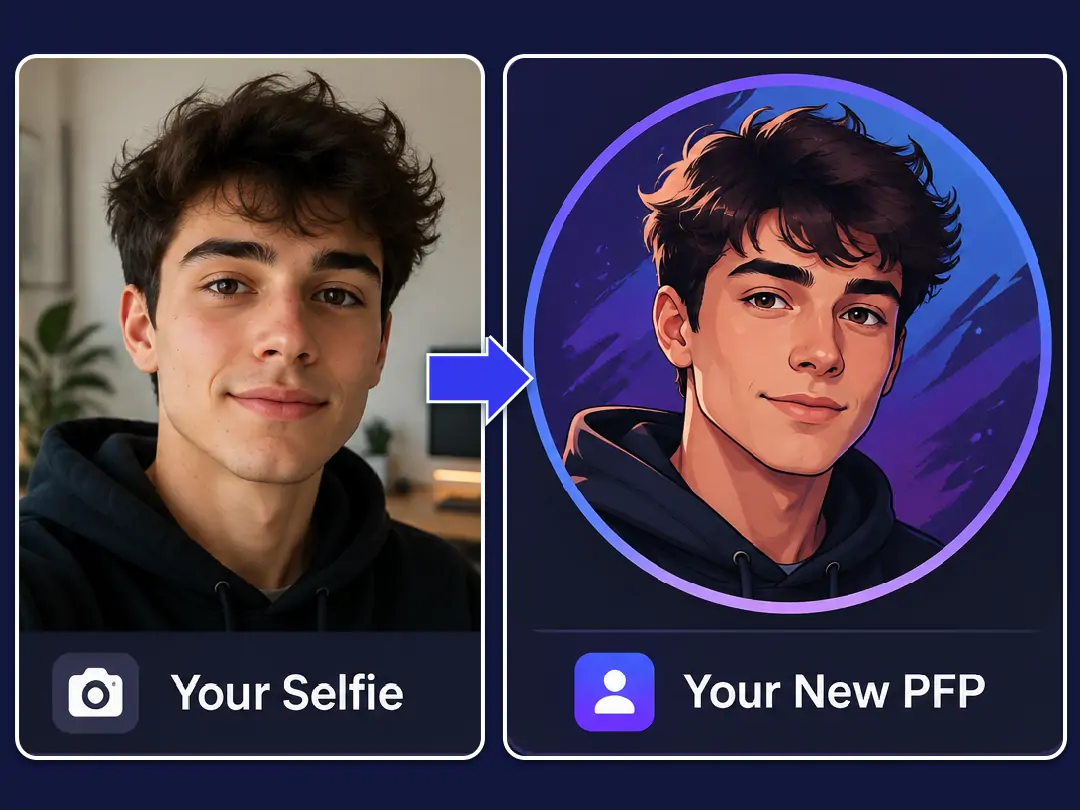
Make a Discord PFP from Your Own Photo
Upload a selfie when you want a custom Discord PFP that still carries your real look. Pokecut can restyle the photo into avatar art while keeping the result suitable for a small profile icon. This helps when a plain photo feels too direct, but a random character feels too far from you.
Use Pokecut to turn photos into avatars for friend servers or gaming groups. Keep the prompt simple, review the face, then choose the version that is easy to recognize at Discord size.
How Can You Customize Your PFP for Any Scene?
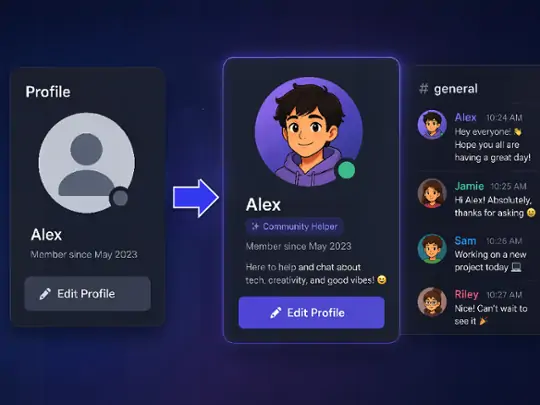
Refresh Your Personal Profile
Create a custom Discord avatar when your old icon feels too plain. Pokecut helps turn a simple prompt or selfie into a profile image that feels personal while staying clear in small chat views and profile panels.
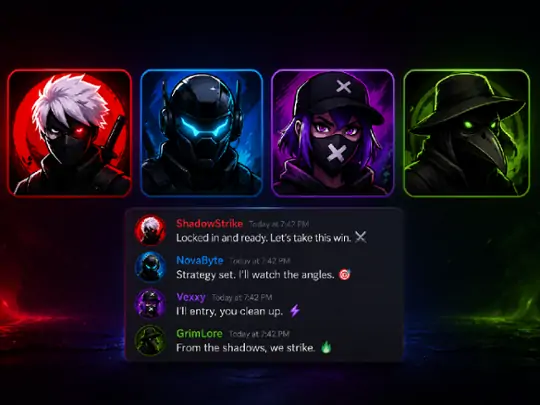
Build a Gaming Identity
A gaming Discord PFP maker should make the character easy to spot. Use Pokecut to create bolder avatar art for teams, stream chats, or roleplay servers without opening a design app or editing complex layers.
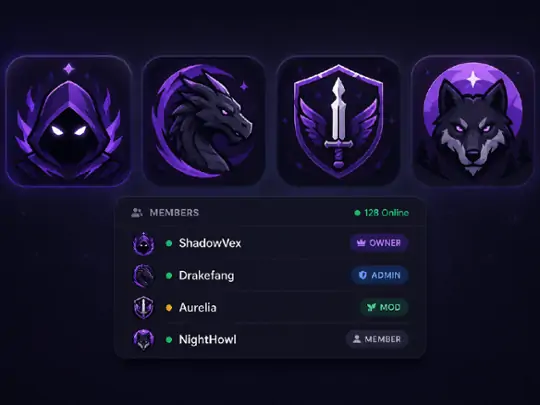
Shape Server Branding
Use a Discord server PFP maker approach when a community needs a more unified look. Pokecut helps create server icon avatar ideas with a clean subject and style that members can recognize quickly in lists.
How to Make a Discord Avatar with AI
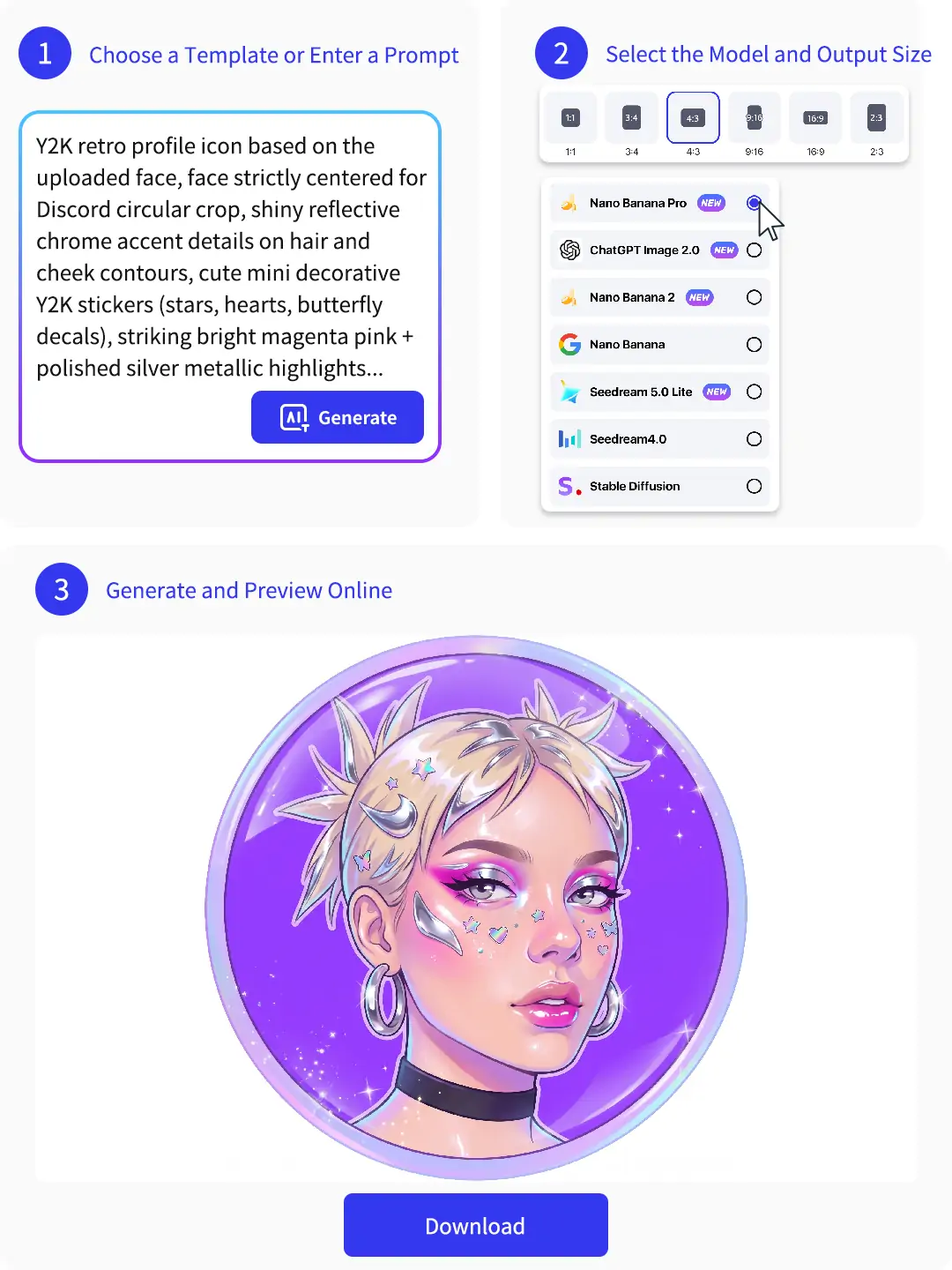
Step 1: Choose a Template or Enter a Prompt
Pick a Discord PFP template or describe the character, face, color mood, and style you want. Keep the prompt focused on one avatar idea.
Step 2: Select the Model and Output Size
Choose a generation model and square output size. A 1:1 image helps the Discord avatar generator keep the subject ready for profile upload.
Step 3: Generate and Preview Online
Generate the avatar in your browser, compare the result, then refine the prompt or download the version that stays clearest at Discord size.
Pokecut is Loved by Discord Creators and Server Owners
Users like how Pokecut turns simple prompts or photos into clear Discord profile images.


Mia R.

"I made an anime Discord avatar from one short prompt. The face stayed clear in my server list, and it felt more personal than my old icon."
Jordan T.
"The gamer avatar direction was easy to adjust. I could test a few looks without opening a design app or fighting with layers."
Ava L.
"Our community needed matching profile pictures for an event. Pokecut helped us get a clean style direction before sending ideas to the team."
Noah P.
"I liked that I could start with text, then use my own photo when I wanted the avatar to feel closer to my real look."
Lena K.
"The square result made the upload easier. I did not have to keep guessing whether Discord would cut off the face."
Chris M.
"I tried a pixel-style avatar first, then changed the prompt for a softer version. The preview made it simple to choose."
Mia R.
"I made an anime Discord avatar from one short prompt. The face stayed clear in my server list, and it felt more personal than my old icon."
Jordan T.
"The gamer avatar direction was easy to adjust. I could test a few looks without opening a design app or fighting with layers."
Ava L.
"Our community needed matching profile pictures for an event. Pokecut helped us get a clean style direction before sending ideas to the team."
Noah P.
"I liked that I could start with text, then use my own photo when I wanted the avatar to feel closer to my real look."
Lena K.
"The square result made the upload easier. I did not have to keep guessing whether Discord would cut off the face."
Chris M.
"I tried a pixel-style avatar first, then changed the prompt for a softer version. The preview made it simple to choose."
Mia R.
"I made an anime Discord avatar from one short prompt. The face stayed clear in my server list, and it felt more personal than my old icon."
Jordan T.
"The gamer avatar direction was easy to adjust. I could test a few looks without opening a design app or fighting with layers."
Ava L.
"Our community needed matching profile pictures for an event. Pokecut helped us get a clean style direction before sending ideas to the team."
Noah P.
"I liked that I could start with text, then use my own photo when I wanted the avatar to feel closer to my real look."
Lena K.
"The square result made the upload easier. I did not have to keep guessing whether Discord would cut off the face."
Chris M.
"I tried a pixel-style avatar first, then changed the prompt for a softer version. The preview made it simple to choose."
Mia R.
"I made an anime Discord avatar from one short prompt. The face stayed clear in my server list, and it felt more personal than my old icon."
Jordan T.
"The gamer avatar direction was easy to adjust. I could test a few looks without opening a design app or fighting with layers."
Ava L.
"Our community needed matching profile pictures for an event. Pokecut helped us get a clean style direction before sending ideas to the team."
Noah P.
"I liked that I could start with text, then use my own photo when I wanted the avatar to feel closer to my real look."
Lena K.
"The square result made the upload easier. I did not have to keep guessing whether Discord would cut off the face."
Chris M.
"I tried a pixel-style avatar first, then changed the prompt for a softer version. The preview made it simple to choose."
Mia R.
"I made an anime Discord avatar from one short prompt. The face stayed clear in my server list, and it felt more personal than my old icon."
Jordan T.
"The gamer avatar direction was easy to adjust. I could test a few looks without opening a design app or fighting with layers."
Ava L.
"Our community needed matching profile pictures for an event. Pokecut helped us get a clean style direction before sending ideas to the team."
Noah P.
"I liked that I could start with text, then use my own photo when I wanted the avatar to feel closer to my real look."
Lena K.
"The square result made the upload easier. I did not have to keep guessing whether Discord would cut off the face."
Chris M.
"I tried a pixel-style avatar first, then changed the prompt for a softer version. The preview made it simple to choose."
Noah P.
"I liked that I could start with text, then use my own photo when I wanted the avatar to feel closer to my real look."
Lena K.
"The square result made the upload easier. I did not have to keep guessing whether Discord would cut off the face."
Chris M.
"I tried a pixel-style avatar first, then changed the prompt for a softer version. The preview made it simple to choose."
Mia R.
"I made an anime Discord avatar from one short prompt. The face stayed clear in my server list, and it felt more personal than my old icon."
Jordan T.
"The gamer avatar direction was easy to adjust. I could test a few looks without opening a design app or fighting with layers."
Ava L.
"Our community needed matching profile pictures for an event. Pokecut helped us get a clean style direction before sending ideas to the team."
Noah P.
"I liked that I could start with text, then use my own photo when I wanted the avatar to feel closer to my real look."
Lena K.
"The square result made the upload easier. I did not have to keep guessing whether Discord would cut off the face."
Chris M.
"I tried a pixel-style avatar first, then changed the prompt for a softer version. The preview made it simple to choose."
Mia R.
"I made an anime Discord avatar from one short prompt. The face stayed clear in my server list, and it felt more personal than my old icon."
Jordan T.
"The gamer avatar direction was easy to adjust. I could test a few looks without opening a design app or fighting with layers."
Ava L.
"Our community needed matching profile pictures for an event. Pokecut helped us get a clean style direction before sending ideas to the team."
Noah P.
"I liked that I could start with text, then use my own photo when I wanted the avatar to feel closer to my real look."
Lena K.
"The square result made the upload easier. I did not have to keep guessing whether Discord would cut off the face."
Chris M.
"I tried a pixel-style avatar first, then changed the prompt for a softer version. The preview made it simple to choose."
Mia R.
"I made an anime Discord avatar from one short prompt. The face stayed clear in my server list, and it felt more personal than my old icon."
Jordan T.
"The gamer avatar direction was easy to adjust. I could test a few looks without opening a design app or fighting with layers."
Ava L.
"Our community needed matching profile pictures for an event. Pokecut helped us get a clean style direction before sending ideas to the team."
Noah P.
"I liked that I could start with text, then use my own photo when I wanted the avatar to feel closer to my real look."
Lena K.
"The square result made the upload easier. I did not have to keep guessing whether Discord would cut off the face."
Chris M.
"I tried a pixel-style avatar first, then changed the prompt for a softer version. The preview made it simple to choose."
Mia R.
"I made an anime Discord avatar from one short prompt. The face stayed clear in my server list, and it felt more personal than my old icon."
Jordan T.
"The gamer avatar direction was easy to adjust. I could test a few looks without opening a design app or fighting with layers."
Ava L.
"Our community needed matching profile pictures for an event. Pokecut helped us get a clean style direction before sending ideas to the team."
Noah P.
"I liked that I could start with text, then use my own photo when I wanted the avatar to feel closer to my real look."
Lena K.
"The square result made the upload easier. I did not have to keep guessing whether Discord would cut off the face."
Chris M.
"I tried a pixel-style avatar first, then changed the prompt for a softer version. The preview made it simple to choose."
Mia R.
"I made an anime Discord avatar from one short prompt. The face stayed clear in my server list, and it felt more personal than my old icon."
Jordan T.
"The gamer avatar direction was easy to adjust. I could test a few looks without opening a design app or fighting with layers."
Ava L.
"Our community needed matching profile pictures for an event. Pokecut helped us get a clean style direction before sending ideas to the team."
Reviews from: Reddit, Product Hunt, G2, TrustRadius, Google Play, App Store, and more.
FAQs about Discord Avatar Maker
What is the best size for a Discord avatar?
A square image works best for Discord avatars. Start with 512 x 512 px or larger, then use Pokecut as a Discord avatar size maker so the face stays readable after cropping.
How do I make a custom Discord avatar online?
Enter a prompt or choose a style direction, then generate and preview the result in Pokecut. The discord avatar maker free flow helps you test ideas before choosing a final PFP.
Can I make a Discord PFP from a photo?
Yes. Upload a selfie or portrait to Pokecut and restyle it into avatar art. This is useful when you want to make a Discord avatar from selfie material without using manual edits.
Is this Discord avatar maker free to use?
Pokecut lets you start creating Discord avatars online for free. Some advanced models or higher-volume use may require credits, but basic testing is simple to try.
Can I create an anime or gamer Discord avatar?
Yes. Describe the look you want and keep the prompt focused. Pokecut works well as an anime Discord avatar maker or gaming Discord PFP maker when the style fits your server.
How do I upload my new avatar to Discord?
Open Discord, go to User Settings, choose My Account, then select Change Avatar. Upload your Pokecut image and adjust the crop before saving it to your profile.

Why Creators and Brands Trust Pokecut

1M+ Users Worldwide
Pokecut generates over 500,000 images every day

#2 on Product Hunt
Pokecut was voted #2 Product of the Day on launch

Professional Privacy Protection
Ensure 100% data privacy for every photo

Trusted by Well-Known Brands
Apple, Google, PayPal, Stripe, Product Hunt, G2, TrustRadius





