Twitch Emote Resizer: Easy Online Tool for Twitch Emote Size
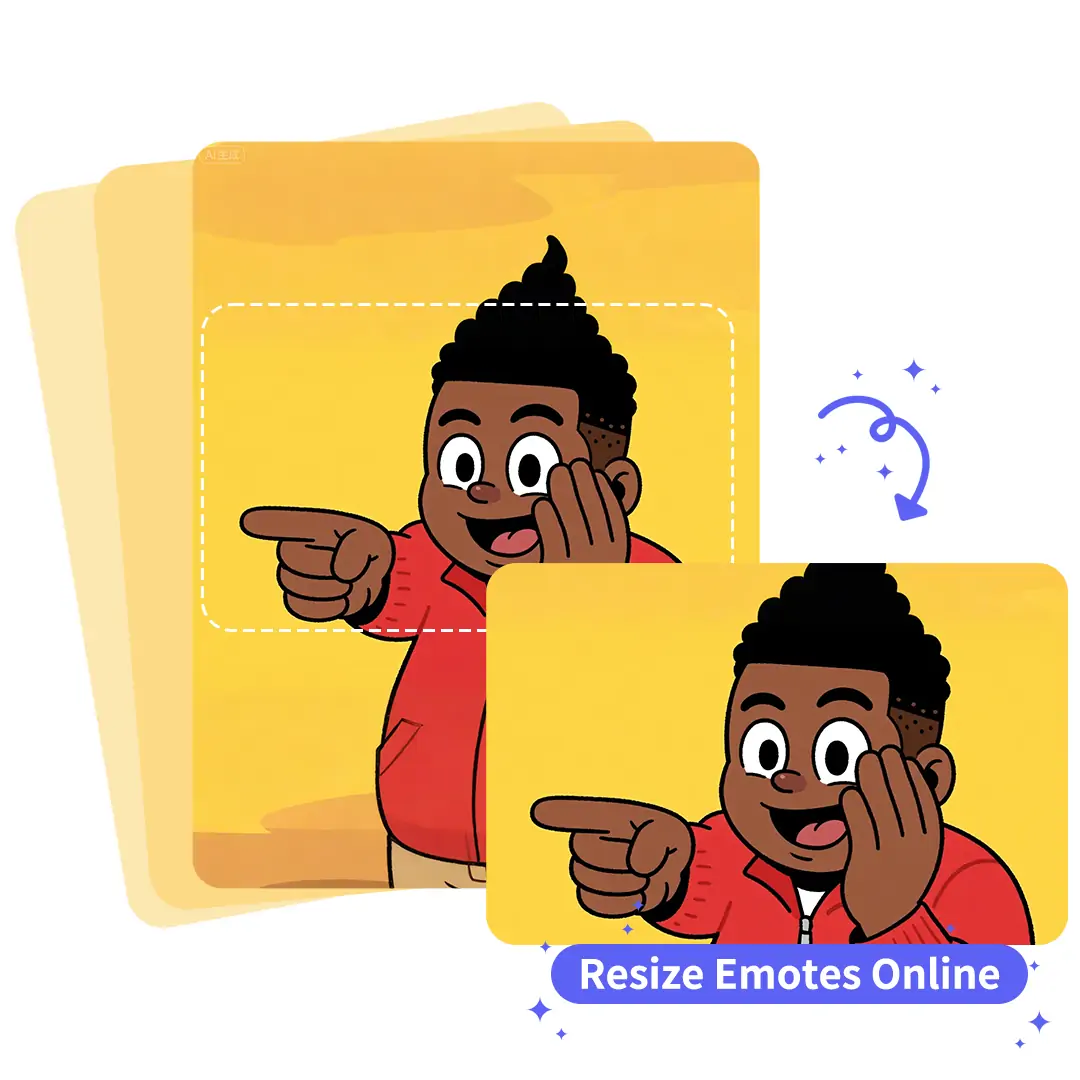
Pokecut's twitch emote resizer let you quickly resize, convert, and optimize twitch and discord emotes for any streaming platform. Ideal for designers and streamers seeking fast, hassle-free emote resizing.





By uploading an image or URL you agree to our Terms of Use and Privacy Policy
How to Resize Images for Twitch Emotes
Step1

Upload Your Emote Image
Click the upload button to select your emote image. Make sure your file is clear and in a supported format. Start resizing for Twitch emote size.
Step2

Set Desired Twitch Emote Size
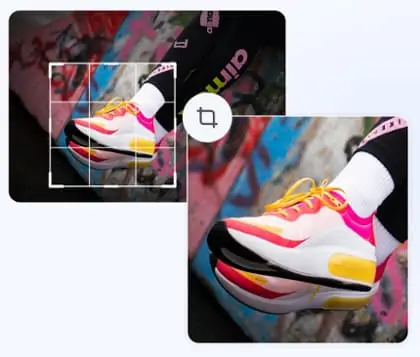
Select the twitch emote size you need from the preset options or enter a custom size. Adjust the emote resize settings to fit Twitch standards. Preview instantly.
Step3

Download the Resized Emote
Click the download button to save your resized twitch emote. Your emote resizer file is now ready for upload on Twitch. Enjoy perfect emote twitch size instantly.

Flexible Twitch Emotes Resizer for All Custom Sizes
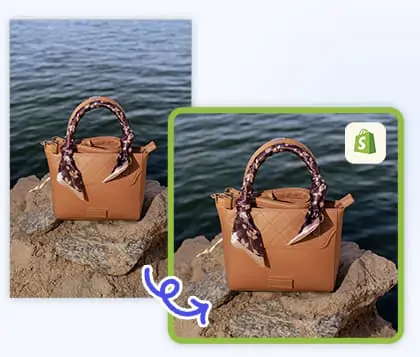
With our twitch emotes resizer, you can customize emote twitch size to fit any platform, not just Twitch. Easily create emotes for Discord, YouTube, Instagram, eBay, Amazon, Poshmark, Shopify, Shopee, and TikTok Shop by entering your preferred dimensions. Simply adjust the emote resize settings to match your personal or branding needs.
If you need to optimize visuals for online stores, our Shopify image resizer provides seamless resizing for e-commerce. Enjoy emote resizer for your need.

Twitch Image Resizer for Creators
Pokecut's lightweight twitch image resizer is perfect for designers and beginners. Effortlessly create emotes for Twitch, Discord, and more. Easily generate static emojis, including discord emoji resizer and discord sticker resizer options.
You can also enlarge your image as you want. Cross-platform support makes this tool ideal for content creators managing multiple channels. Enjoy a free, intuitive interface that supports resizing for every major platform.

Twitch Emote Converter for Unique Branding
A consistent look across your twitch emote size helps streamers stand out. Pokecut's twitch emote converter allows you to refine every emote for professional, high-quality channel branding. Easily enhance each emote's clarity and style to improve audience retention and boost interaction.
Need to perfect your emote backgrounds? Try our background editing tool to keep your emote visuals sharp and cohesive. With advanced emote resizer options, you can adapt your visuals for any brand identity and make every stream memorable. Create a strong, personal impression with seamless emote resizing.

Resize Twitch Emotes Instantly
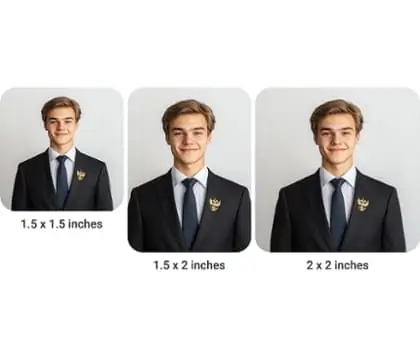
Upload your original emote and use our Twitch emote resizer to create all the required Twitch emote size variations with ease. Whether you need to adjust the aspect ratio or simply resize your image, our tool ensures each emote Twitch size is perfectly optimized to meet Twitch's official standards.
No design skills are needed, just upload, resize, and download. Pokecut helps streamline your creative process, offering a fast and reliable emote resizer experience made for Twitch streamers.
Trending Twitch Emotes Resizer for Popular Styles


Frequently Asked Questions
Can I customize Twitch emote sizes for other platforms using Pokecut?
Yes, Pokecut allows you to set any emote twitch size or custom dimensions. This makes it easy to create emotes for Discord, YouTube, Shopify, and more. Just upload, set your size, and download.
What image formats does Pokecut support for twitch emote resizer uploads?
Pokecut supports popular formats like PNG and JPG for emote resize. Make sure your twitch emote size is clear and meets upload guidelines. Animated emote resizer is not supported yet.
Is Pokecut free to use for twitch emote resizer and emote resize?
Yes, Pokecut offers a free twitch emote resizer. Easily resize image for twitch emote or discord emoji resizer needs. No account or payment is required to use our emote resize tool.
Can I use Pokecut to resize emotes for Discord or other platforms?
Yes, Pokecut supports resizing for twitch emote size and discord emoji resizer needs. Select your desired size or input custom dimensions for any platform. Enjoy cross-platform emote resize flexibility.
Does Pokecut maintain emote quality after resizing my twitch emote image?
Pokecut uses advanced emote resizer technology to keep your emote twitch size clear and sharp. Your resized emote will retain high resolution and look great on Twitch or Discord.