





Design Professional YouTube Banners with Online YouTube Banner Maker
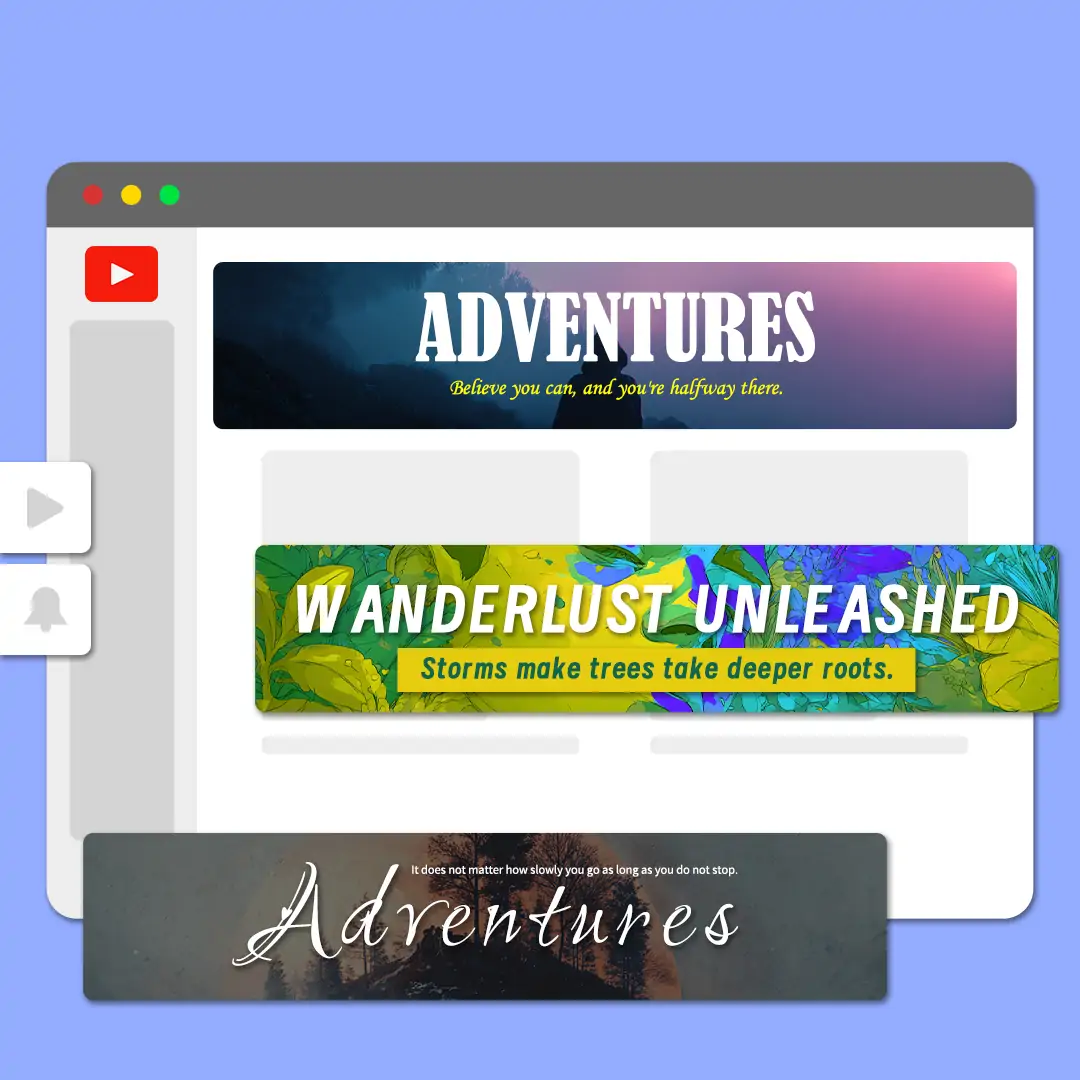
Create professional YouTube channel banners quickly with our banner maker youtube tools. Enjoy a variety of editing features to inspire your creativity. Instantly resize banners for perfect display on any device.




By uploading an image or URL you agree to our Terms of Use and Privacy Policy
How to Design a YouTube Banner Online for Free?
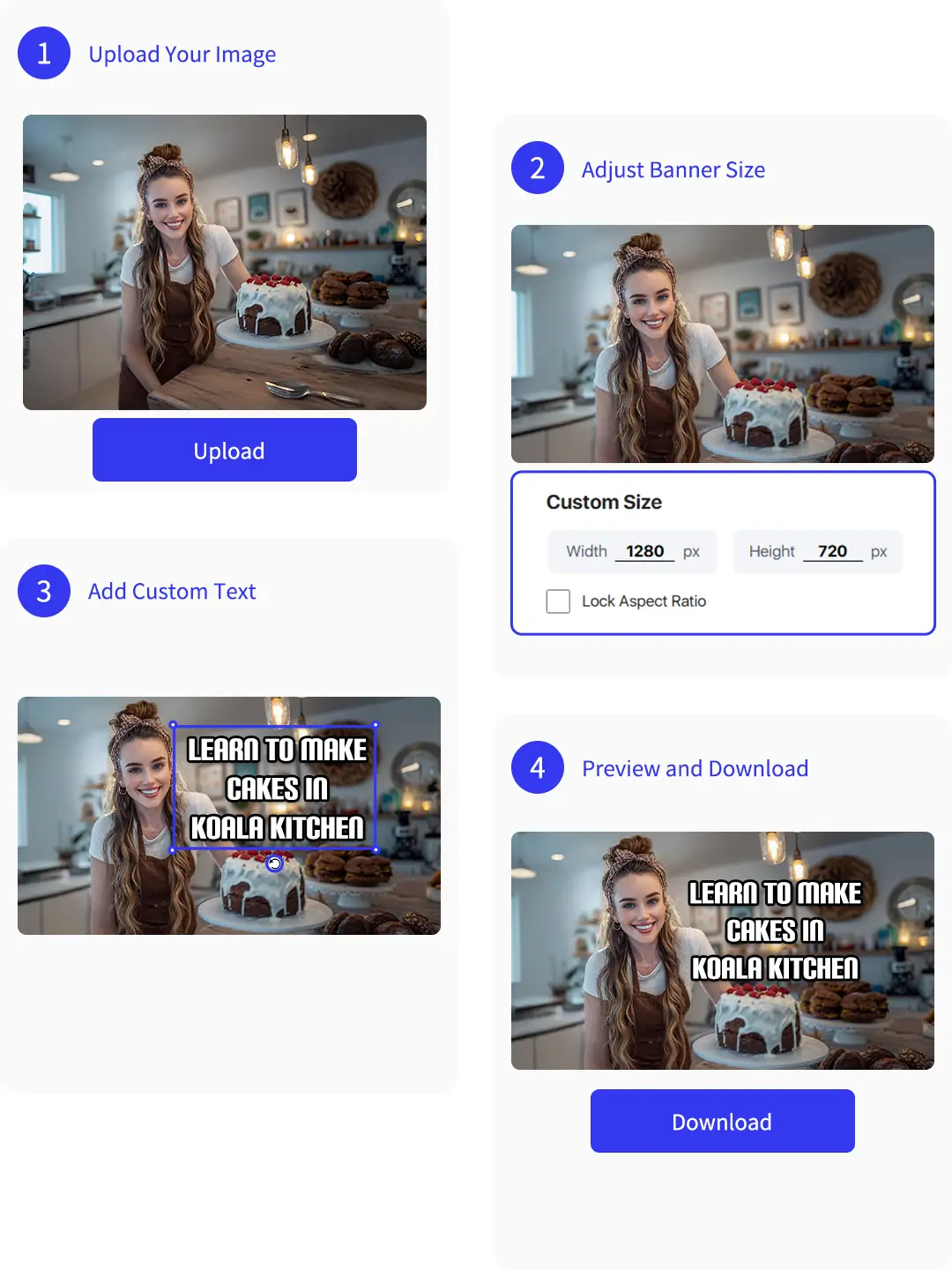
Step1: Upload Your Image
Choose a best frame from your channel video and upload it. Make sure the image reflects your channel's theme. This helps create a professional youtube banner design.
Step2: Adjust Banner Size
Select the YouTube size option and your image will be adjust size automatically. Ensure key elements fit within the central safe zone. Create a perfect youtube banner size for all devices.
Step3: Add Custom Text
Add your custom text within the safe zone, usually at the center. Make your channel name or slogan stand out on your youtube banner design.
Step4: Preview and Download
Preview your finished youtube banner in real time. Make sure everything looks perfect. Download your high-quality banner and upload it to your channel instantly.

Make Banner for YouTube Easily and Professionally
With our free YouTube banner maker, you can freely adjust text fonts and colors. You can also curve your text and add effects like shadows and reflections. These options help your banner stand out and look professional, even if you have no design experience.
If you are a new creator without many videos, don’t worry. Use Pokecut's AI image generation tool to create a unique background for your banner. This way, you get a custom banner that fits your channel style quickly and effortlessly.

Diverse Editing Tools in Banner YouTube Maker Boost Creativity
Adding your own photo to the banner helps create a personal connection with your audience. It makes viewers feel closer to you. Using the YouTube banner maker free, you can easily upload and position your photo anywhere on the banner.
To make the photo stand out, add a white outline around the main subject. This creates a collage effect that adds fun and style. The YouTube banner maker free offers easy tools to customize the border thickness and shape. This feature enhances the visual appeal and makes your banner unique.

One-Click Size Adjustment with Banner Creator YouTube Tool
If your uploaded banner image is not the recommended size of YouTube, several issues may occur. The image can become blurry or pixelated when stretched to fit the banner size. Also, YouTube might crop or add blank spaces. Important parts of your image could be cut off or hidden.
Pokecut's free banner maker for YouTube lets you easily crop your image to the perfect size. You can choose which area to keep. If the image is too small, our image extender can extend the edges without stretching the center content.
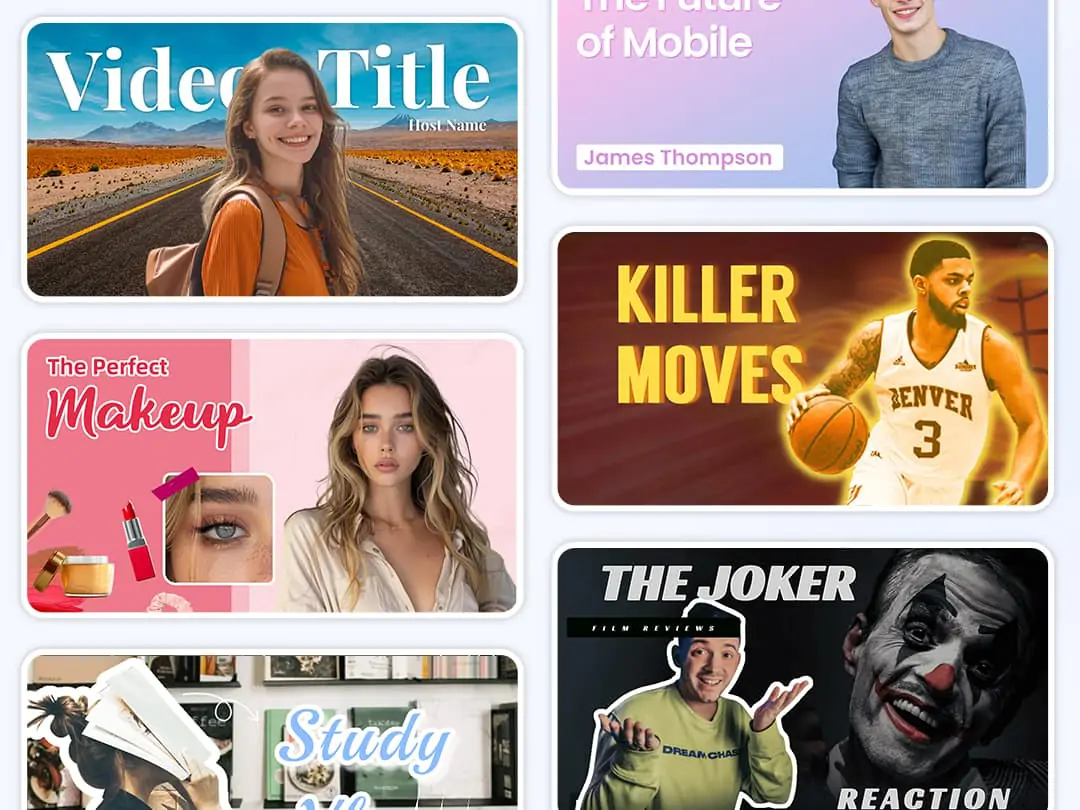
Make Banner for YouTube with Decorative Elements
To create banner for YouTube that looks clean and professional, start by removing distracting clutter from your background image. A simple and neat visual helps viewers focus on your channel’s message. Keep the design minimal. This makes your banner more attractive on different devices.
Besides text that explains your channel, adding stickers or small decorative elements is helpful. These decorations catch the eye and add personality. They also highlight key parts of your banner.
Banner Maker for All Your Media Art Needs


Frequently Asked Questions
Can I use Pokecut to create a custom YouTube banner that fits the official size requirements?
Yes, Pokecut allows you to make a youtube banner with the correct official size. Use the youtube banner editor to ensure your artwork fits perfectly on any device.
Can I personalize my YouTube banner using Pokecut's editing tools and add my own images?
With Pokecut, you can create a personalized youtube banner. Upload your own images, use the youtube banner customization features, and add text or graphics for a unique look.
IIs it possible to use Pokecut's AI features for designing a YouTube banner bakcground?
Yes, Pokecut's online youtube banner maker can generate creative backgrounds for banners. Use AI to suggest layouts, colors, and elements for a professional youtube banner quickly and easily.
What file formats are supported for uploading banner background images?
We support common image formats such as JPG, PNG, WebP and BMP. This makes it easy for you to upload your banner background without worrying about compatibility. Simply choose your existed format and start customizing your banner quickly and smoothly.







